Automatic Orbit Charts for All Planets (Using SMA Values in Debug Menu)
Kerbin
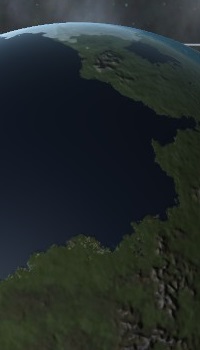
Mun (Moon)
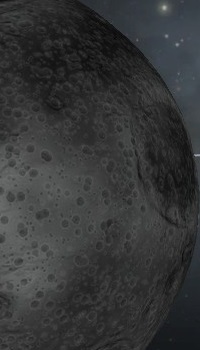
Minmus
Moho
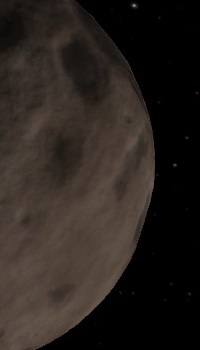
Eve
Gilly (Moon)
Duna
Ike (Moon)

Dres
Jool

Laythe (Moon)
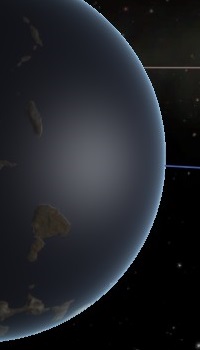
Vall (Moon)
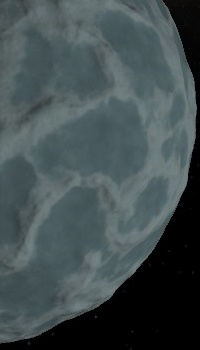
Tylo (Moon)
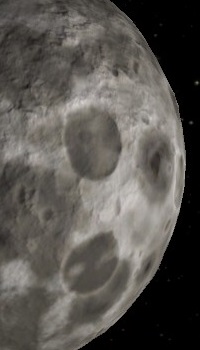
Bop (Moon)
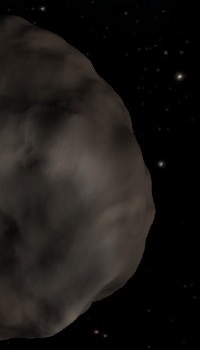
Pol (Moon)
Eeloo
SMA
[The following sections are placed at the bottom to allow faster acces to data-tables above]
The SMA values in the charts above will set a Circular Orbit as long as Eccentricity is left at 0. Above are simple charts for each planetary body in KSP.
- Lowest Possible Safe Orbit allowed by the Debug Menu.
- Series of Altitudes relative to each individual body; Orbits listed are relative to Planet Size.
- Highest Possible Orbit allowed by the Debug Menu.
- And the specific SMA needed for Synchronous Orbit where it's possible.
- Open Debug Menu = L-Alt + F12
- Go To: Cheats>Set Orbit
- Enter Listed SMA for Specified Desired Orbit.
If you want an orbit not listed use the following "idiot's equation"
Planet's Radius( in meters) + Desired Orbit Altitude (in meters) = SMA for Circular Orbit
This equation is only really applicable to Circular Orbits. Setting Altitudes for Ellipses is a whole other can of space worms.
Eccentricity
- The value range you will use to set an Ellipse: 0.01 to 0.98
- DO NOT USE a value of 1 ! This will set your SMA to Infinity. Your Craft WILL Be Lost!!!
- Escape Velocity will be achieved if you use any value in the range of: 1.01 to 2+
- The Debug Menu will automatically set the safest SMA Value.
- You will need to press "Set Orbit" twice, as the first will fail and reset the SMA automatically.
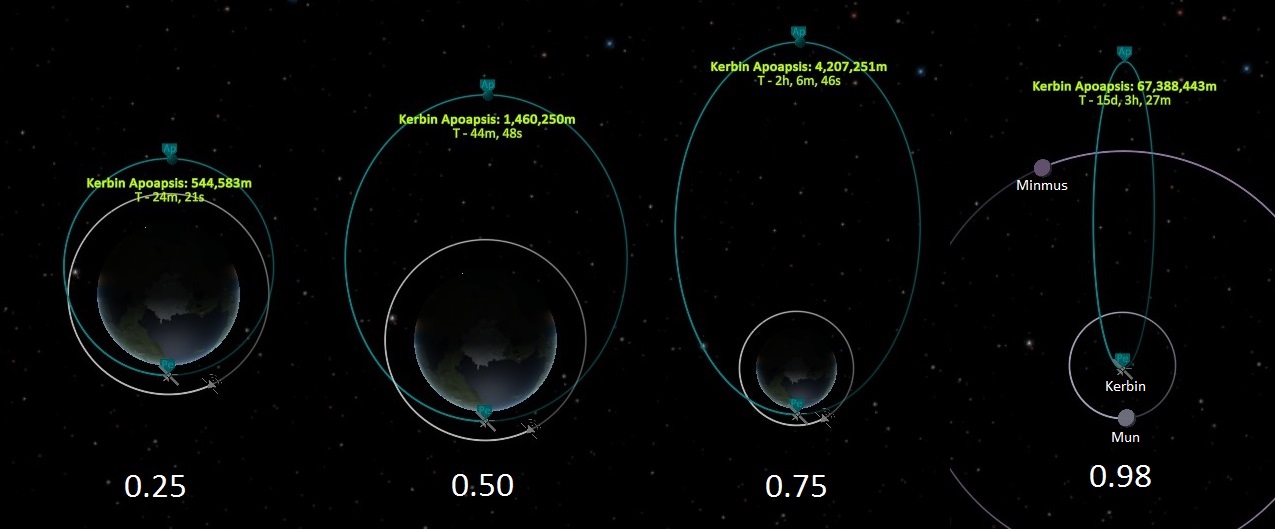
For the purposes of this guide's goal of simplicity I have included a limited Ellipse Value Image.
The values presented in the Image are used purely as an example to show the effect of setting an appropriate Value for "Ecc". All values between 0.01 and 0.98 are valid.
DO NOT USE an Eccentricity Value of 1.
YOUR CRAFT WILL BE LOST.
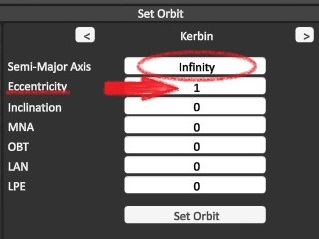
The Debug Menu will automatically set the SMA to "Infinity" as shown.
Inclination
- Inclination is measured in 180 Degrees.
- Positive Values for the Northern Hemisphere: (1 to 180)
- Negative Values for the Southern Hemisphere: (-1 to -180)
- Direction of Orbit is Relative to the selected Inclination Value used, as shown in picture.
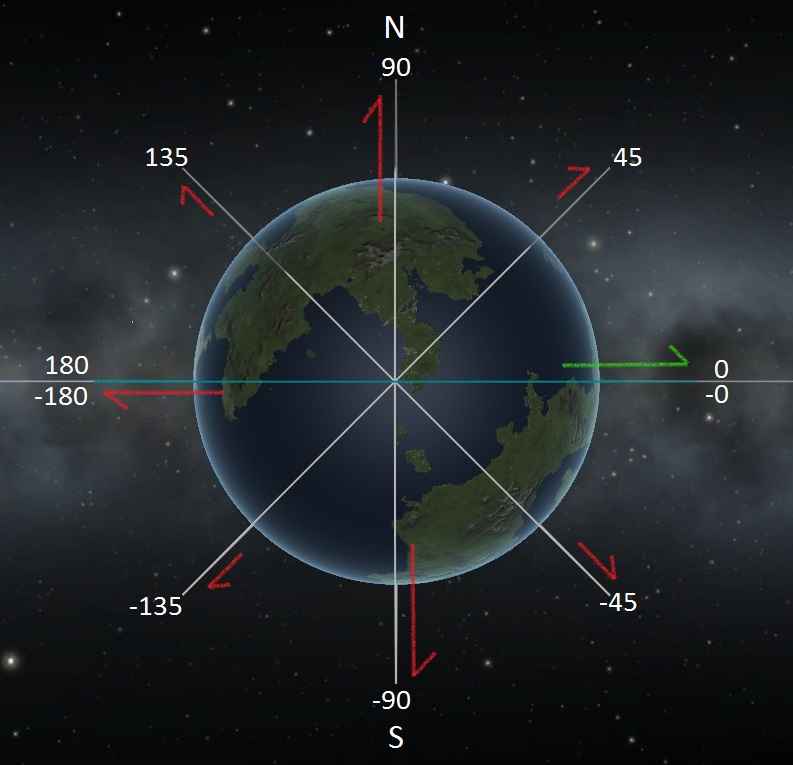 This Picture only uses limited angles for visual clarity: All +/- Values between 1 and 180 are valid.
Green Arrow is Default Equatorial Orbit ( All values -other than SMA- set to 0)
Red Arrow is the "New" Inclination and corresponding Direction of Orbit.
NOTE: For a Polar Orbit you will want to use 90 degrees (either +/- values of 90 = Polar orbit).
MNA
"A pseudo-angle expressing the proportion of the orbital period that has passed since last periapsis." (KSP Wiki[wiki.kerbalspaceprogram.com])
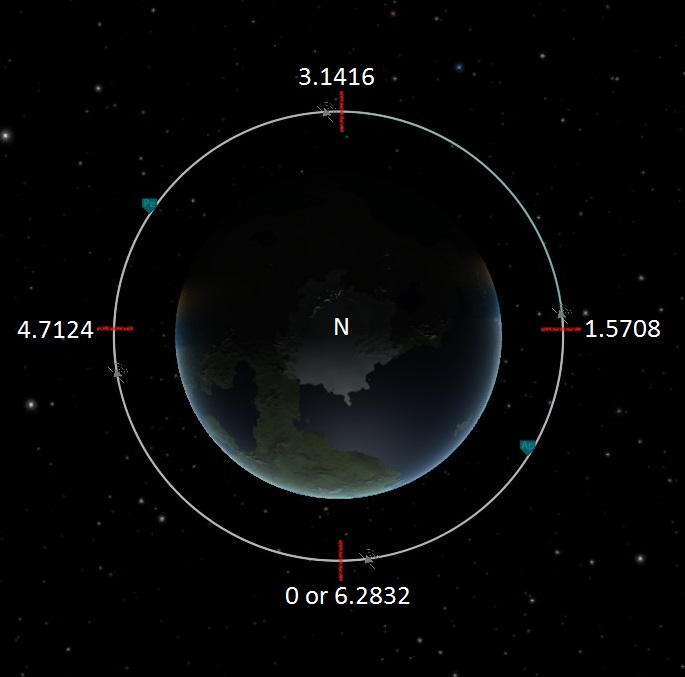
- MNA is expressed in Radii, with a maximum of 2π. (Values Range: 0 to 6.2832)
- In Circular Orbit the values used for MNA will coincide with your Angular Position in Orbit.
- 360 Degrees in a Circular Orbit = 6.2832, use this Number to Calculate your desired position.
- 3.1416 Value always sets you at halfway along your Orbit, for both Circular and Elliptical.
- Elliptical Orbits will require slightly different calculations Not Covered by this Guide.
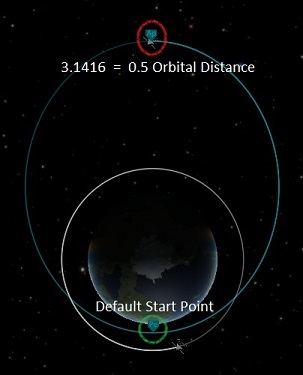
MNA Value 3.1416 will always set your craft to halfway along it's orbit, regardless of weather it's a Circular Orbit or any size of Ellipse. However this does not hold true for the other values listed in this section. All other Values listed here for MNA are in relation to Circular Orbits Only.
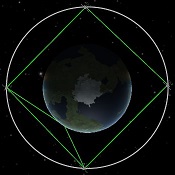
OBT
LAN
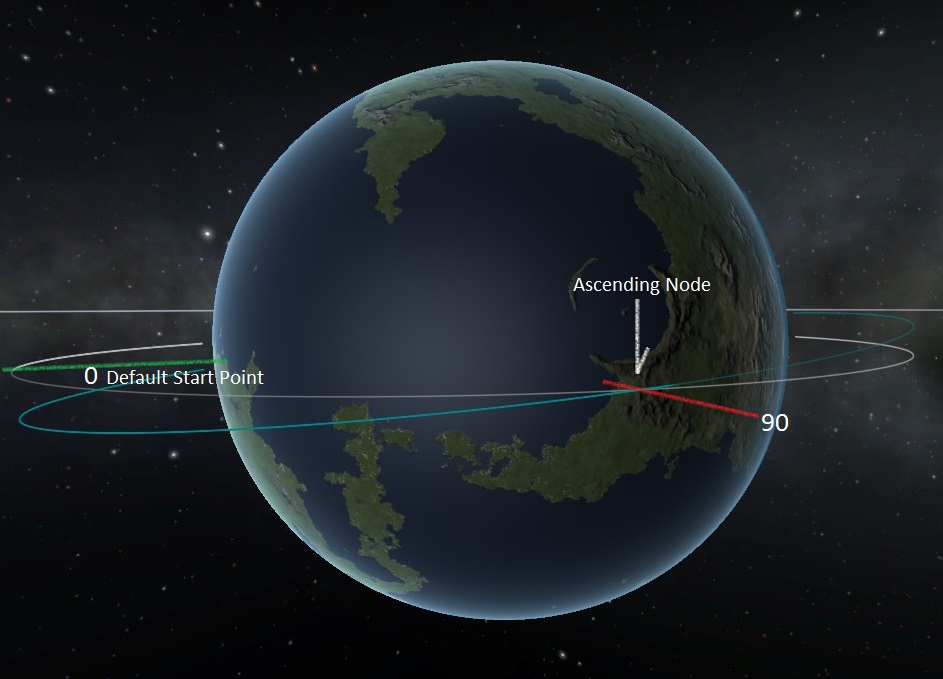
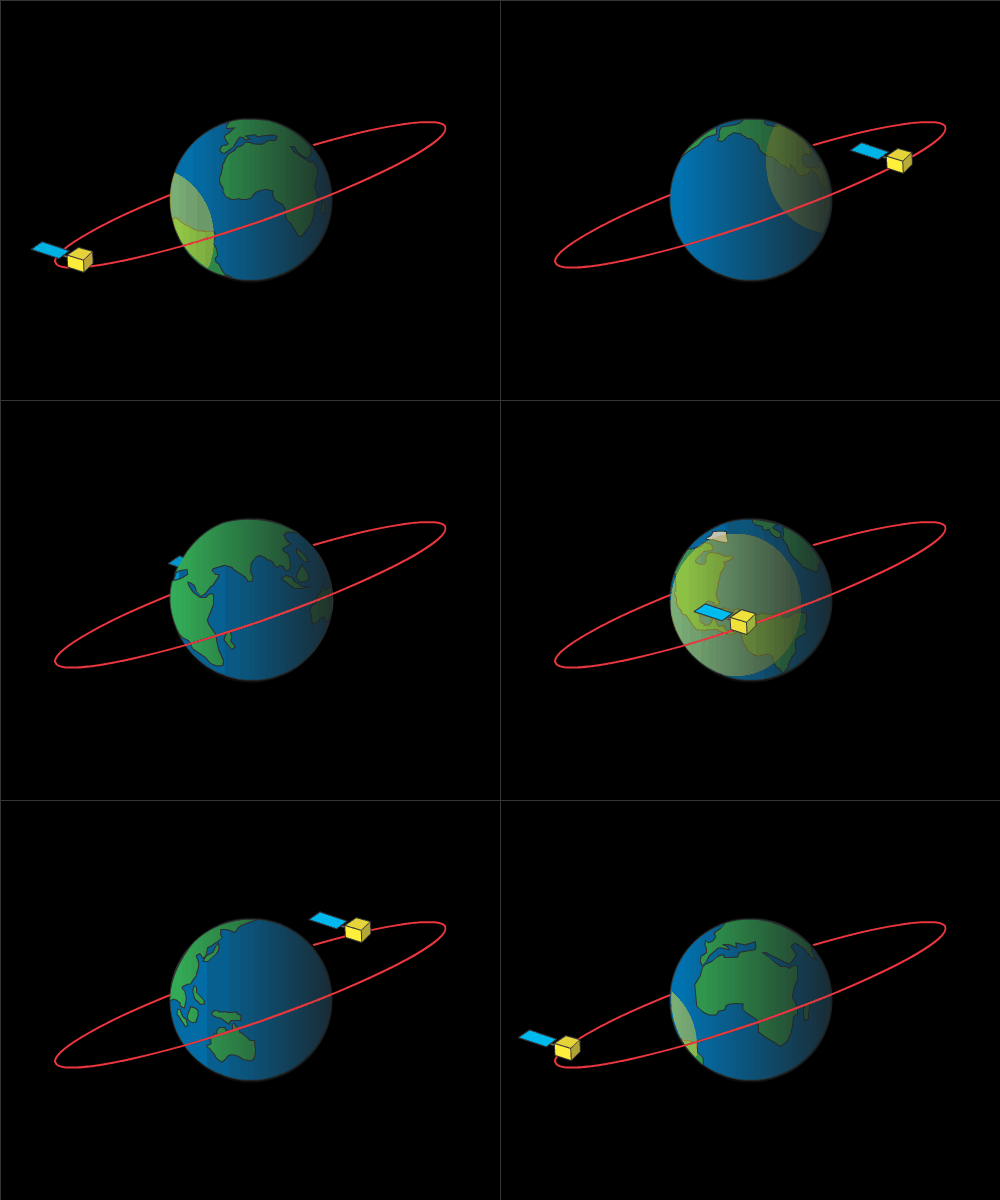
Blue Orbit is LAN: 90, Inc: 10. This is an example of LAN set with a slight inclination in Orbit.
~Default "0 Point" always faces the Sun.
- The value used for LAN is measured in Arc Degrees. (Values: 0 to 360)
- If no Inclination is set, LAN can be used to Set Craft anywhere along an Orbit.
- Any change in angle is relative to the Debug Menu "0 Point", not the planet surface.
- Longitude is shown as the Lines running North to South (or vice versa).
- Longitude actually measures distance in arc degrees East to West (or vice versa).
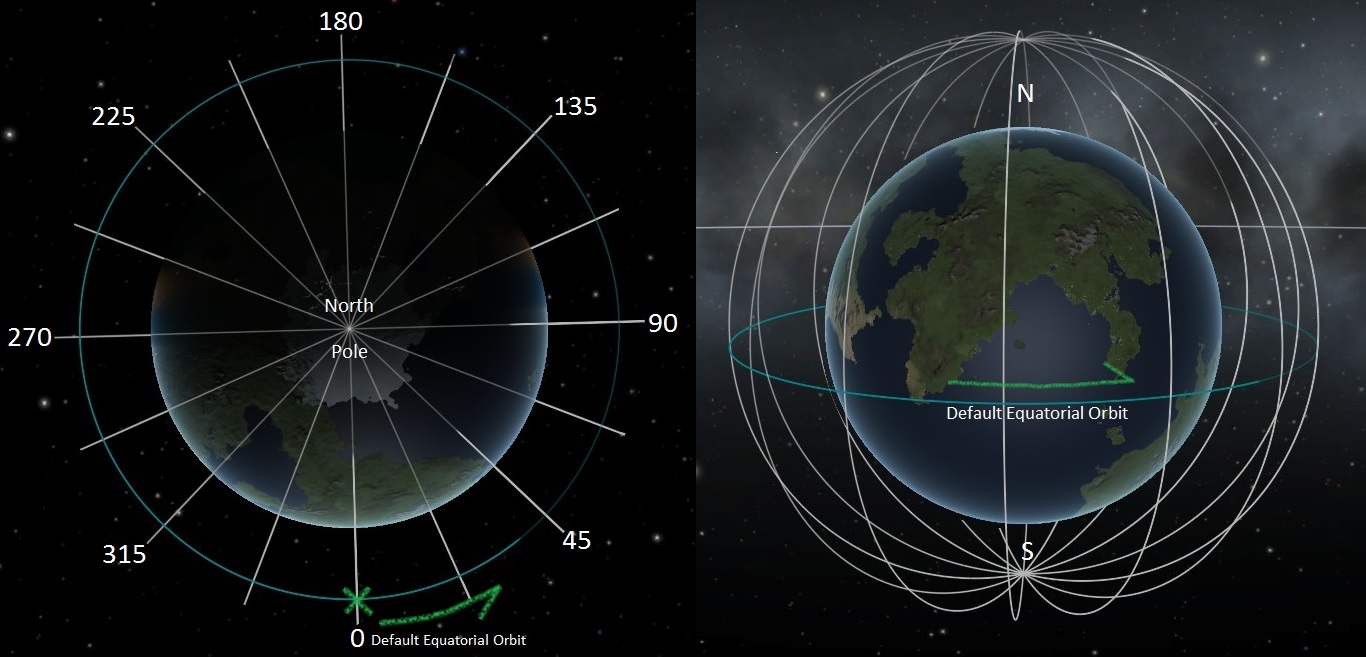 Grey Lines are Polar Orbits (Inc: 90) set with LAN to highlight lines of Longitude as an Example.
All Longitudinal values are Relative to the Debug Menu "0 Point".
NOT the Longitude of the Planetary Body itself.
Synchronous Orbit over a specific location may require you to test/search for your desired Longitude.
LPE
- LPE is measured in Arc Degrees (Values: 0 to 360)
- This Angle is Relative to the Debug Menu "0 Point" and not the planet's surface.
This setting works almost exactly the same as the LAN with obvious consideration for the difference between your Ascending Node and your Periapsis when working with more complex Orbital Settings. But at this point if you are using these settings extensively in conjunction with each other then the chances are you no longer need explanation of these settings and how to put them to use.
I hope these slight explanations have helped in some way with taking your first steps into using the Debug Orbits Menu. More importantly I hope the main goal of the Guide which was the SMA charts find plenty of use! Thanks again for your Votes and Favs. Good Luck in Space!
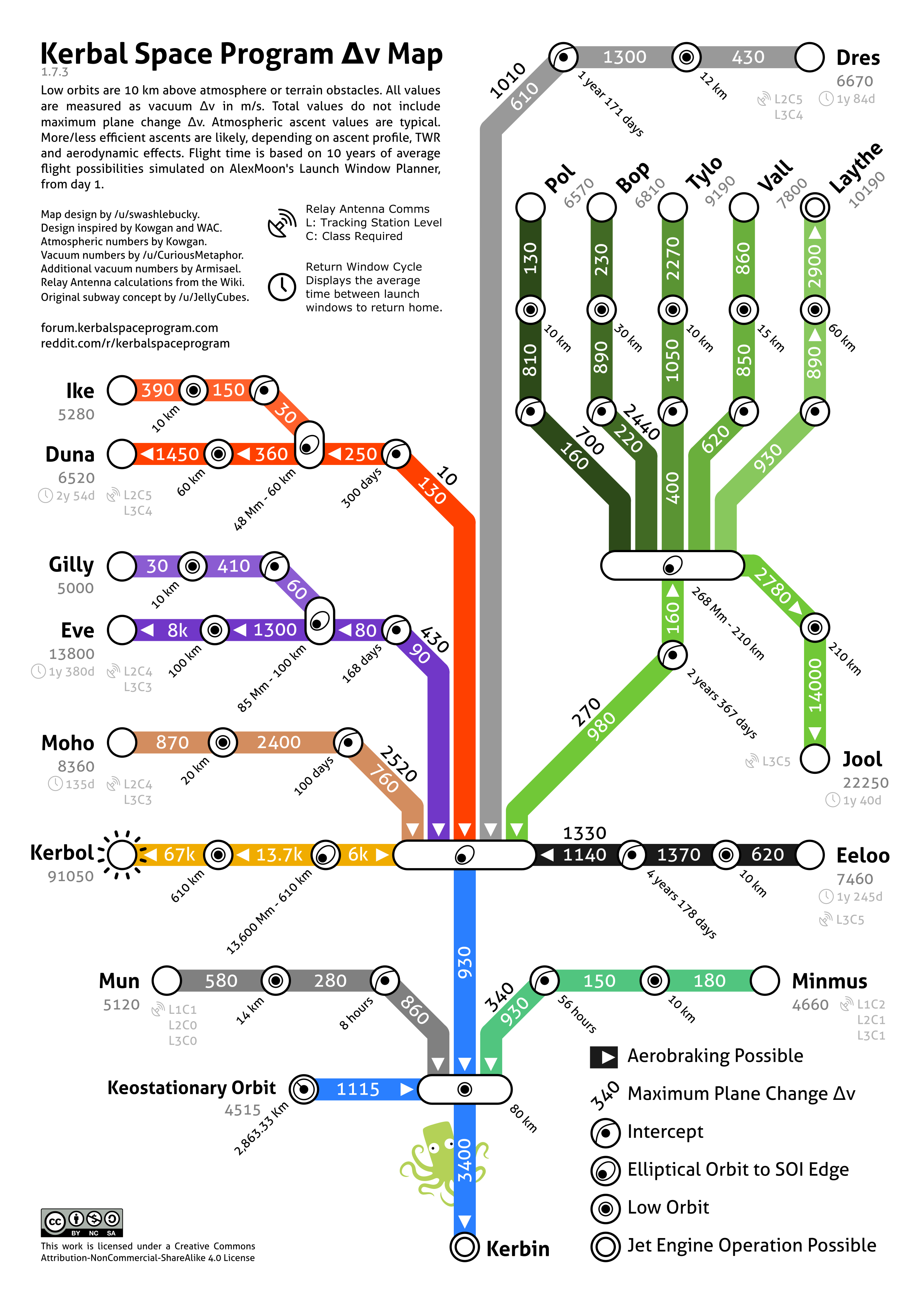
- DeltaV map★ 5 (1.2k)46k views2.5k ♥1 minUpdated Feb 11, 2021
- The Complete Idiot's Illustrated Guide to Space Travel (Not Being Updated)★ 5 (875)43k views1.6k ♥30 minUpdated Feb 9, 2018
- Kerbal Physics: An Illustrated Guide To the Stars★ 5 (1.6k)43k views2.6k ♥21 minUpdated Mar 21, 2021
- MOD Essentials [ENG]★ 5 (587)38k views1.6k ♥12 minUpdated Mar 6, 2023
- Geostationary Orbits★ 5 (455)26k views899 ♥3 minUpdated Jun 28, 2020
- (Updated) Delta V Map and Transfers for Newbs★ 5 (495)23k views927 ♥6 minUpdated Feb 28



- Upgrading to PremiumTeam Fortress 2★ 5 (20k)1441k views11k ♥6 minUpdated May 11, 2022
- No More Room in Hell Official ManualNo More Room in Hell★ 5 (2.8k)569k views2.1k ♥29 minUpdated Apr 22, 2019
- NMRiH Community Hosting GuidesNo More Room in Hell★ 5 (526)351k views653 ♥1 minUpdated Aug 10, 2022
- ULTIMATE GUIDE FOR GAME DEV TYCOONGame Dev Tycoon★ 5 (5.8k)326k views10k ♥4 minUpdated 23 Jan, 2014
- How to 'Git Gud' Soon™MORDHAU★ 5 (2k)318k views3k ♥68 minUpdated Nov 16, 2024
- Лучшие кооперативные игры SteamPAYDAY 2★ 5 (1.5k)315k views2.1k ♥56 minRussianUpdated Apr 27, 2025






This guide was created by its original author on the Steam Community. Are you the author and want it removed? Request removal.