Crysis 2 Console Command
PREFACE
The files contain: DX11.pak + patch1.pak + TexturesHighRes.pak
What does work?
cl_fov 90 (default is 55)
hud_hide 1 (default is 0)
load map cw2_lighthouse (just a sample)
Cheats don't work?
The previous Crysis do have a "dev mode" to activate cheat. For Crysis 2, it was available at the beginning, but now it doesn't work now in 2020. So I go look for it and share what I found:
Source: https://www.cheatcc.com/pc/crysis2cheatscodes.html
While playing the game, press ~ to display the console window. Type "con_restricted 0" and press [Enter] to enable cheat mode. Then, type one of the following codes and press [Enter] to activate the corresponding cheat function:
But the problem is "con_restricted = 0" DOESN'T work anymore.
So I look for other way to find solution, where is what we tested so far:
- Add a line "con_restricted = 0" into system.cfg = Not working
- Change the cfg file to become "Read-Only" = Not working
- Remove the patch file from the game folder = Not working
So in the end, I decided to use Trainer, but not easy to find the supported version in steam.
v1.9+7Tr.LINGON = not working
v1.9+7Tr = Working, but activate everything together and really mess up
v1.9+22Tr = Working, but same as above
V1.9+3Tr = Working, but limited choice (recommended)
BONUS:
Source: https://www.pcgamingwiki.com/wiki/Crysis_2
Thanks for reading!
If you like it, please 👍 and have a look into my other worksMy review on Crysis 2
https://steamcommunity.com/profiles/76561198087794419/recommended/108800/
My other guides
https://steamcommunity.com/profiles/76561198087794419/myworkshopfiles/?section=guides
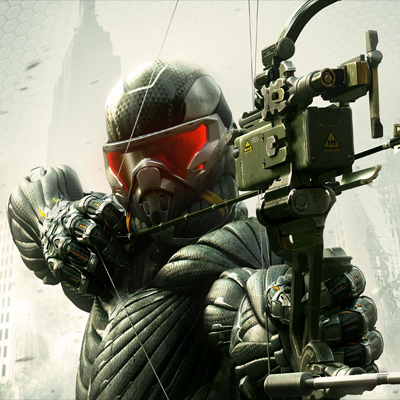
- CRYSIS 3 BOW IN CRYSIS 2★ 5 (285)26k views233 ♥1 minUpdated Oct 13, 2016
- Crysis 2 Easter Eggs★ 4 (149)14k views62 ♥1 minUpdated Feb 21, 2021
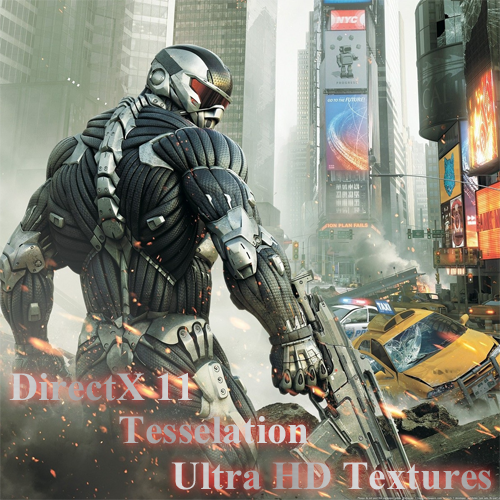
- Crysis 2 Ultra HD Texture, Tessellation and DirectX 11 mod★ 4 (108)12k views96 ♥1 minUpdated Jun 5, 2020
- Как разблокировать все находки в игре (кампания) | How to find all souvenirs in campaign★ 5 (465)10k views589 ♥10 minUpdated Jul 6, 2020
- TF2 Classes in Crysis 2★ 4 (97)9.4k views56 ♥2 minUpdated Feb 15, 2014
- Получение всех оружейных модулей в одиночной кампании игры Crysis 2★ 5 (213)7.3k views251 ♥2 minRussianUpdated May 8, 2024



- Upgrading to PremiumTeam Fortress 2★ 5 (20k)1441k views11k ♥6 minUpdated May 11, 2022
- No More Room in Hell Official ManualNo More Room in Hell★ 5 (2.8k)569k views2.1k ♥29 minUpdated Apr 22, 2019
- NMRiH Community Hosting GuidesNo More Room in Hell★ 5 (526)351k views653 ♥1 minUpdated Aug 10, 2022
- ULTIMATE GUIDE FOR GAME DEV TYCOONGame Dev Tycoon★ 5 (5.8k)326k views10k ♥4 minUpdated 23 Jan, 2014
- How to 'Git Gud' Soon™MORDHAU★ 5 (2k)318k views3k ♥68 minUpdated Nov 16, 2024
- Лучшие кооперативные игры SteamPAYDAY 2★ 5 (1.5k)315k views2.1k ♥56 minRussianUpdated Apr 27, 2025






This guide was created by its original author on the Steam Community. Are you the author and want it removed? Request removal.