Essential Level Design Guide
Getting Started
While there are PLENTY of guides out there for how to Notepad edit, one thing I haven't seen anyone discuss much is Level Design. This guide assumes you know the basics of the editor - placing things down, always saving, changing backgrounds, etc.
Full screenshots of level layouts were either provided by their respective Workshop creators, or are screenshots from dump's Hotline Miami WAD Editor[github.com].
For more questions, advice or help, feel free to join us in The Workshop Labs[discord.gg]Discord.
Try your best NEVER to change a character after initially picking one. They should be the first thing you decide on. Most characters play very differently, so even seemingly small changes, like Pardo's faster executions, can drastically affect how your level plays.
I've divided the characters into the following categories to differentiate them easily, as well as a few notes that people may sometimes take for granted:
Basic Gun Characters - These all function virtually identically. Hammer has a different execution but it's not a very huge difference.
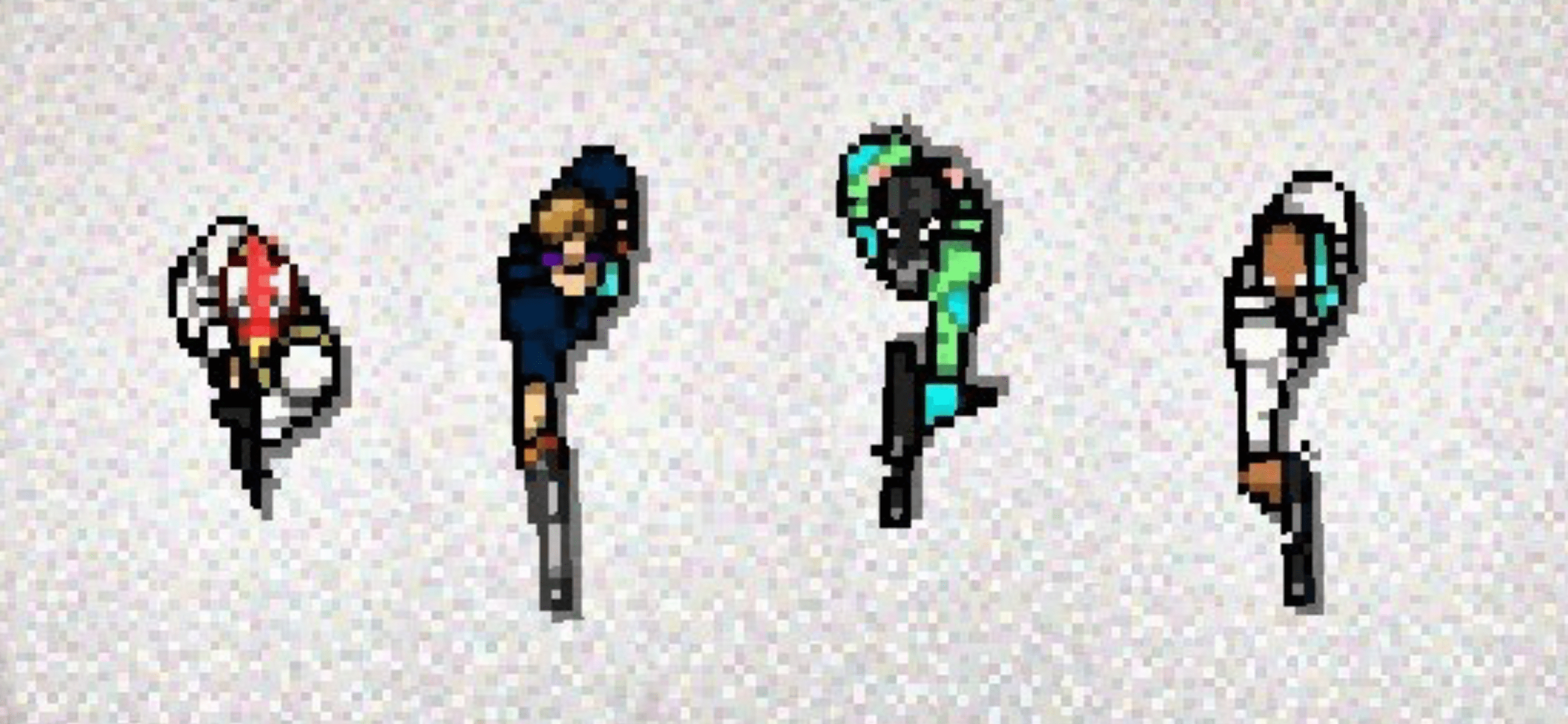 Jacket, Hammer, Richter, Henchman
Gun Characters with Unique Properties - Cop and Pig Butcher have extremely fast executions. The latter also gets a very fast shotgun fire rate.
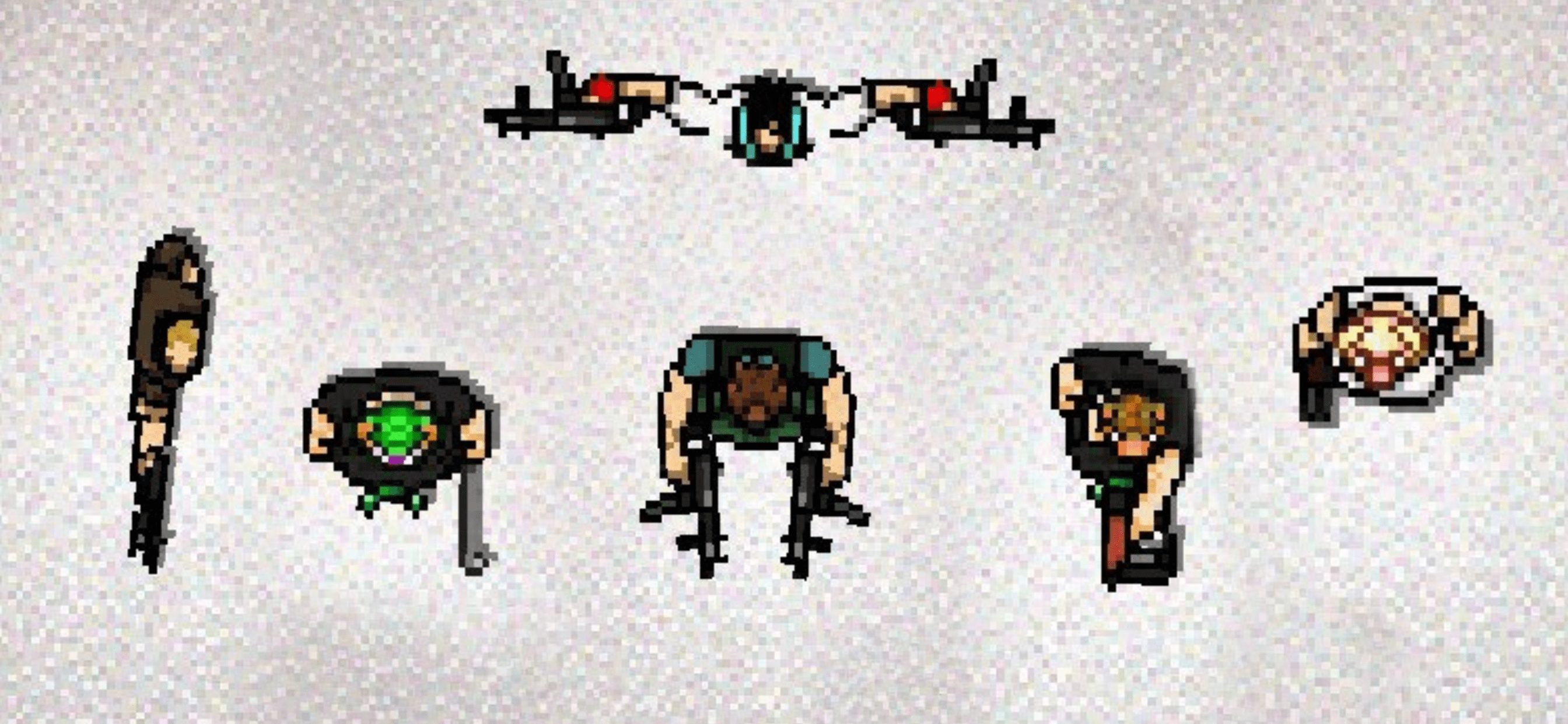 Cop, Jake, Mark / Bloodline Son, Irvin, Pig Butcher
Dodge Roll Characters - The dodge roll completely trivialises double-barrel shotguns as well as enemies standing at the end of an open hallway.
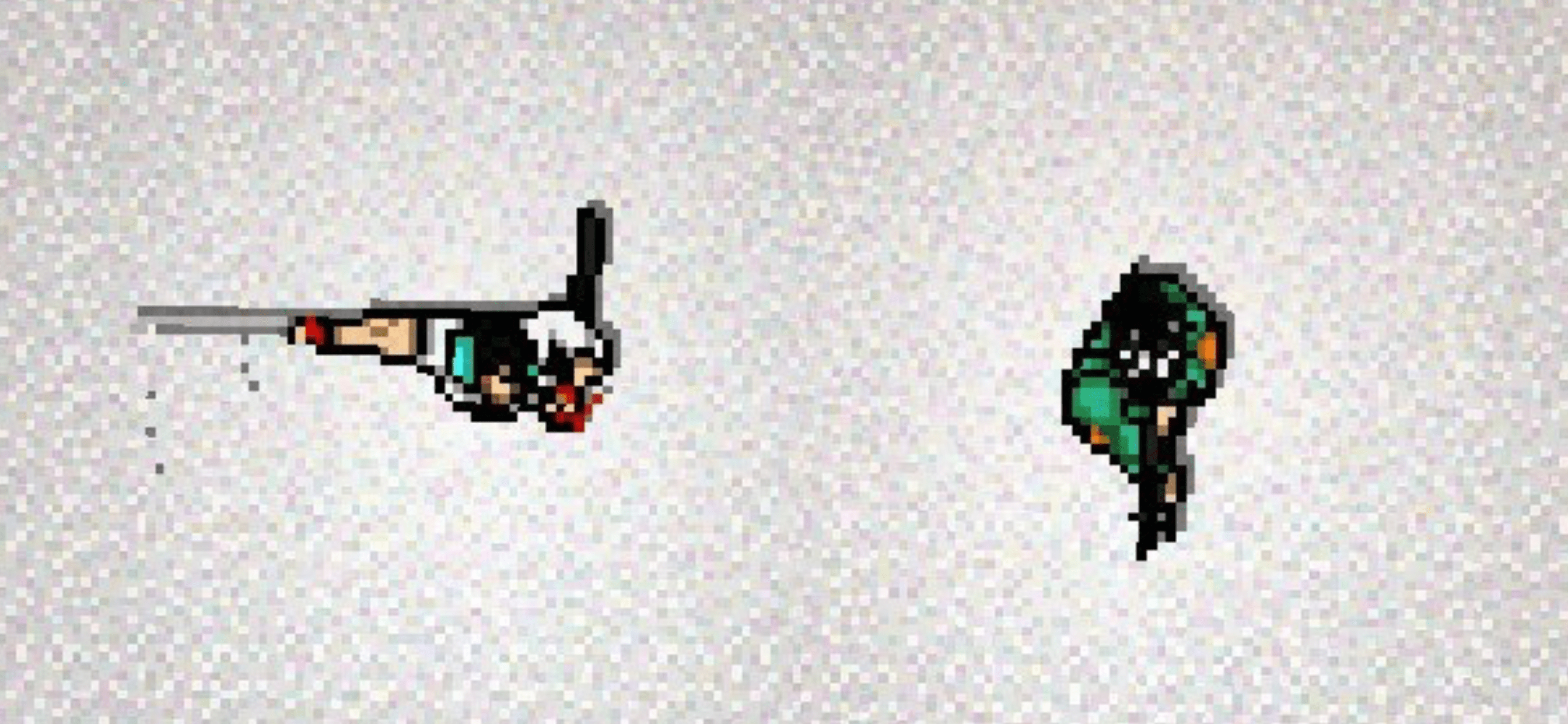 Bodyguard Son, Corey
Melee Only Characters - Probably the most boring characters in the game. There really isn't much to say about them. They're very forgiving because fat enemies can be knocked down and executed later, so there aren't many good forms of pressure.
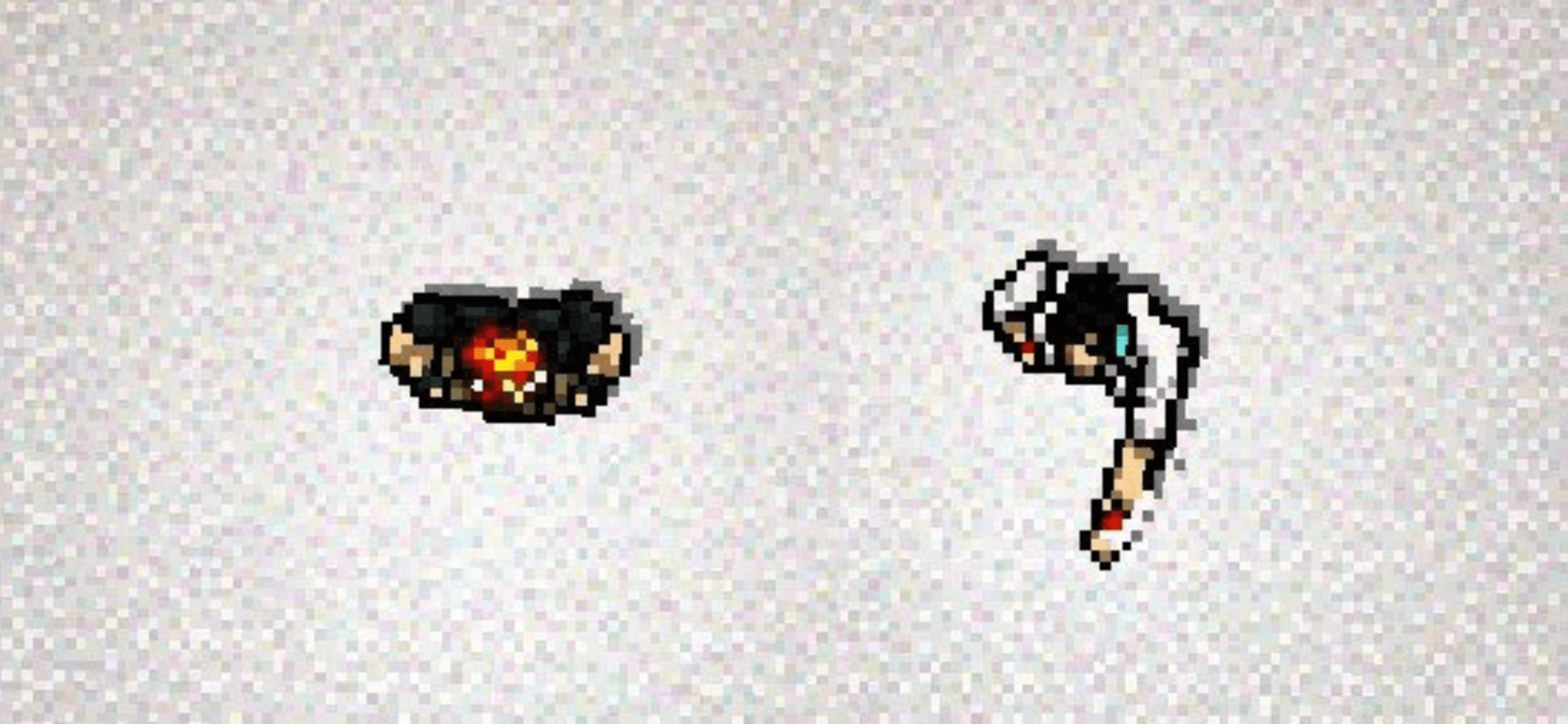 Tony, Dirty Hands Son
Melee Characters with Unique Properties - There are guides on notepadding in extra / retrievable knives for Biker. Dallas' charge is... unique. I have no idea how to design a level for it.
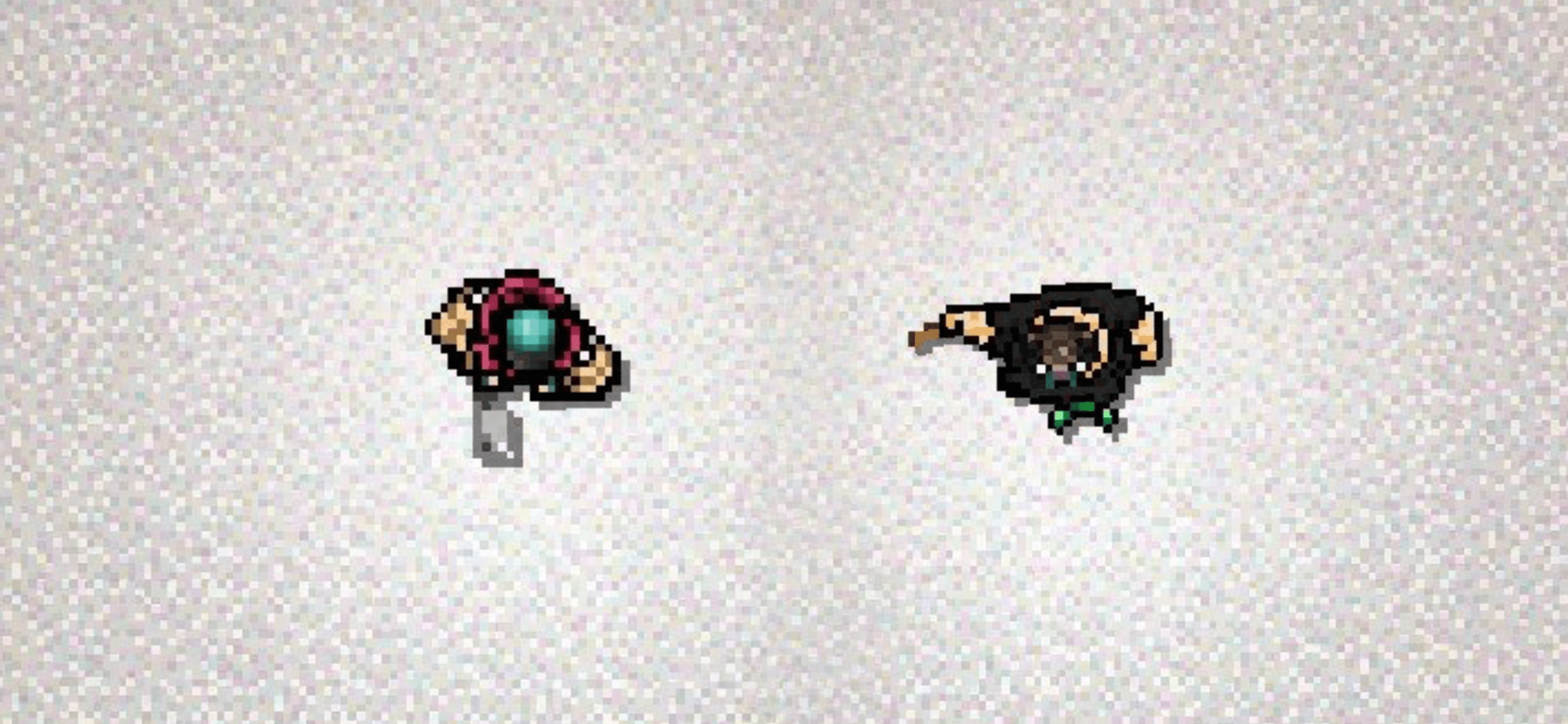 Biker, Dallas
Completely Unique Characters - These guys work differently from everyone else in the game and each have their own gimmick. Swans allows for way more challenging and open levels with high enemy counts; Beard needs good positioning of ammo boxes in hard-to-get-to spots; and Evan's playstyle is heavily focused on throwing weapons.
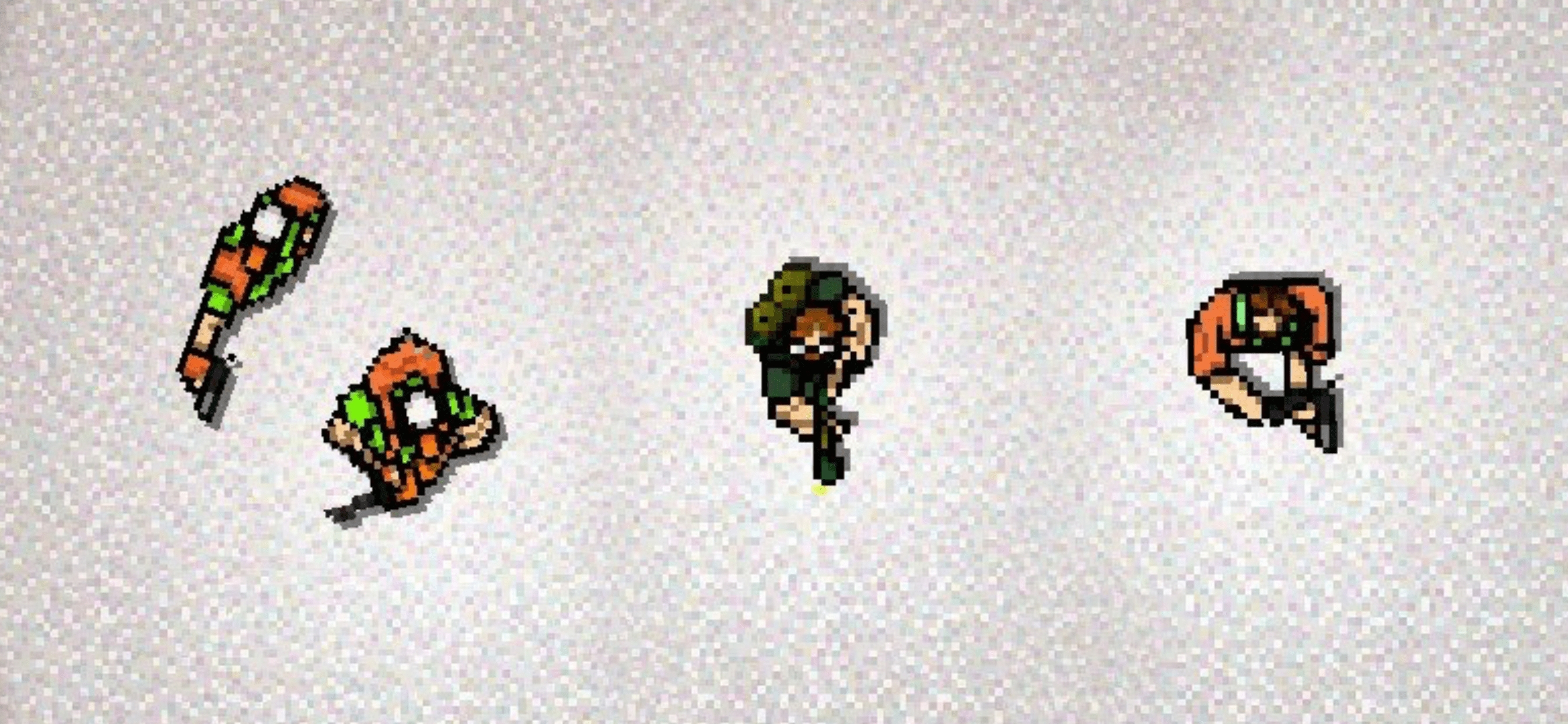 Swans, Beard, Writer
Here's a tier list by wendigo that's a pretty good starting point for design difficulty:
Swans, Beard, Writer
Here's a tier list by wendigo that's a pretty good starting point for design difficulty: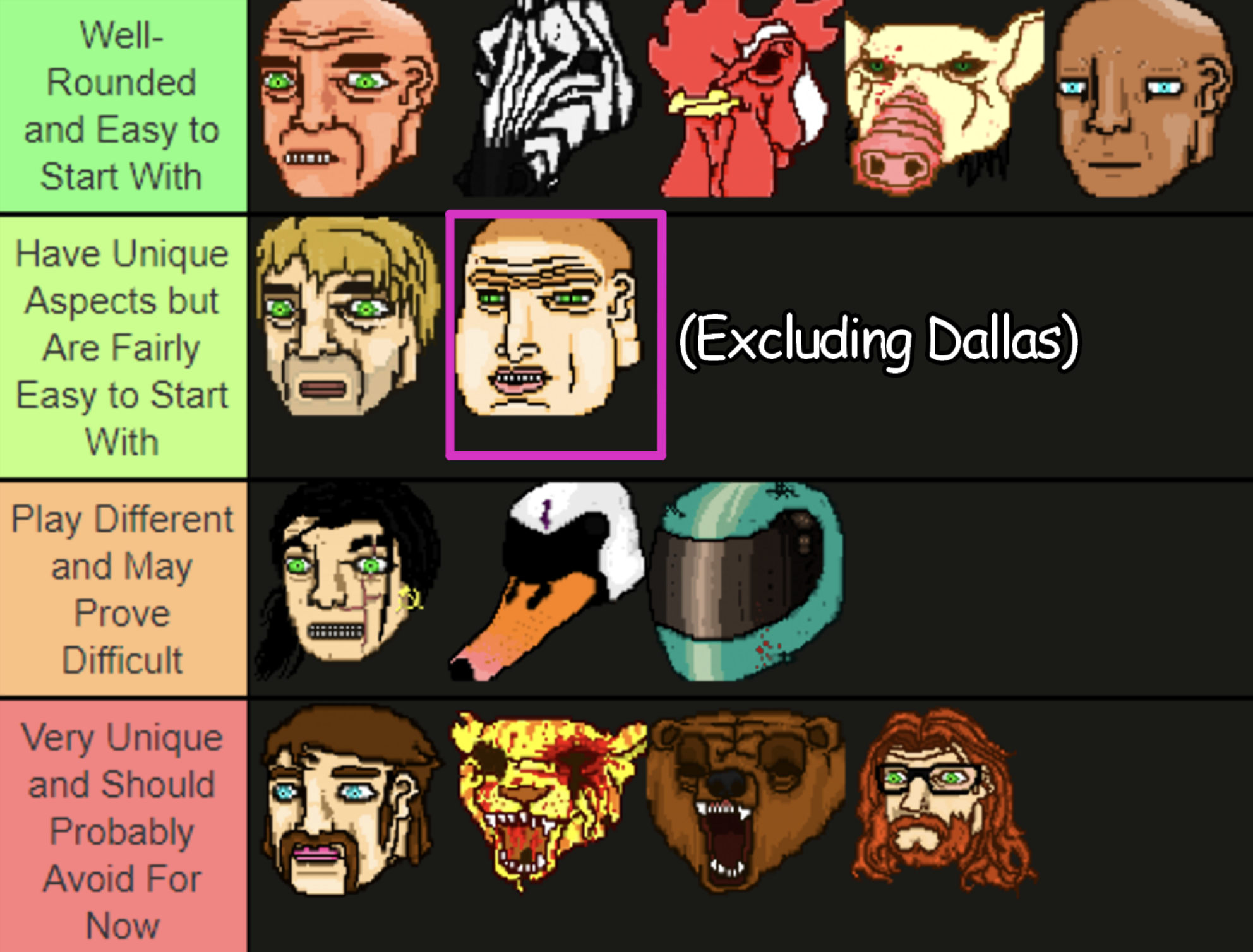
Basic Level Layouts
Here are some of the most basic principles you can follow to get started.
Hotline Miami 1’s gameplay is essentially a point-and-click, while HLM2 does the exact opposite - it’s not only the enemies that are in danger and waiting to die - but you are too.
Look at any video game maps - for example, CS. They are borderline nonsensical as real life locations, but they are geometrically engaging and serve valuable gameplay purposes. There is always a preferred path, a punishing path, chokepoints, dead ends, short approach, long approach - you are making a level in a game, not building a house in sims.
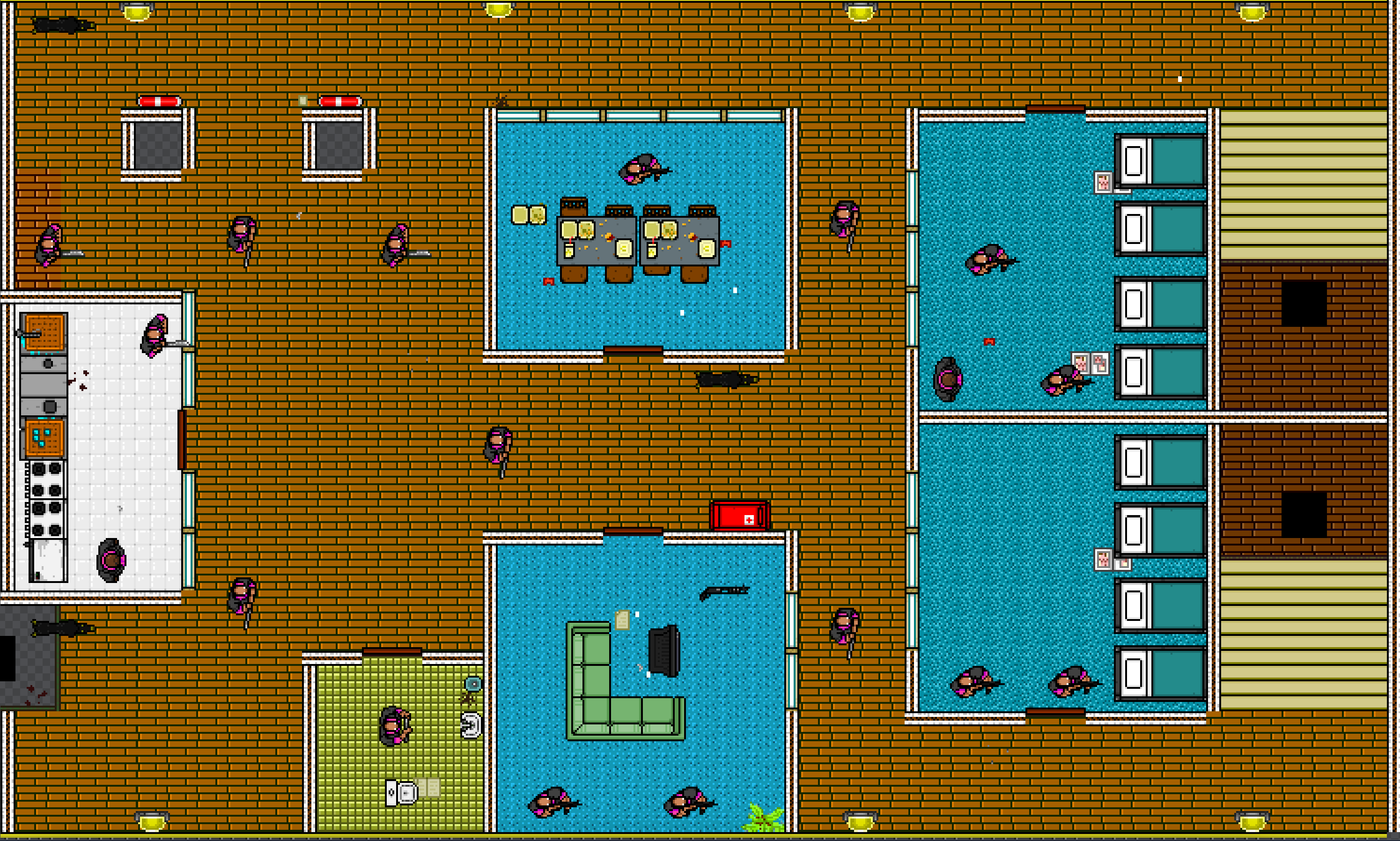 Dead Ahead is a perfect example of a big, one-directional level that still allows for multiple approaches. They're mainly made of hallways, with rooms scattered about between them to ensure that you can go in more ways than one.
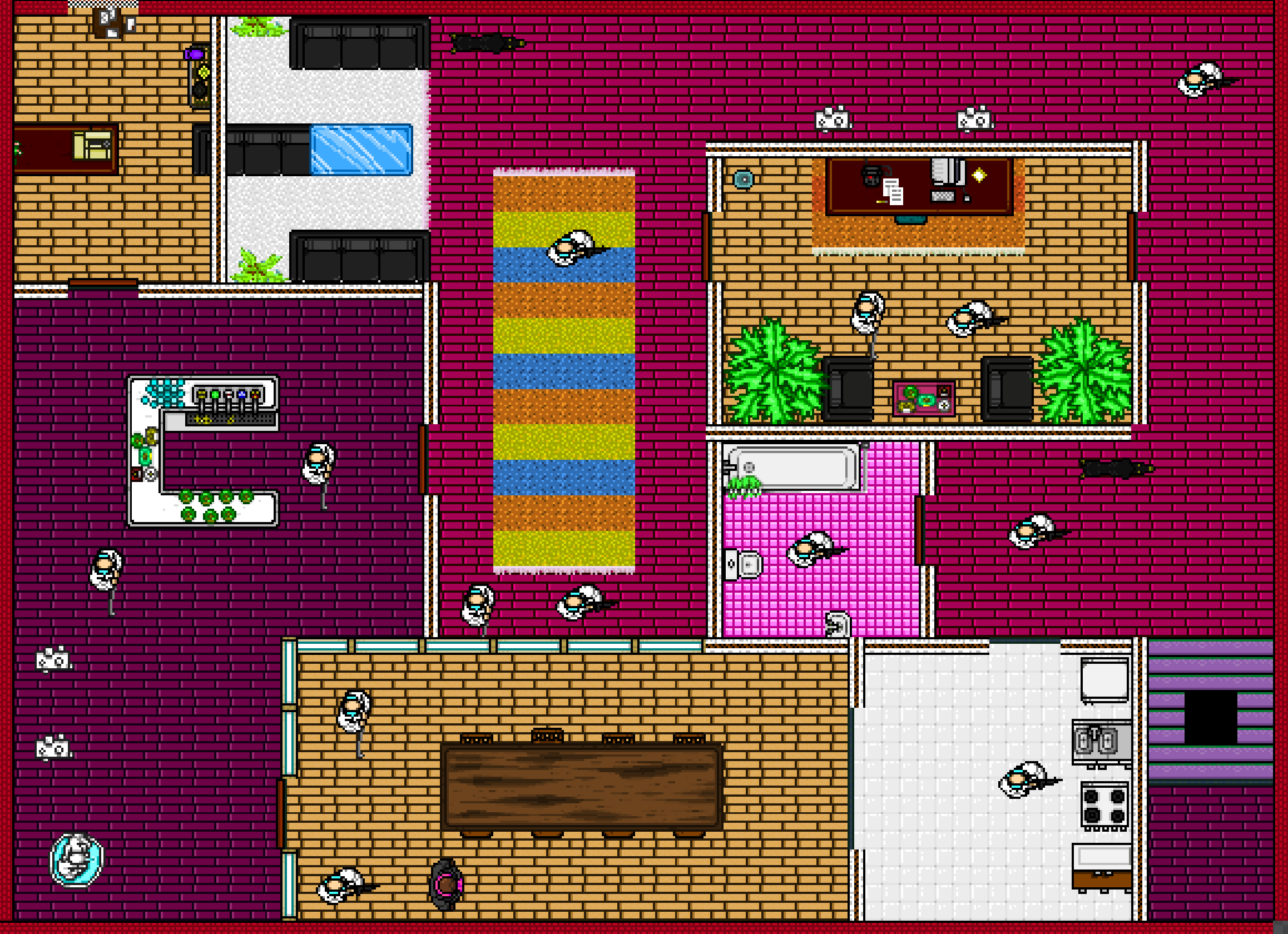 If you want to do something smaller and more Hotline 1 styled, House Call is a good guide for a more traditional layout while still using the same principles.
Alternatively - You could Reference a level like the first game's Hot n Heavy for a more unconventional layout, with a central hub that splits off into multiple floors. The most important takeaway is to keep your levels from being a single-path clearing, while still maintaining a sense of direction.
Generally, you want to vary sizes of rooms, big and small, so there's a challenge without making the level completely devoid of cover.
A really important thing to remember is to PLAYTEST, and when doing that, make sure you try multiple approaches instead of whichever one you're used to. If you only learn to play your level in one way, there's no guarantee it's not broken if you go in some other direction. Try a bunch of different directions, and root out the easiest ones that rely too much on baiting. Afterwards, you can negate these with anti-bait (discussed later) and things like glass, different enemy placement, etc.
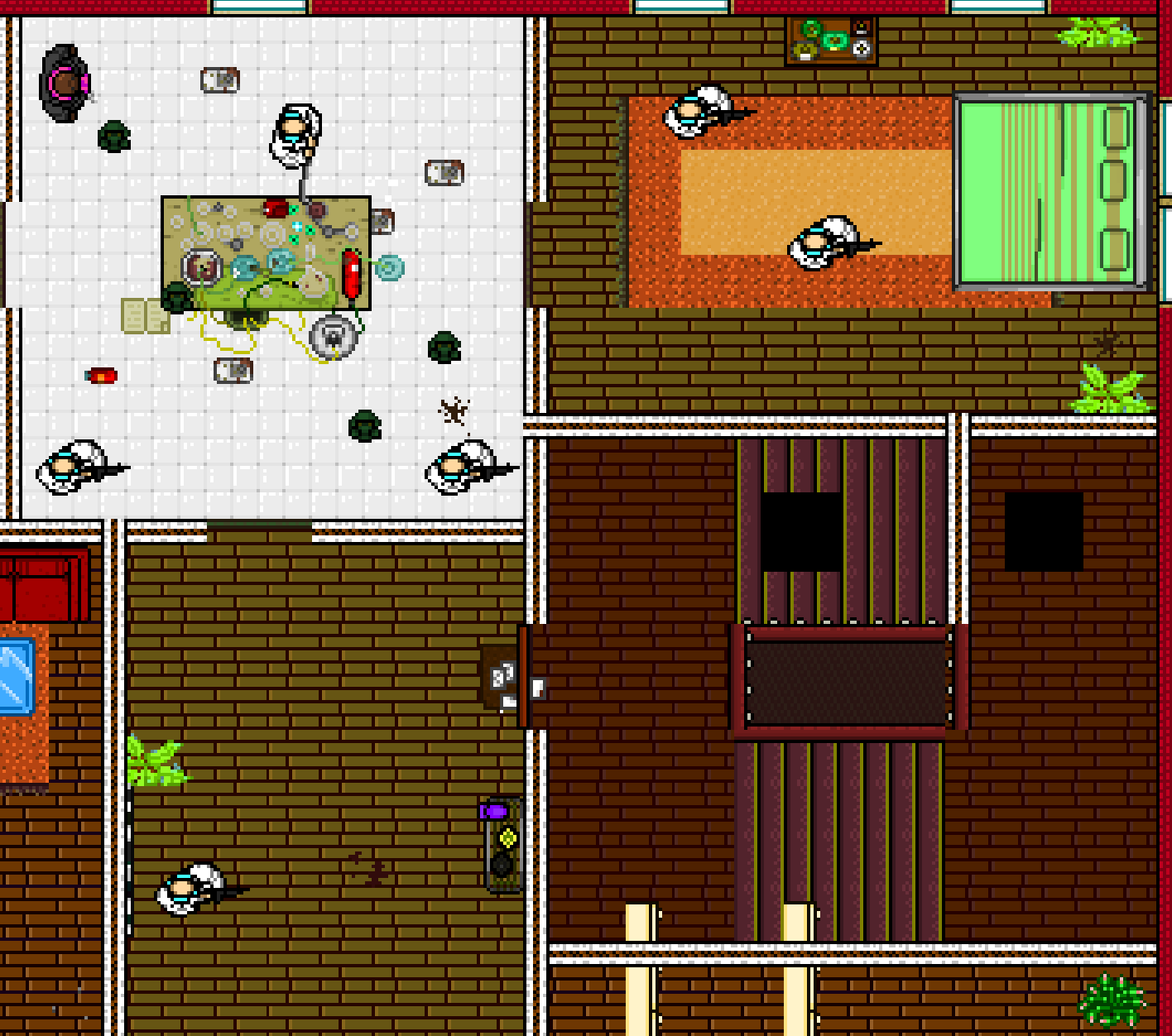 On the topic of transitions, make sure they have your character always going in a single direction. For example, a staircase leading upwards should have you emerging upwards, not the other way around. Having a transition change your direction is gonna feel really jarring.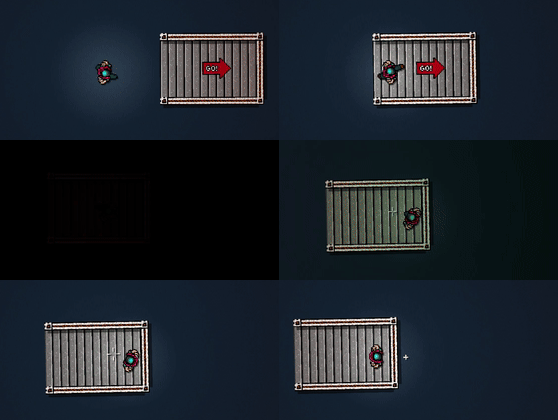
There's no harm in adding an enemy or two after you've finished designing so that you can have a full combo, but it's not that important. Remember that your players don't know the placement of each enemy like you do.
Using Enemies and Characters
Having an idle enemy will force you to head towards them, since they'll never run over to you as long as they remain out of your line of sight.
You could also use other enemies' attraction to sound to overwhelm the player. Here's a small example of it in Release.
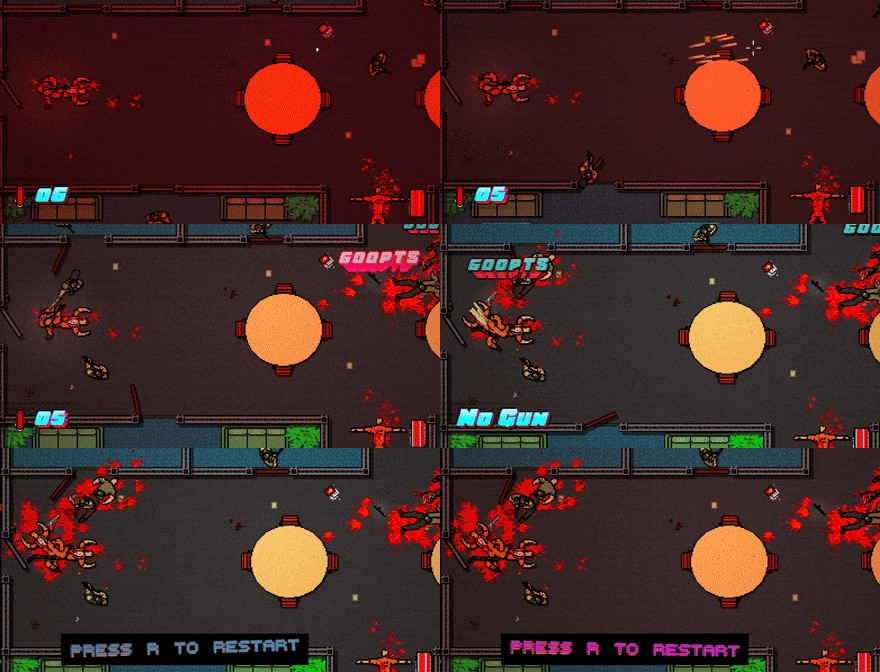 No matter where you fire, there will be someone alerted and approaching, encouraging you to duck into one of the side rooms.
Patrols and Randoms can be used to go around a sightline from time to time, encouraging you to pay attention to when they move past a window or open space. You can also use them to slowly move toward the player and add some time pressure. In this example, you can see patrols coming from the right side of the screen, forcing you to do something about it.
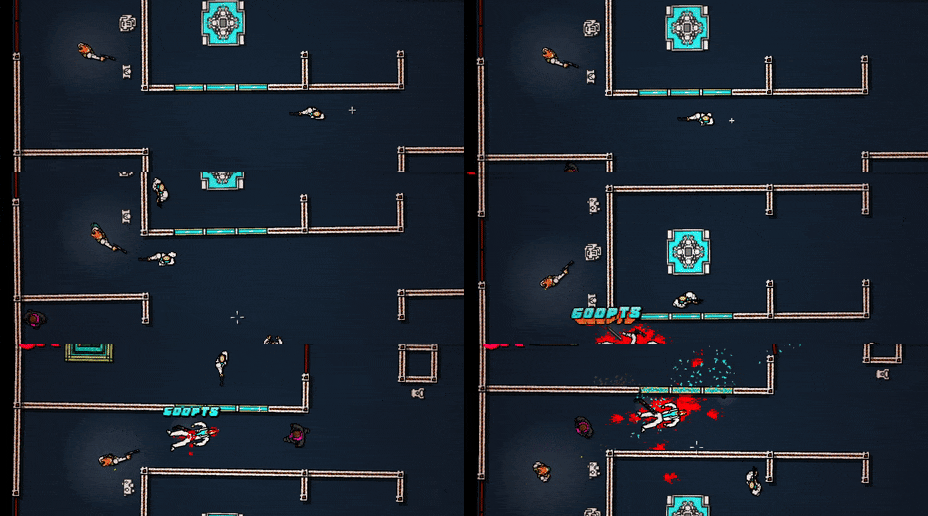 A player is going to enter this room with only about 3 bullets in the pistol, meaning you have to carefully choose which enemies to take out. The stronger guns are harder to get your hands on because of the fat enemy and patrols above.
Melee enemies are often used as cannon fodder to make the player waste ammo. They also serve as meat shields and can become threatening if you're distracted. They're far more important than they seem, mainly because they can help balance out strong weapons like the AK and shotgun.
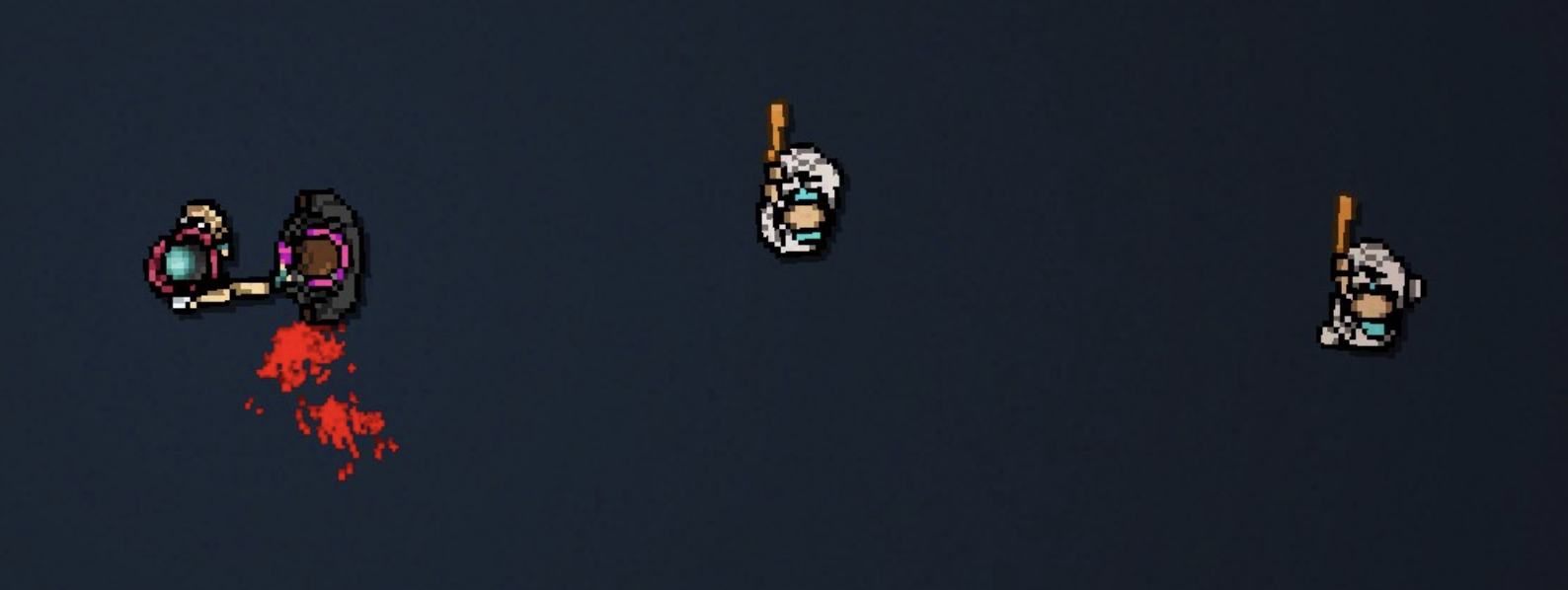 Putting melees near a fat enemy in a Biker level will make them kill you if you get stuck in an execution animation.
Think about how reliable each gun is. Double-barrel shotguns are useless against Corey and Bodyguard but deadly against everyone else, while also not being very useful in your hands.
Putting melees near a fat enemy in a Biker level will make them kill you if you get stuck in an execution animation.
Think about how reliable each gun is. Double-barrel shotguns are useless against Corey and Bodyguard but deadly against everyone else, while also not being very useful in your hands.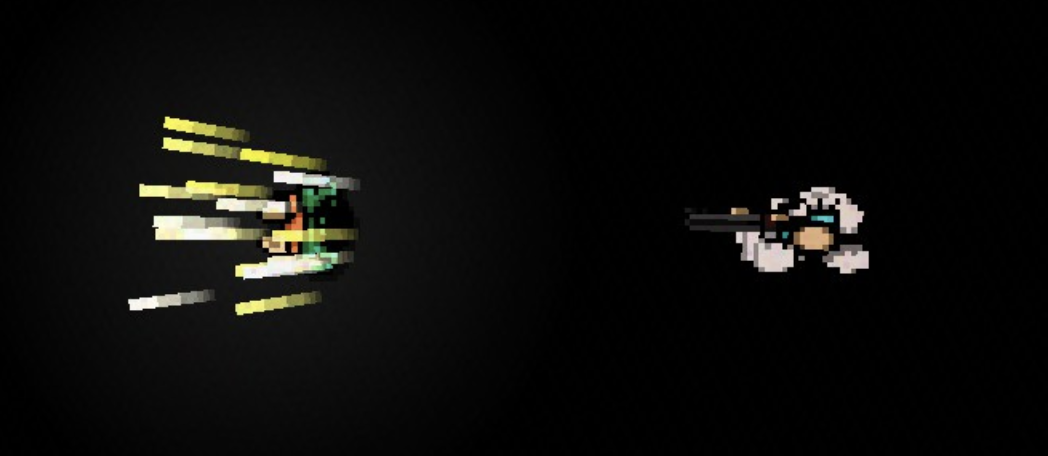
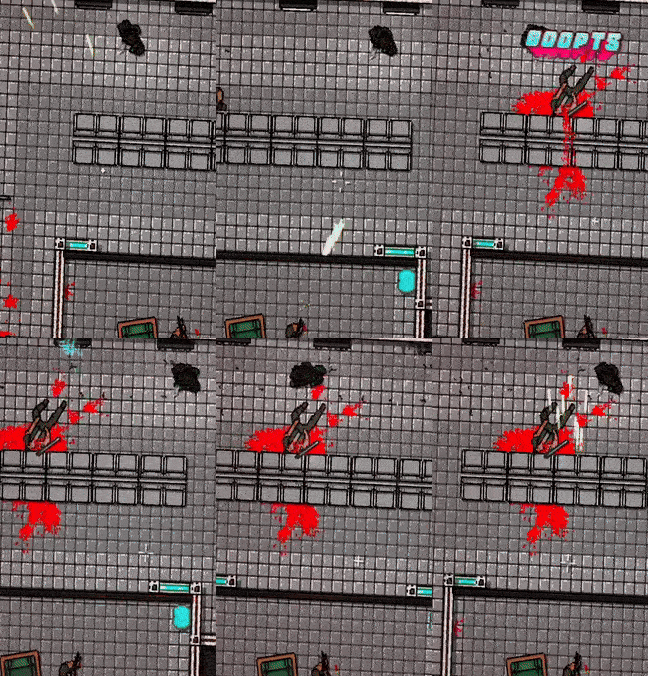
Regular shotguns are easy to dodge and easy to obtain in bigger spaces, but depending on the area, dodging them may also force you to head in their direction, and hence a possible dangerous area.
Full auto weapons with high ammo counts are deadly in player hands and should be used carefully so as to not make things too easy.
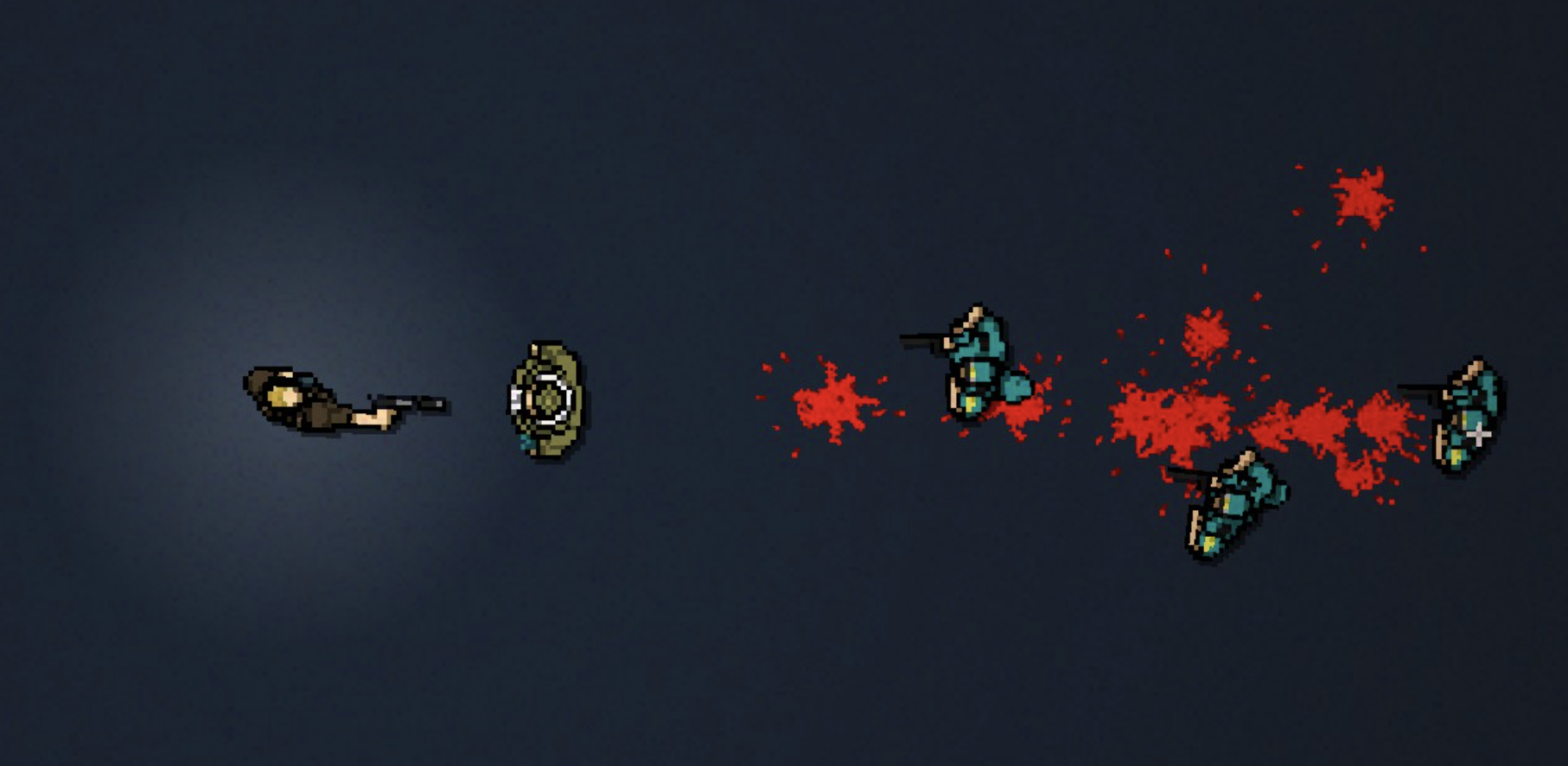 Even if you do kill them instantly, fats still have an animation before they die, which allows them to tank extra shots.
They work in a similar way to fats, in that you may have to waste ammo to keep them away from you until you can make your way to a melee weapon. Notably, they're baited by enemy sounds, which could force you to stay silent when close to them. This also allows them to punish and balance out the use of a gun.
The same logic for idle enemies can be applied to Colombian or Soldier hiders; they force you to enter a dangerous situation against them, and they can take up quite a bit of your focus, which could trick you into exposing yourself to another enemy.
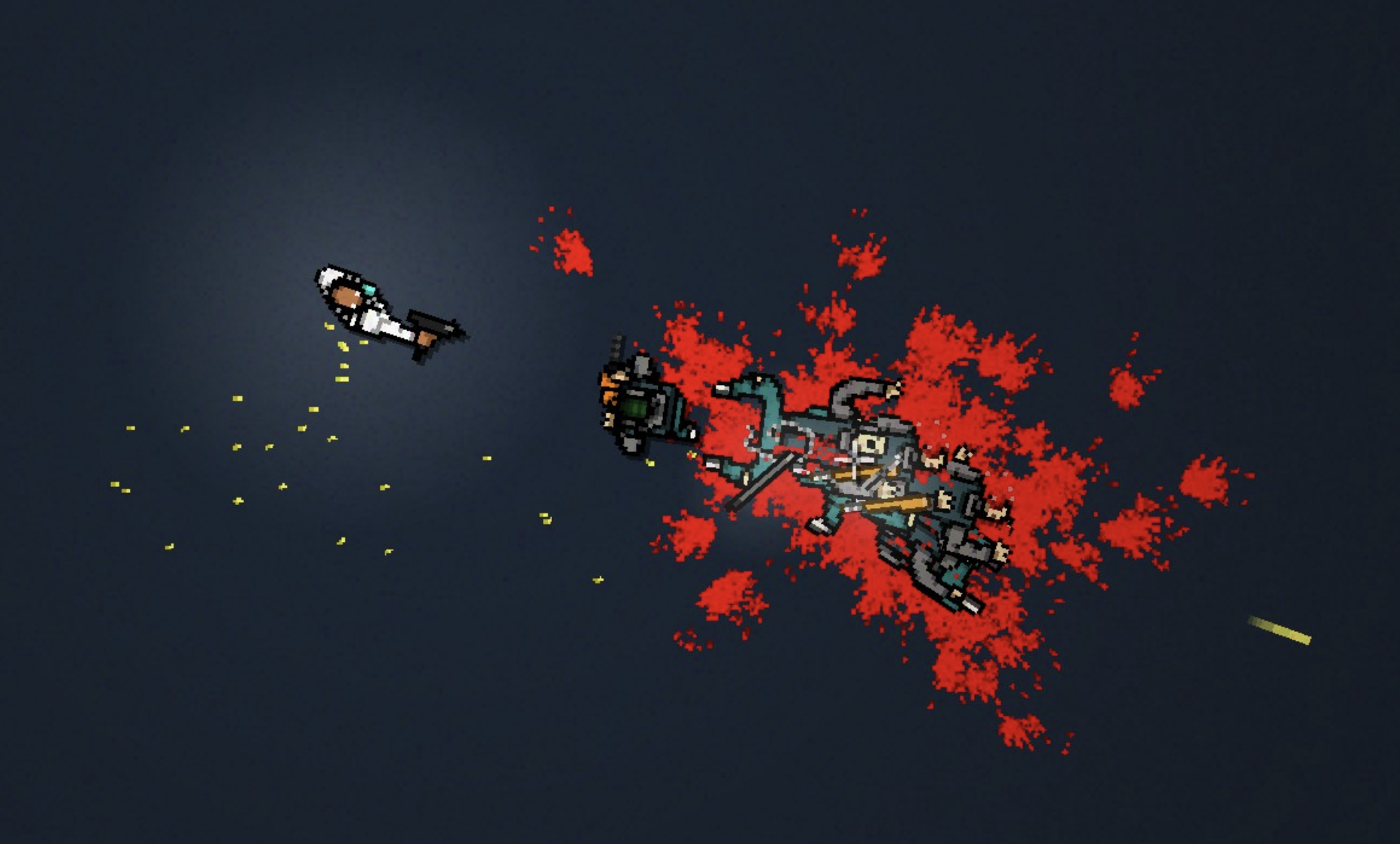 Since dodgers stop moving when you shoot through them, it can force you to deal with other enemies while still trying to keep him from getting too close to you.
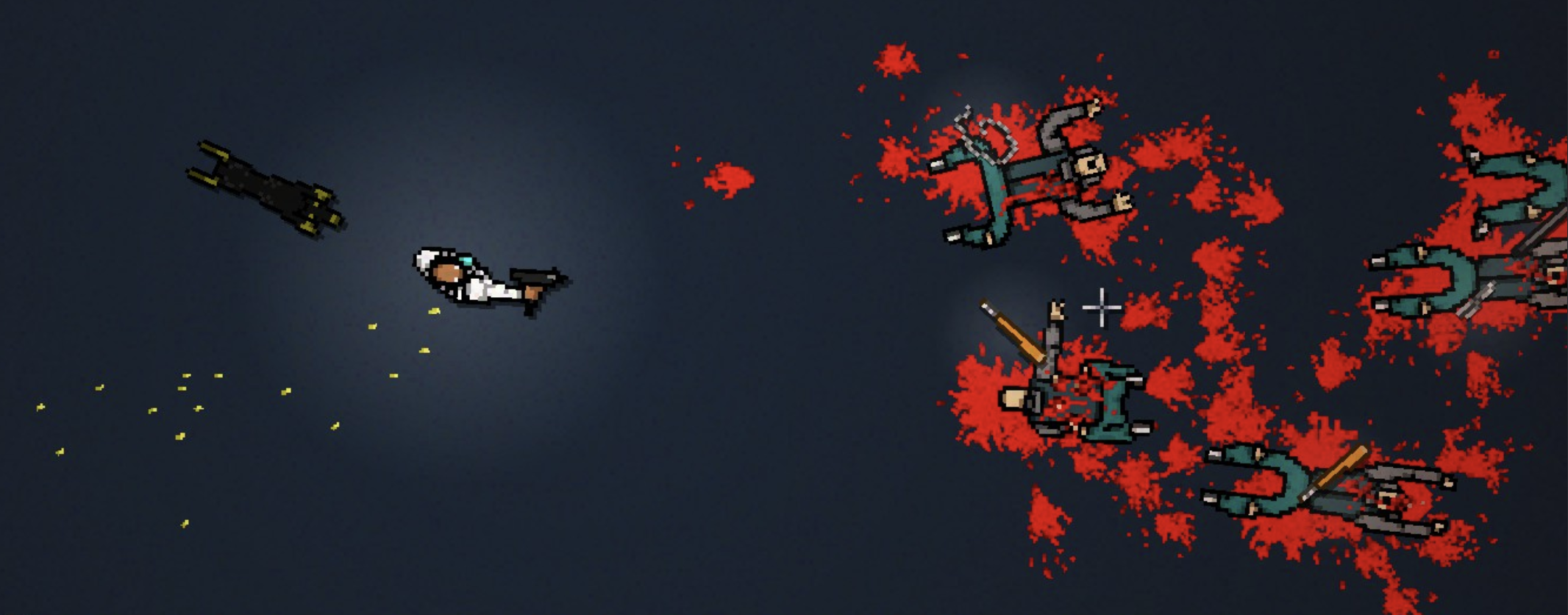
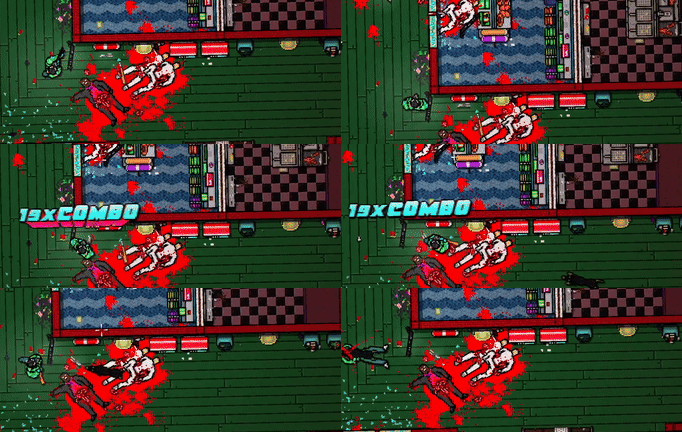 The dog on the second floor of Shell Shock starts from all the way at the top-right, often catching you off guard if you're too busy handling enemies on the left side.
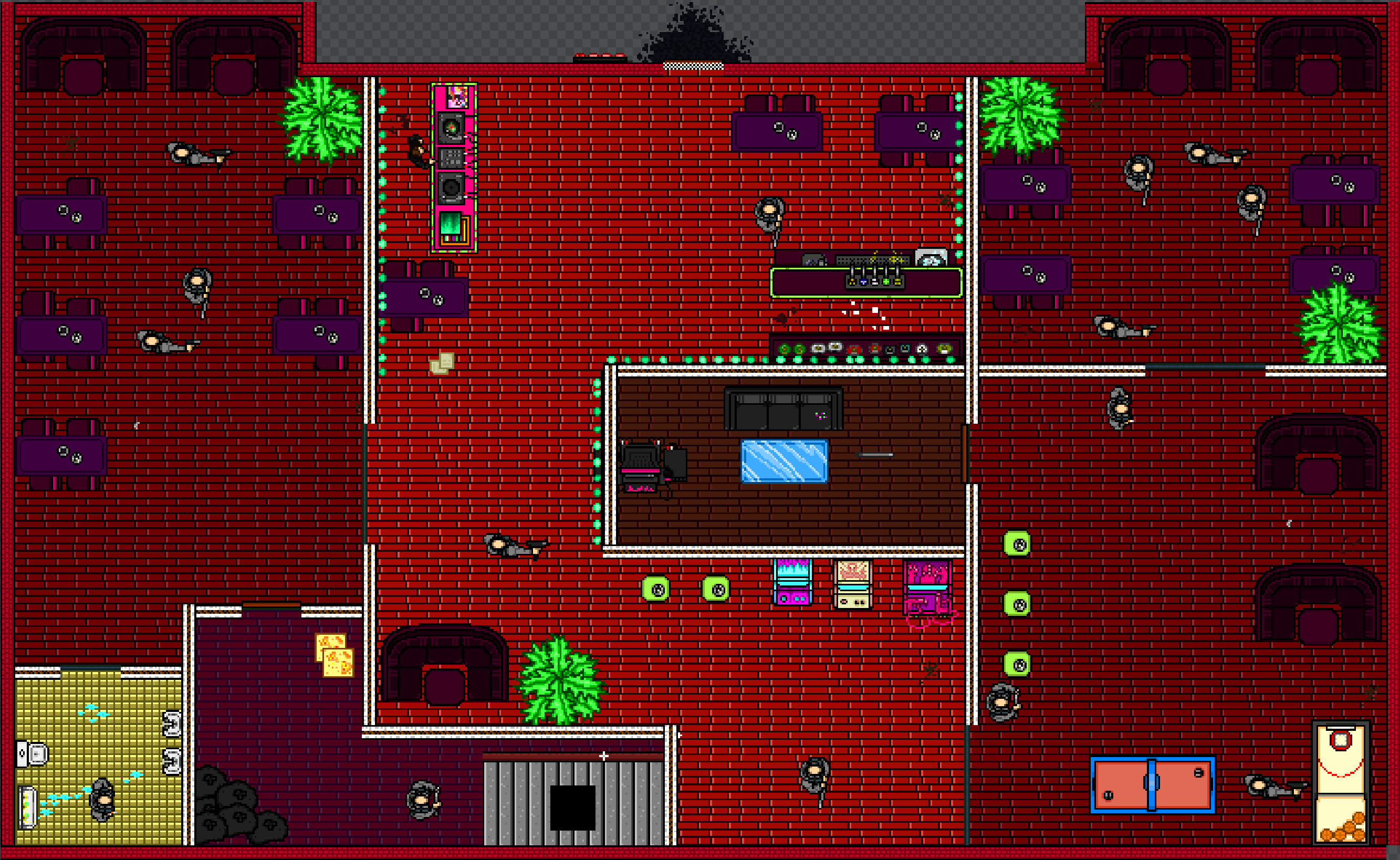 The level gives room for baiting for a more boring character like Tony while also providing openness for A&A to go wild.
The second floor of Twitch is full of character-specific interactions. Patrols with shotguns alongside melee enemies become a sequential dodging challenge (dodge one patrol and the second one arrives just in time), whereas random enemies with double barrel shotguns completely lock off areas unless you have a knife to get rid of them.
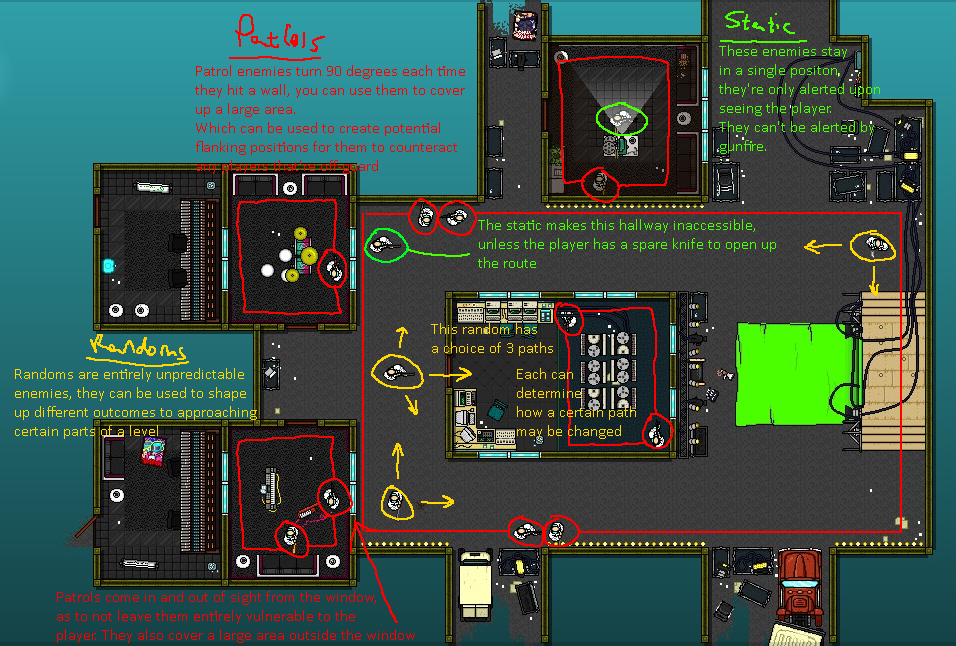 If this was playable with another character like Evan or the Swans, it would suddenly get much easier.
Some more examples for your reference:
- The level Rain Delay from Wild Thing balances out the unfairness of enemy positioning using Corey's roll. Notice how the situations are natural and smaller scale, like a shotgun gunner that gets alerted to your position, rather than a scripted and planned-out roll sequence in a long hallway that can only be handled in one way.
- The level Heartbreak from Blessed Redux makes full use of Don Juan's lethal doors mechanic, encouraging you to shoot said doors with your gun for easier kills.
- The level Underpass balances out the Rami mask's high ammo count by having lots of enemies be alerted to your position at once.
(Anti) Bait
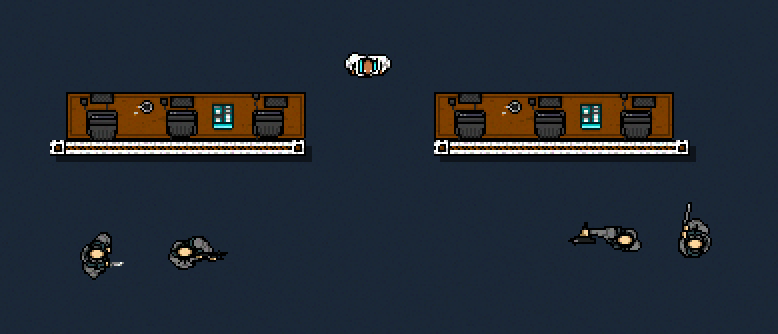 Idle enemies can lure players to a dangerous area, and furniture objects next to walls can prevent players from hugging them the whole time. Don't get too obnoxious with this, though.
You can use patrols and gun-alerted enemies in multiple spots to surround the player and make their camping spot less safe. You could try placing them in multiple spots let them flank you.
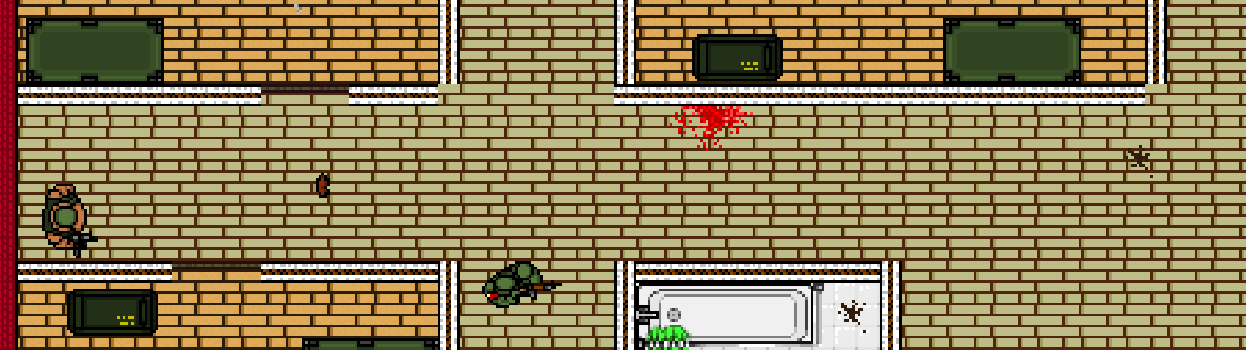 In Stronghold's final floor, fat enemies patrol the hallways that the player is forced to go through.
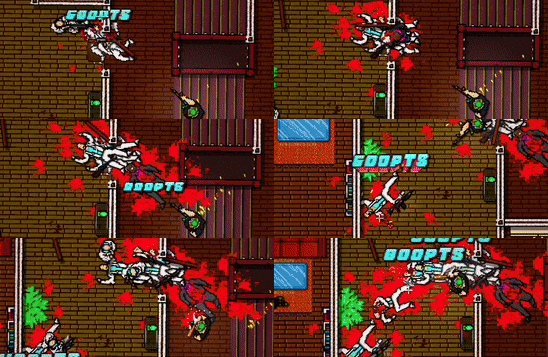 It can be a bit too easy sometimes to gunbait. Everyone knows how easy it is to bait enemies to the staircase in Withdrawal.
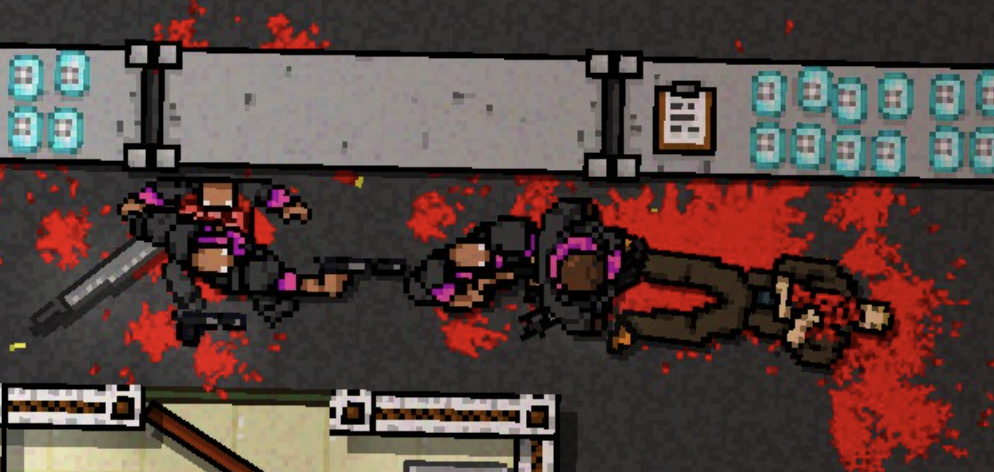 Dead Ahead's Freezer floor shows how fat enemies make gunbaiting more difficult, as they tank hits for gunners behind them.
Rather than baiting, you could give the player some kind of puzzle to solve. There are a lot of ways to do this - Make them throw a weapon; make them kill charging enemies in order of priority; force them to save their ammo for fat enemies; make them juggle a limited number of melee weapons for a dodger in the area. The more specific these are, the more puzzle-like your level becomes, which can be good or bad, depending on what you're going for.
You may not want to make baiting IMPOSSIBLE, but there are lots of tricks you can do to make it harder or more of a challenge in itself.
Level Sizes and Flow
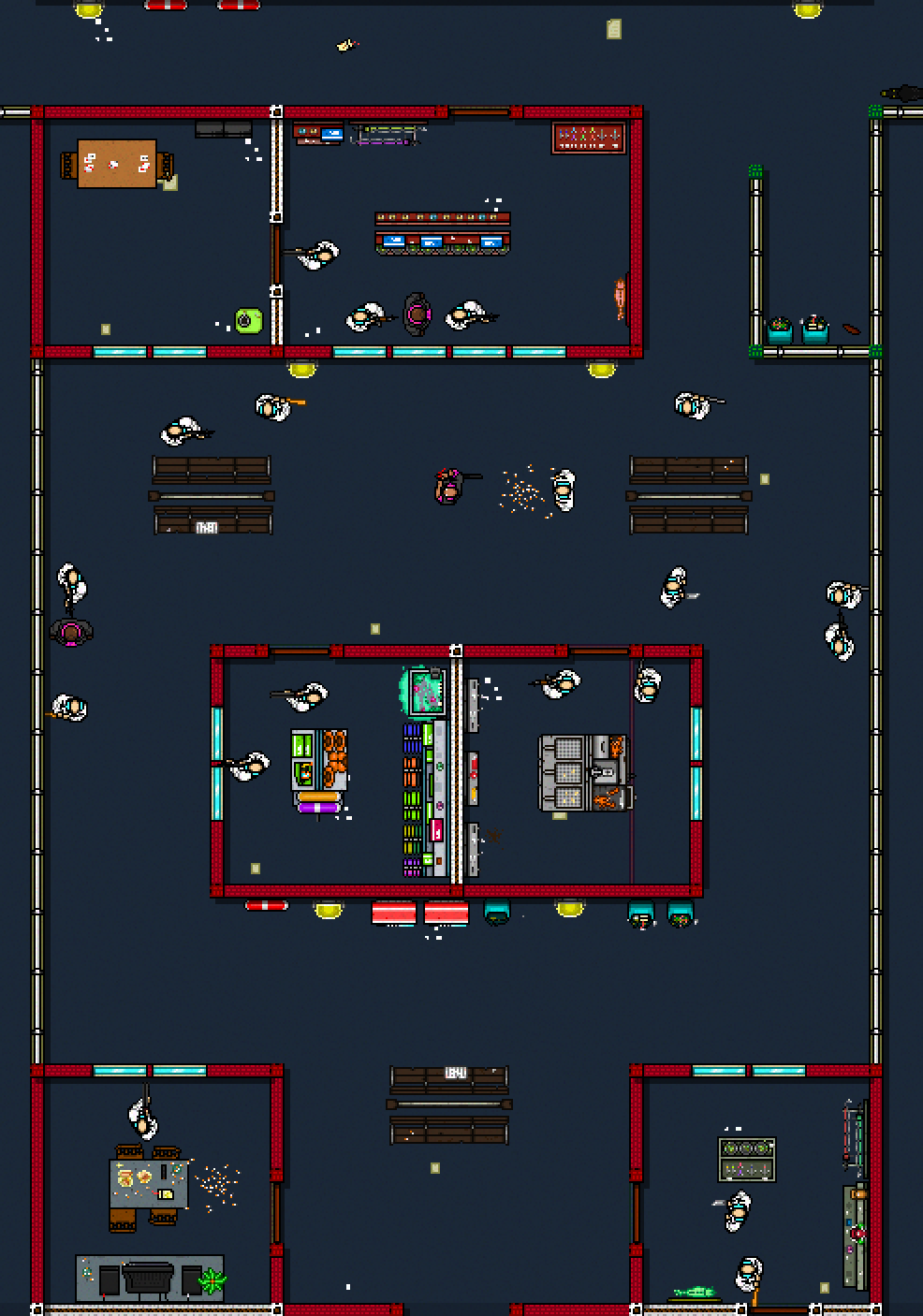
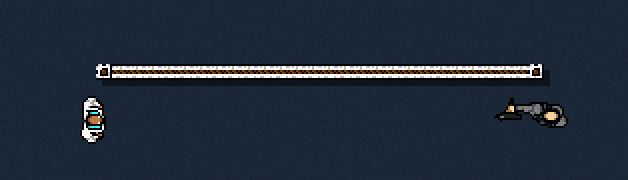 7-Wall Detection.
For hallways - see Caught for how, despite its varying room sizes, it remains consistent with a 3-wall wide hallway. Most of the base game follows the rule of hallways 2-3 walls wide. There's nothing wrong with going for something larger in terms of overall level size, but it should ideally give you a good sense of where to go, lest you get lost.
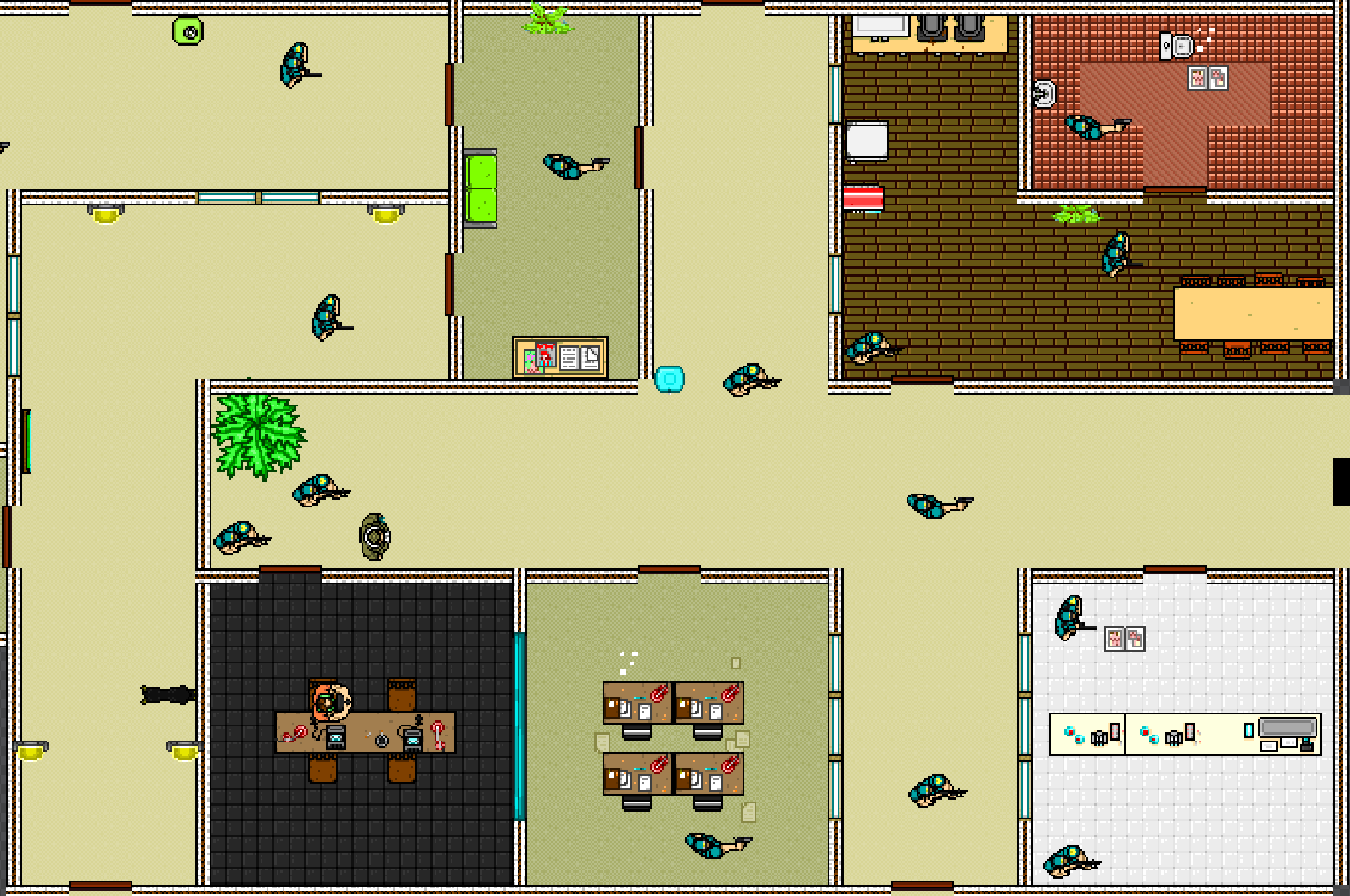 Enemies in the rooms here are placed just far enough to be able to see you out the hallway.
Focus on how you place your walls. When designing, expect every player to hug the walls and try to find as many safe spaces as possible. Hence those 'safe' walls are where enemies and combat rooms should be around.
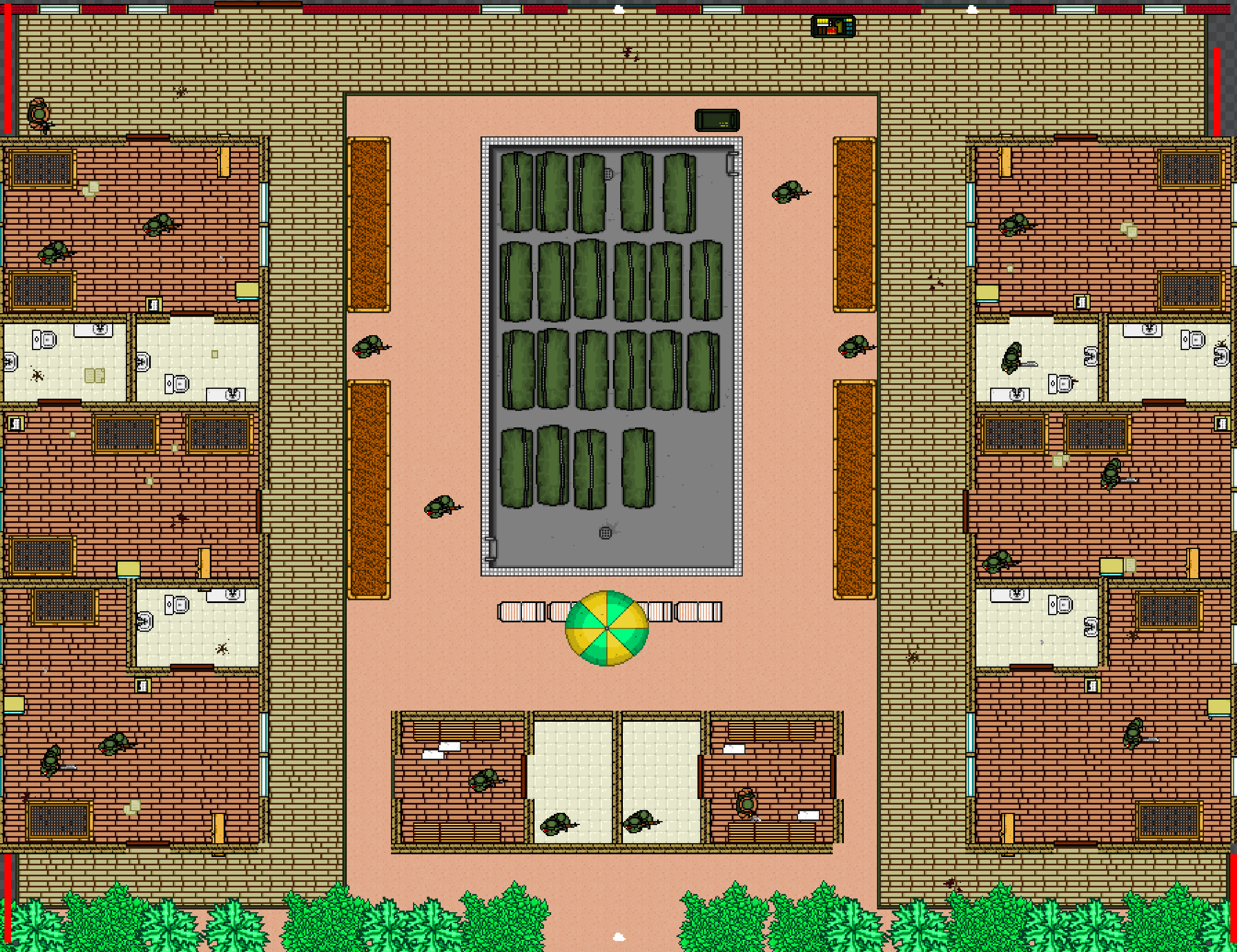 See Stronghold - its first floor goes in a big loop around an open space, forcing players to stick to the sides for safety.
Your level should, ideally, be guided through gently - not necessarily with a single path but with a general direction. e.g. it should always be flowing from one side of the screen to the other, guided by walls. To this end, try and avoid backtracking. If the random idle enemy in a bathroom is hindering your flow and not a threat, there's no reason for them to be there.
And to add on to that flow, don't make your levels too big. You rarely ever need the entire editor grid as level space. Condensed sizes can make your level tighter in flow and prevent both yourself (and the player) from burning out.
Variety
You can do a lot of things, even with this guidance. Knocks' campaign Program is a pretty extreme example that turns the game into a series of puzzles. Obviously you may not want to make your level in this exact way, with how gimmicky and specific it is, but it's an example of how you can find your own niche.
Alternatively, you could make baiting itself the gimmick or source of difficulty. Perforator's Charcarodon has one of my favourite final floors. It turns baiting from a mindless strategy into the main challenge, with enemies slowly approaching from either side, forcing you to constantly run around the four pillars at the center of the level.
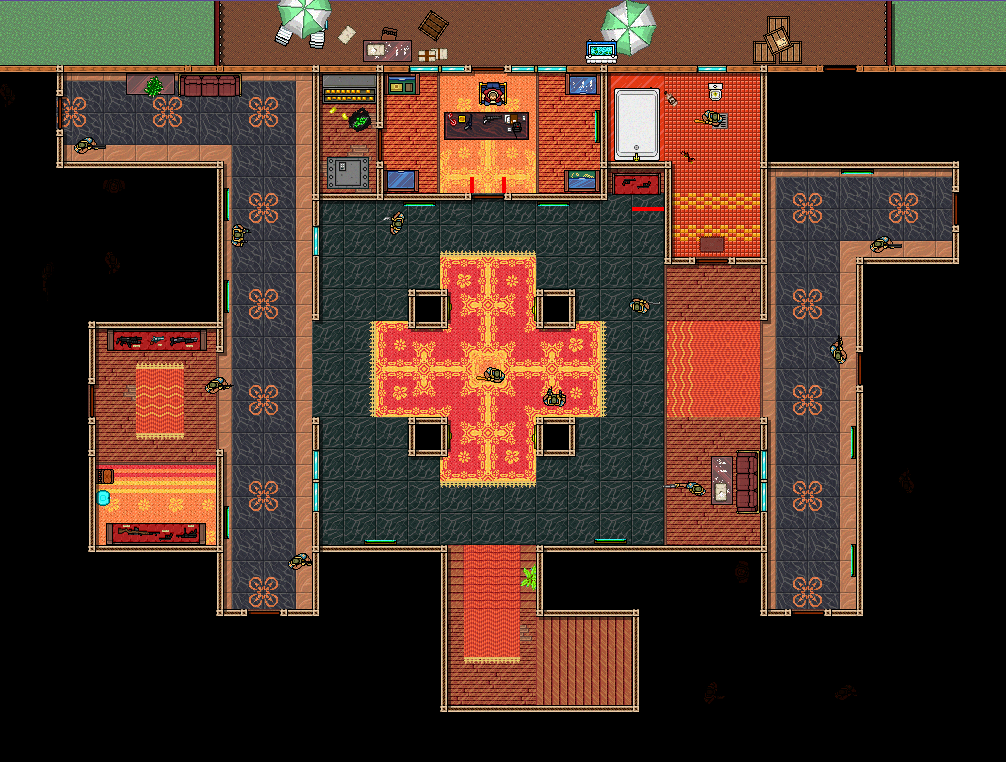 Enemies emerge from the blacked-out rooms on either side, forcing you to pay attention to both your left and right. They also patrol the vertical hallways on either side, so your focus has to go everywhere.
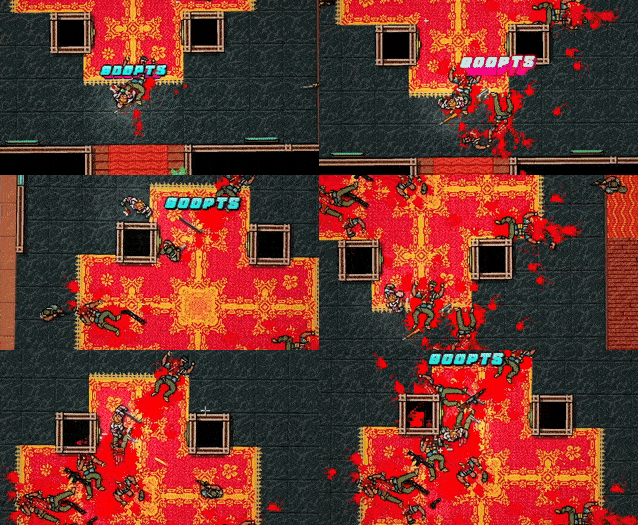 Since enemies come from multiple angles, baiting isn't as easy and becomes the actual challenge.
Playtesting is honestly the most important part about making your level. Having only one approach be practical / fun can suck.
Avoid design that forces you to play in only one way, e.g. using a dodger on a Mark floor, or forcing a Corey roll in a hallway. It turns your level into less of a dynamic puzzle and more into a very obvious gimmick.
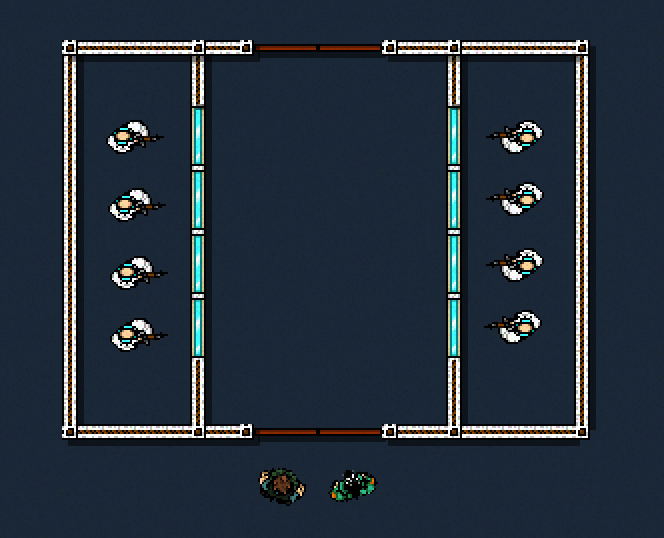 please do not do this lol
You can have specific encounters / puzzles, but try not to make this your entire level. A hot start is alright sometimes, but it may be better to give some gentle pressure / encouragement for the player to begin moving.
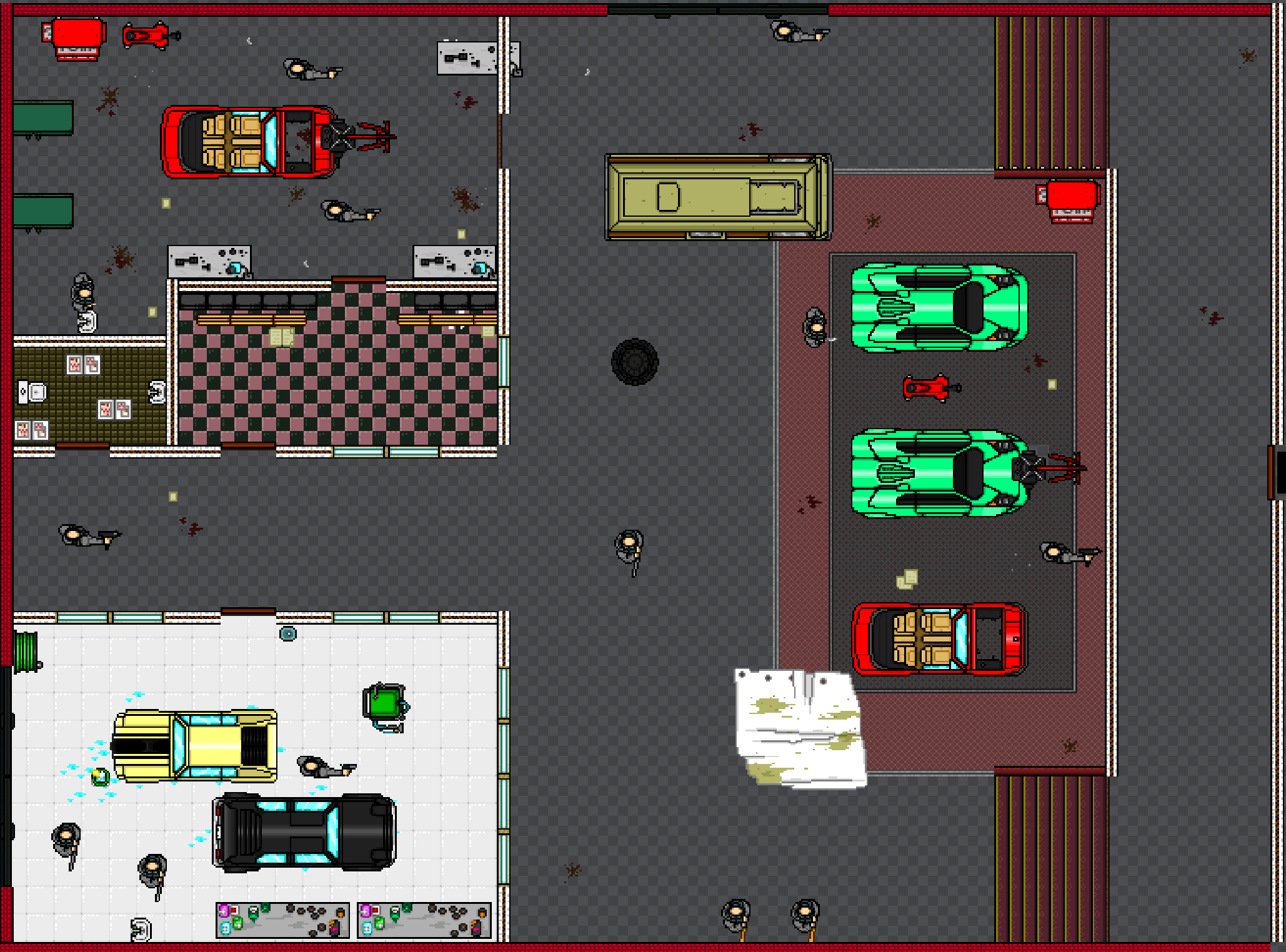 The second floor of No Mercy starts players off against melee patrols which consequently makes them move to a more dangerous space.
Alternatively you could leave it in their hands. Sometimes you can have the player go to the enemies rather than vice versa.
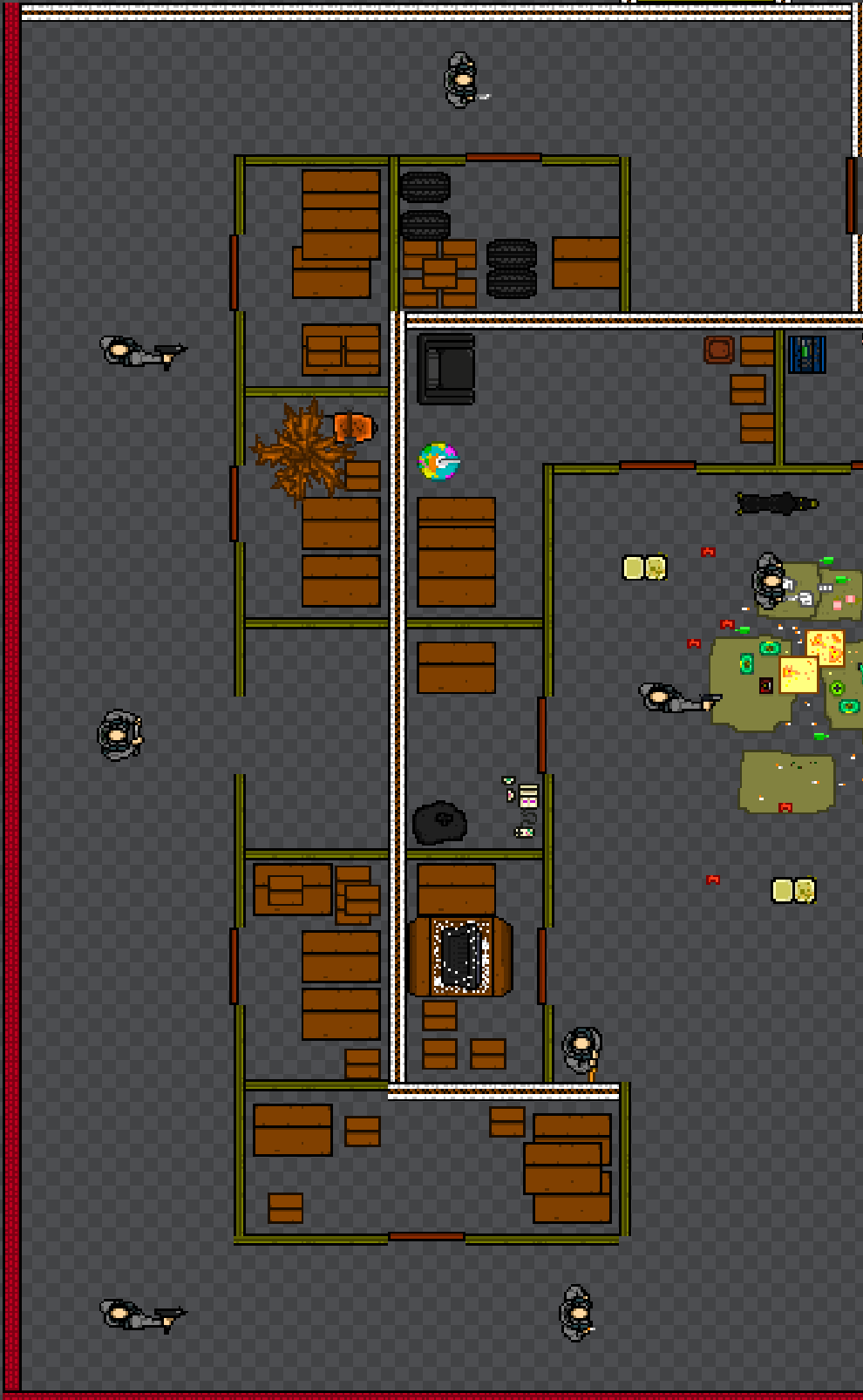 Moving Up's final floor uses static enemies to force the player to move forward down the dangerous hallways.
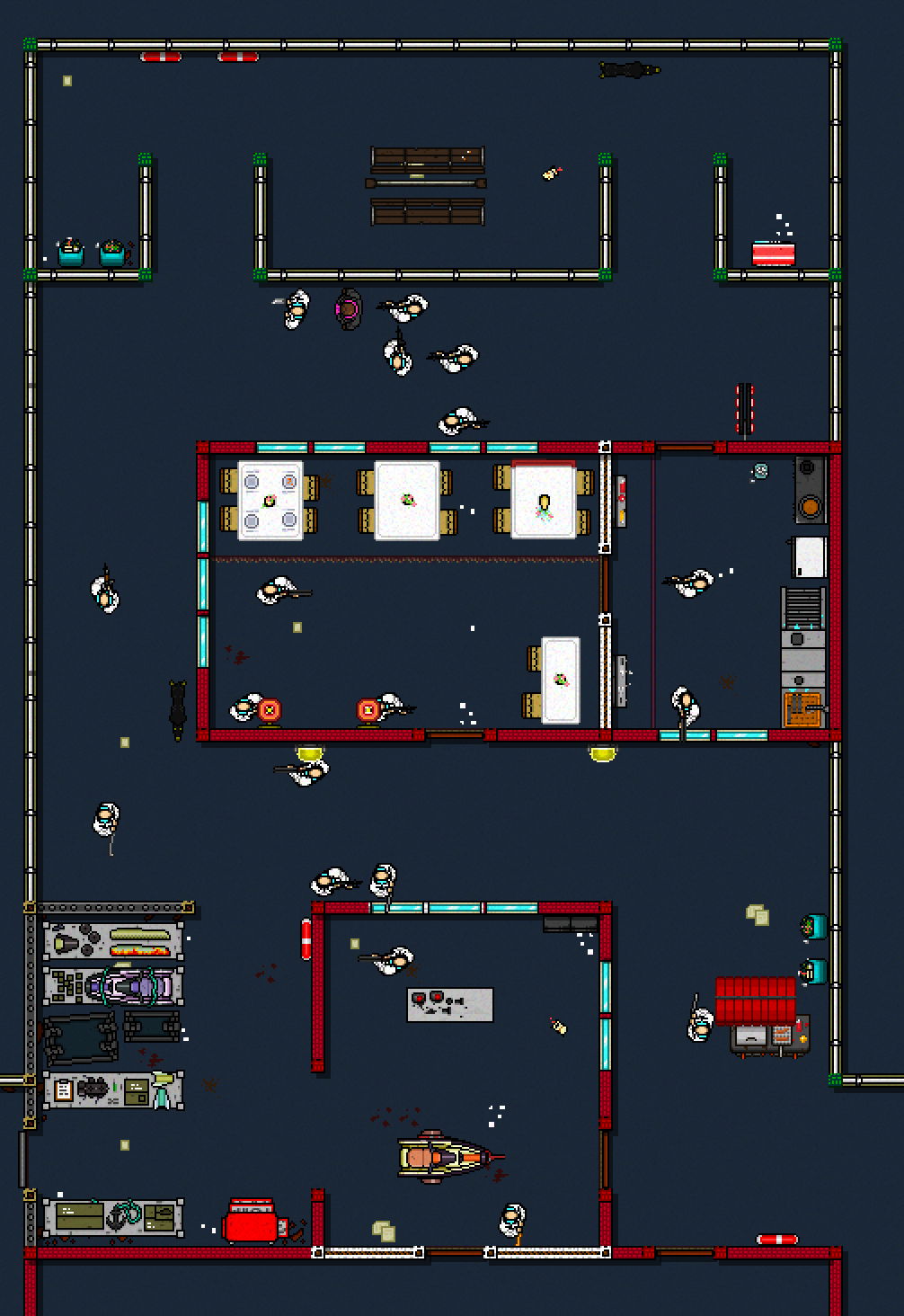
- A good litmus test is making sure your level can be played in multiple ways. I've cited it already, but take note of Shell Shock and see how it uses pretty much everything stated here. The semi-symmetrical layout with slowly approaching patrols allows just a few enemies to cover a lot of ground. Baiting is still possible but much harder because of quantity of incoming enemies.
Common Mistakes
There are a couple of common mistakes you may want to check on while making your level:
1. Not setting level borders. This will make some tiles blend into one another in a pretty ugly way.
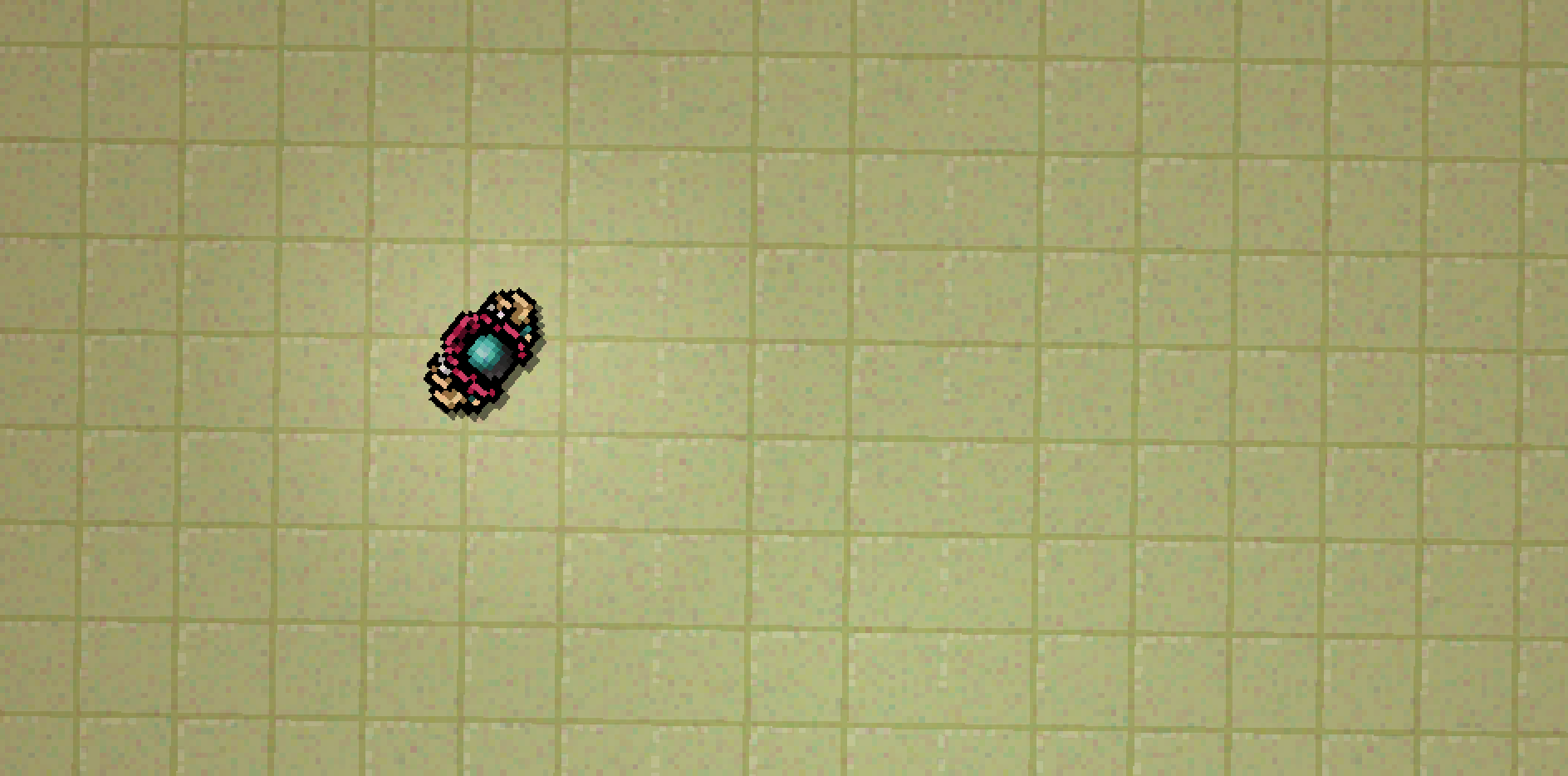 If you don't want borders, you can just make them absurdly big. Just make sure they're there.
2. Use special effects such as rain, the filters, and darkness in moderation. Ensure you're careful about when you use each - e.g. don't have your darkness effect reach beyond or over its walls.
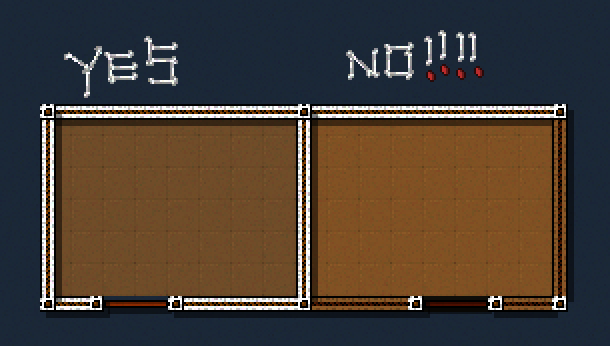 Remember that while pretty, the filters may take away from the visuals you've created.
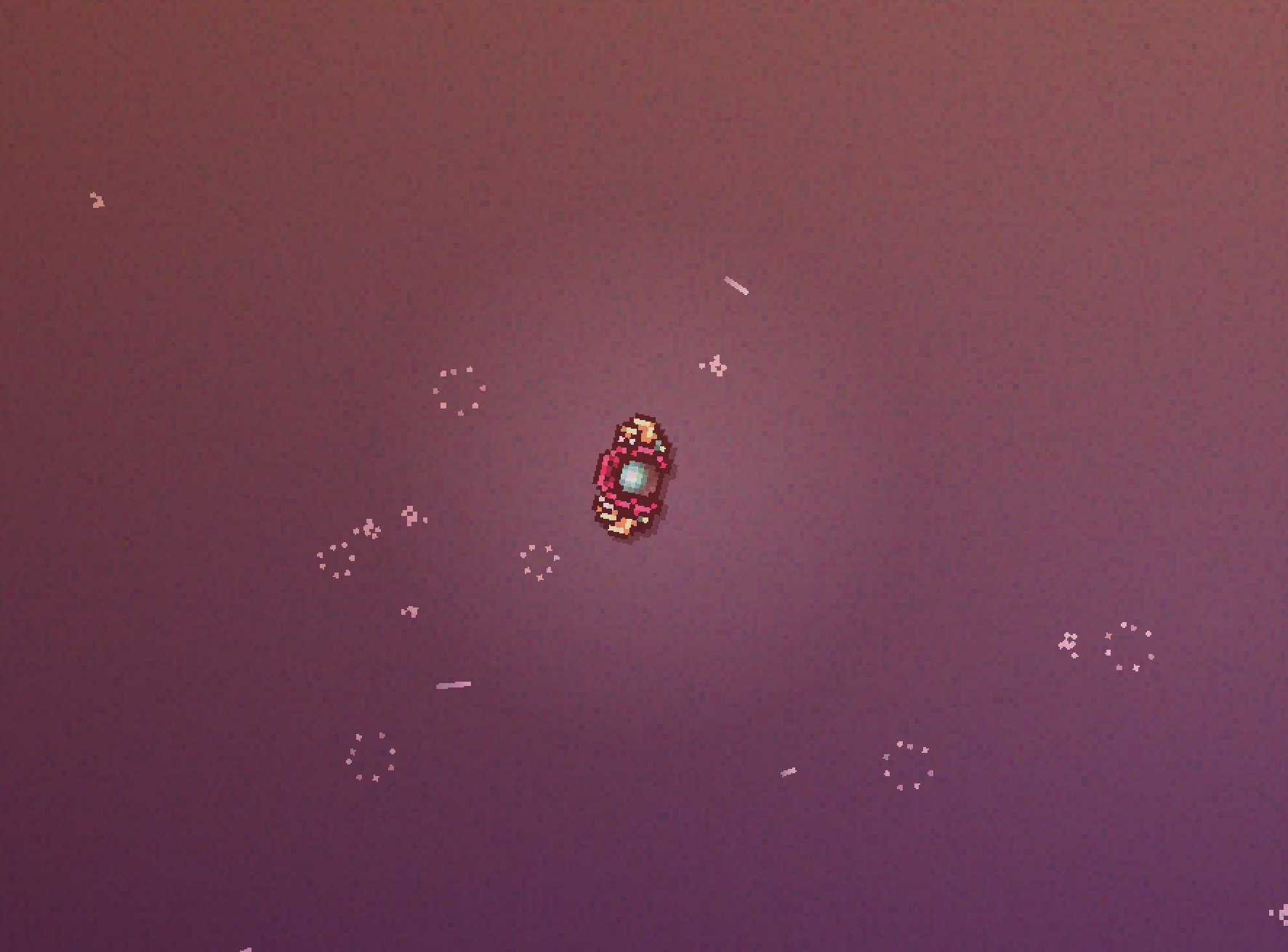 The effect is nice, but it can wash out the visuals by a lot.
3. Don't focus on realism - don't reference blueprints or real-life layouts 1:1. Your level layout is the most important thing; the setting can come later. While you may not want to make your level too absurd-looking compared to its real-life counterpart, remember that gameplay always comes first.
4. Don't have cutscenes at the start of a combat floor. Hotline 1 has this problem, and it gets pretty frustrating to have to read the same dialogue or go through the same motions at the start of every combat encounter.
- Make sure you understand furniture behaviour when using it. Some of them may not behave like you expect. Dead body furniture items in the editor WILL have collision.
 Enemies can't see over the BarTableGlass furniture object.
- Try avoid auto doors in combat floors. These only consistently open in one direction - otherwise, players have to stand in a specific spot a little to the left of the door before it can open. It can be really hard to parse for players who haven't worked with them before.
- Wall notches. Place your walls left to right / top to bottom to prevent these, simple.
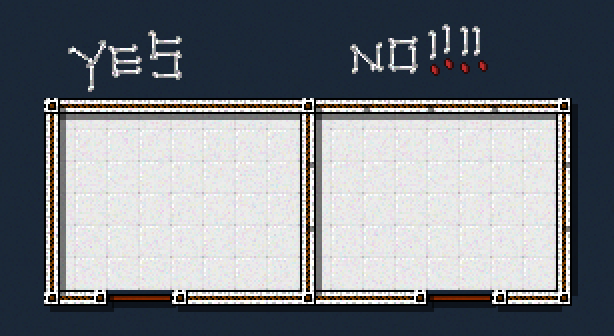 The bane of my existence
- Make sure you erase glass before placing down walls over them, since it doesn't actually erase the glass.
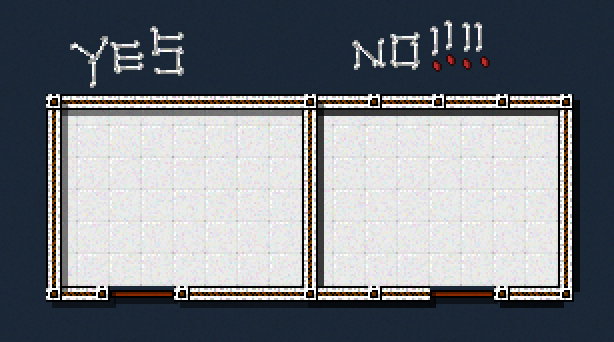 This adds a bunch of random corners to your walls, doubles the shadow thickness and the glass remains breakable.
- Don't have too many / useless enemies. While it is good to have cannon fodder, be careful that you don't spam them too much. It makes your level unnecessarily difficult and tedious to get through. Every enemy should serve a purpose.
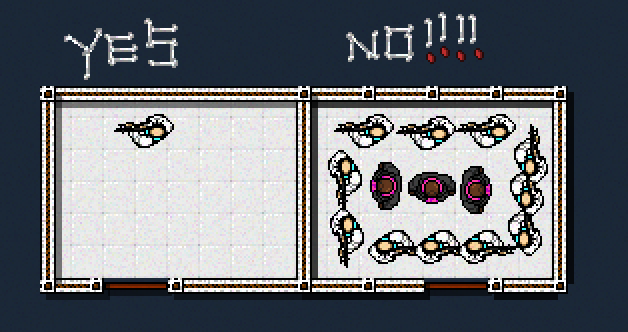 peak gameplay
- Don't make it possible for the player to die too quickly; otherwise they'll spawn dead (since your checkpoint only sets a second after the level begins) and be forced to restart the whole level.
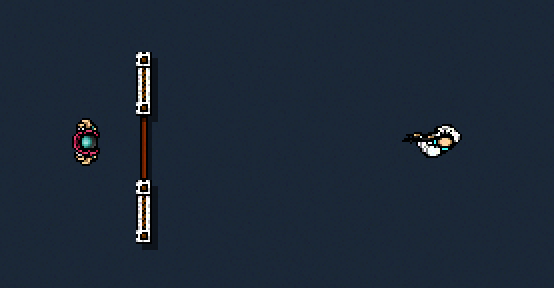
Visuals
When doing level visuals, it's best to make sure the rest of your level layout is finished first.
Don't get pressured to make a lot of custom assets - there's nothing wrong with simple recolours of furniture. You don't even need anything custom to make a visually good level - Nautica is one of my favourites and it's completely vanilla.
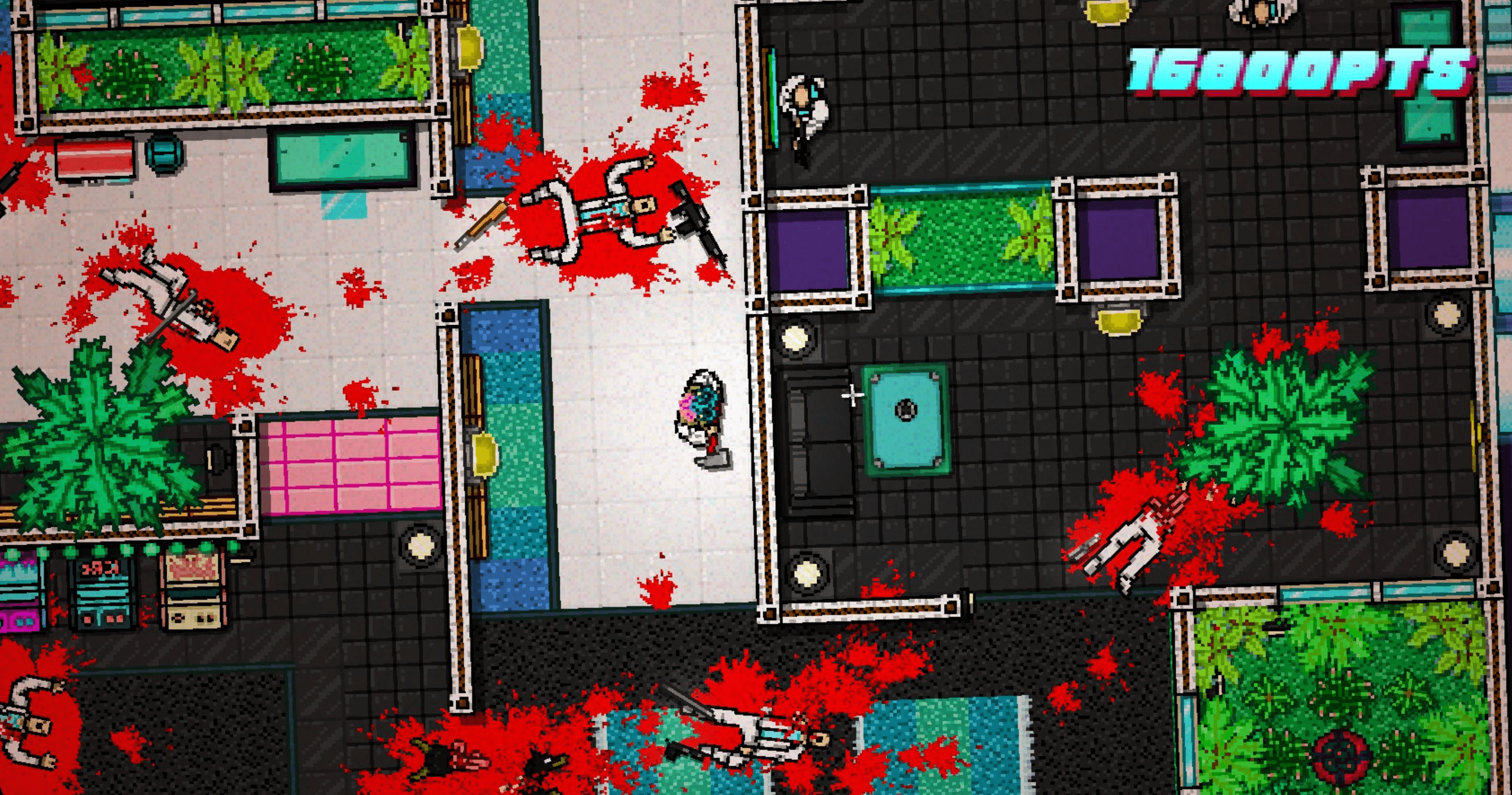 I love the improv of glass windows, green rugs and alien plants to make fish tanks. Just one problem: Borders aren't set.
As some starter advice, if you're using a lot of custom objects, readability is super important. Look at the level Gone - despite being an amazinglu well-sprited level, it can be hard to differentiate between what's solid and what can be walked over.
Using different colour codes can help - At the same time, it has to be balanced - avoid overly contrasting tiles and/or use them in moderation, such as the black and white checkered tiles, or the Death Wish tiles. They CAN look good sometimes but they usually end up making a level really ugly.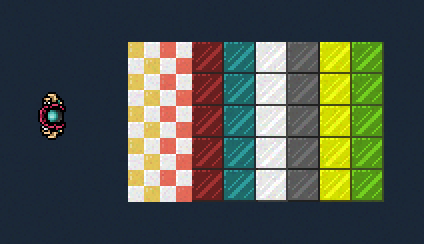
You want to telegraph stuff across the level well - e.g. don't use invisible walls without having some clear indication that an area isn't accessible. Sometimes it may just be better to use props that block off an entryway, like a fallen table at a door.
If you look at the basegame you'll realise how... simple everything actually is. It looks plain from the Editor view but remember that everything will be zoomed in when you're actually playing.
This layout for Caught looks insanely empty but you really don't process that when you play it.
Sometimes having stuff that looks too noisy is a bad idea, even if it does visually look very impressive. Make sure, most importantly, that your enemies stand out. Seizure is an example of what not to do - dark enemies against a dark floor with a dark filter.
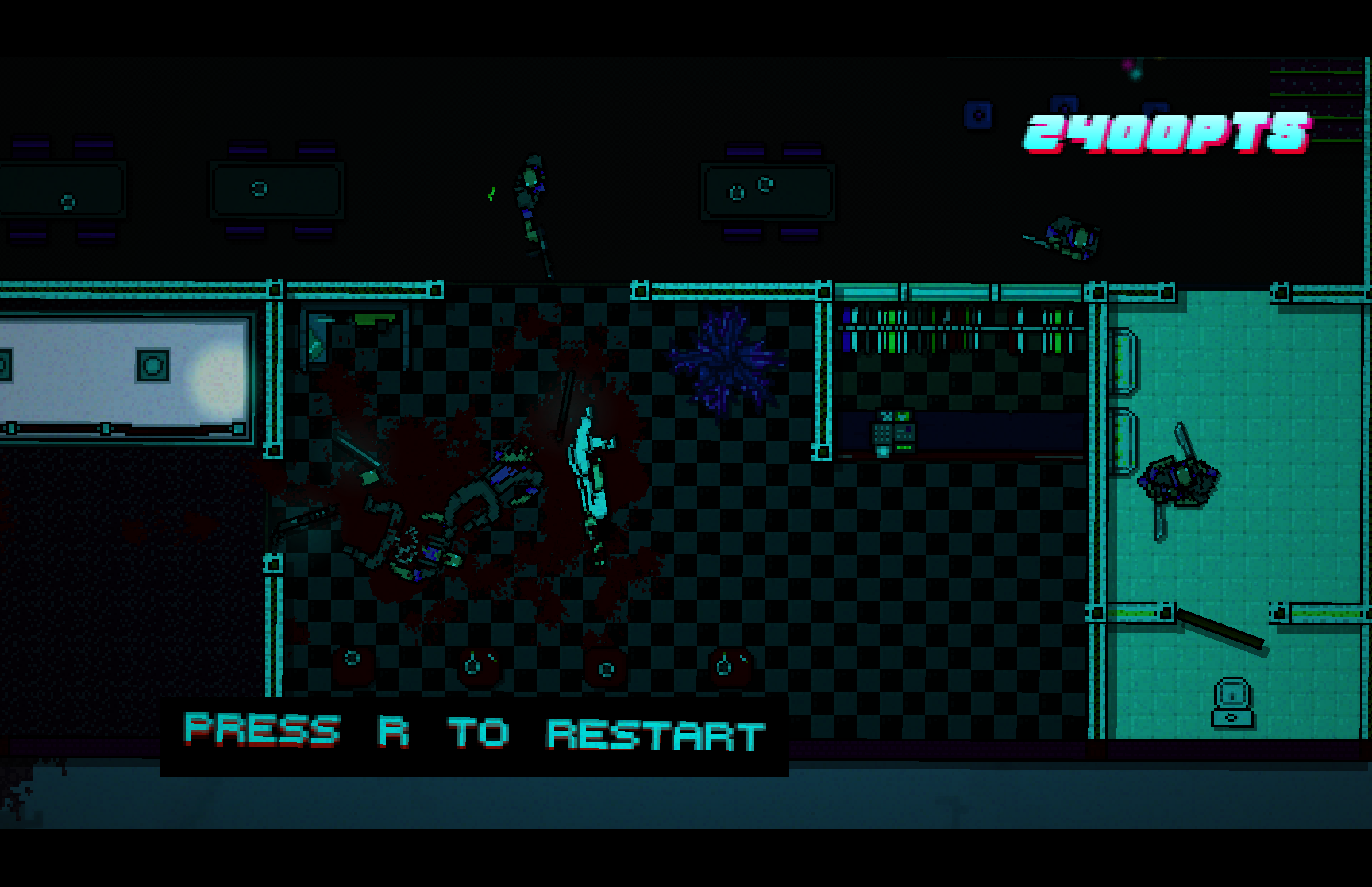 Seriously?
The level Polaris has a great unique / complex art style without getting too visually noisy.
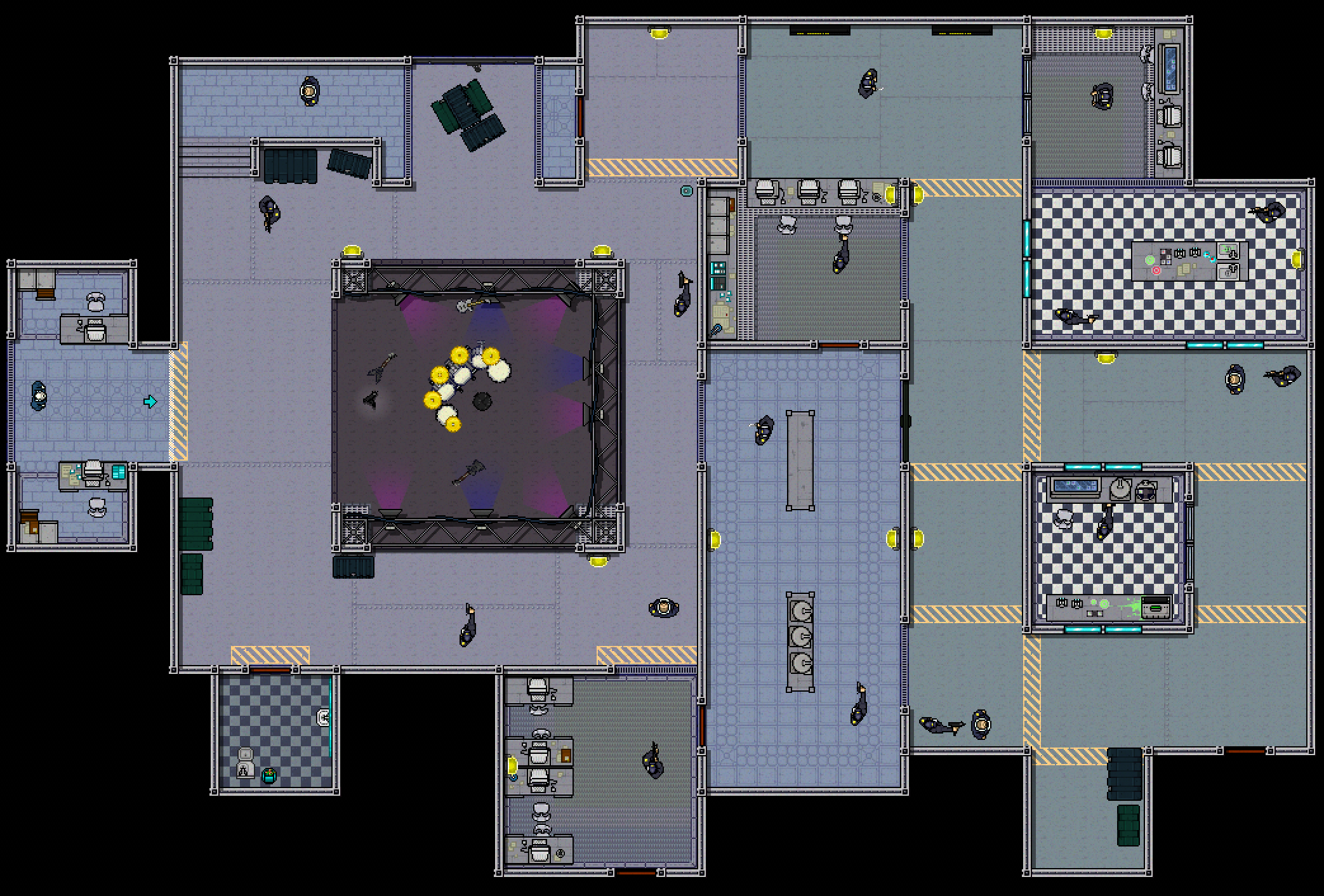 Visually unique, but simple. See how enemies stand out against the lighter background.
When it comes to actually trying to make your level look good, starting off with references is a good idea. Going somewhere like Pinterest to find visual inspiration for furniture or objects to replace is really helpful. Try tell a story with your level, with some kind of visual progression - see how Twitch moves from a movie set's exterior to its recording studio.
And don't rush to get good at art. It takes time. In time you'll find your own niche / style.
One of the best ways to start is to get involved with other interested people. Communities like TWL[discord.gg] will be full of feedback, and even if the feedback is terrible, you can still form an idea of what you're doing right and wrong.
Working with other people can be a huge weight off your shoulders! Don't be afraid to ask about collaboration or for help in general.
Have fun :)
Level Recommendations
As mentioned before, all of CrazyJaydon's levels are a great reference, with Shell Shock being (imo) the best level on the Workshop, full stop. Similarly, the previously mentioned campaign Program by Knocks is stylish, has super unique visuals and an equally unique puzzle-oriented gimmick.
Motorhead and Blimp Brawlhouse are super well-designed and beautifully sprited levels by Fusilli.
Carcharodon by Perforator and Fever by Atlan deviate from Hotline's classic art style with some fantastic spritework, and with the gimmick of having LOTS of Biker knives.
VEREVANN by toad'n'toad is a huge departure from Hotline's aesthetics with custom lighting and spritework to create a completely different atmosphere. It's a pretty good demonstration of how extreme Hotline modding can get. Similarly, Tato's Yuraigaki has some wild, experimental sprites to create the illusion of depth from a top-down angle.
- How to Install Hotline Miami 2 Music Mods★ 5 (807)44k views1.3k ♥3 minUpdated Oct 23, 2017
- Гайд по достижениям Hotline Miami 2: Wrong Number★ 5 (1.7k)40k views2.6k ♥6 minRussianUpdated Dec 20, 2016
- Weapons list / A box full of sharp objects guide / Список оружия [ENG/RU]★ 5 (1.5k)36k views1.5k ♥6 minUpdated Aug 5, 2025
- Full Achievement Guide[ENG/PL]★ 5 (1k)31k views1.8k ♥6 minUpdated Nov 27, 2016
- Hotline Miami - The Lore Explained★ 5 (2k)28k views1.8k ♥24 minUpdated Oct 30, 2016
- Хронология событий и сюжет Hotline Miami★ 5 (912)15k views805 ♥10 minRussianUpdated May 18, 2017


- Upgrading to PremiumTeam Fortress 2★ 5 (20k)1441k views11k ♥6 minUpdated May 11, 2022
- No More Room in Hell Official ManualNo More Room in Hell★ 5 (2.8k)569k views2.1k ♥29 minUpdated Apr 22, 2019
- NMRiH Community Hosting GuidesNo More Room in Hell★ 5 (526)351k views653 ♥1 minUpdated Aug 10, 2022
- ULTIMATE GUIDE FOR GAME DEV TYCOONGame Dev Tycoon★ 5 (5.8k)326k views10k ♥4 minUpdated 23 Jan, 2014
- How to 'Git Gud' Soon™MORDHAU★ 5 (2k)318k views3k ♥68 minUpdated Nov 16, 2024
- Лучшие кооперативные игры SteamPAYDAY 2★ 5 (1.5k)315k views2.1k ♥56 minRussianUpdated Apr 27, 2025






This guide was created by its original author on the Steam Community. Are you the author and want it removed? Request removal.