How to achieve nothing
An Introduction to Non-Achievement
Non-Achievement is a path many people travel. I would argue that the highest form of the human experience is doing nothing. You already know that, because why else would you be wasting your time reading this guide?
This guide will be broken up into two parts (as you can already tell): Actually Achieving Nothing and What to do if You Actually Achieve Something. In the Actually Achieving Nothing section, you will learn how to actually achieve nothing in CK2. In The What to do if You Actually Achieve Something section you will learn how to fix your game if you accidentally get an achievement.
Ready to achieve nothing? That's great! Let's get started!
Actually Achieving Nothing
Achieving nothing is relatively quite a simple process. Here are the steps you can take to ensure that you don't achieve anything.
Not Achieving Anything
Side note: most mods will disable achievements on their own which is excellent for our purposes. Some mods, like In Heaven Graphics Overhaul: Lite, are actually compatible with achievements, so be careful if you decide to only enable a mod or two.
1. Select a start time. Any time works. For this guide I went with the 769 start date.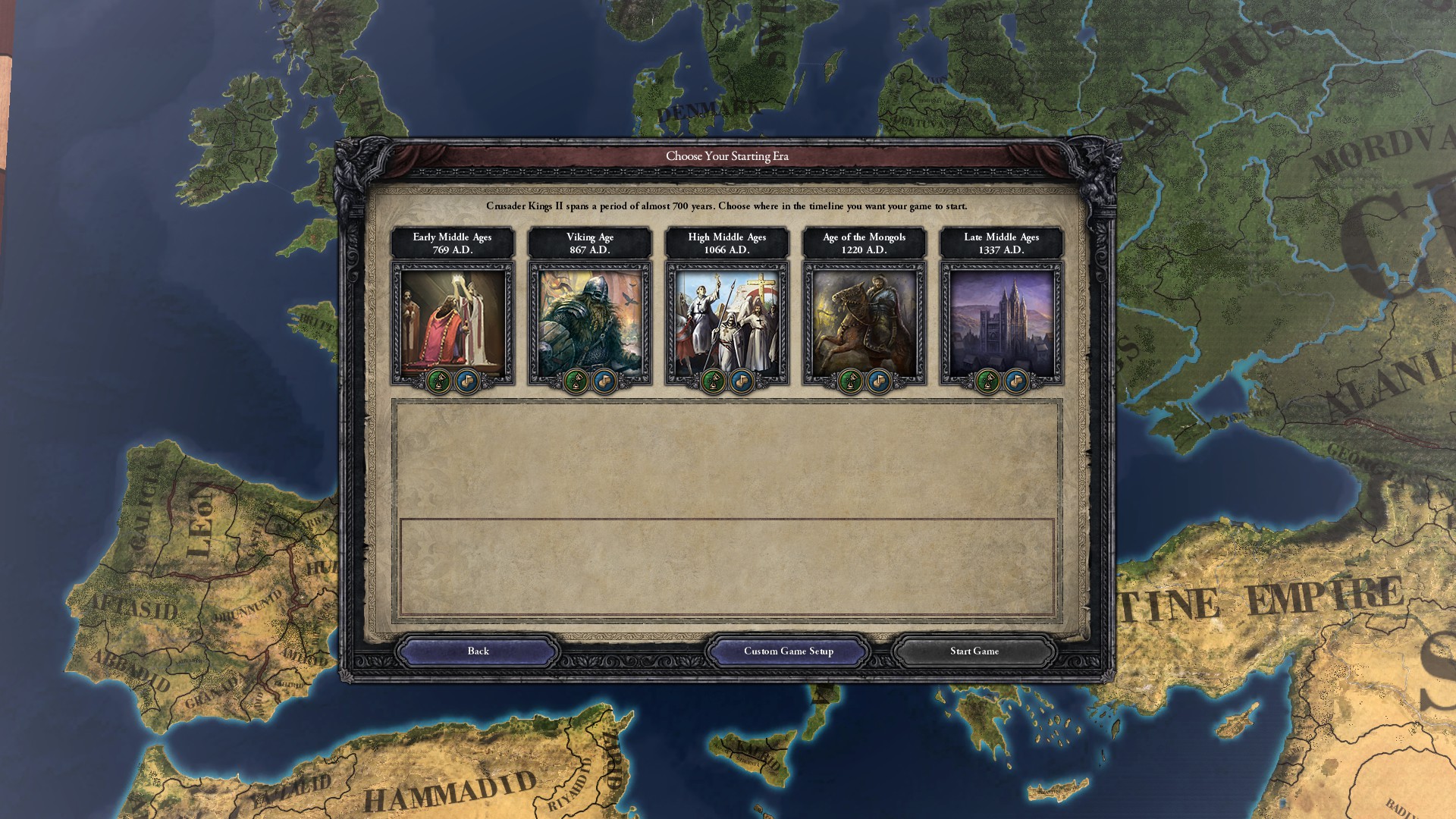 2. Choose someone to play as. Literally anyone. It should be noted that if you customize a ruler with the ruler editor you disqualify yourself from achievements. I chose Purgyal Trisong Tetsen of Tibet.
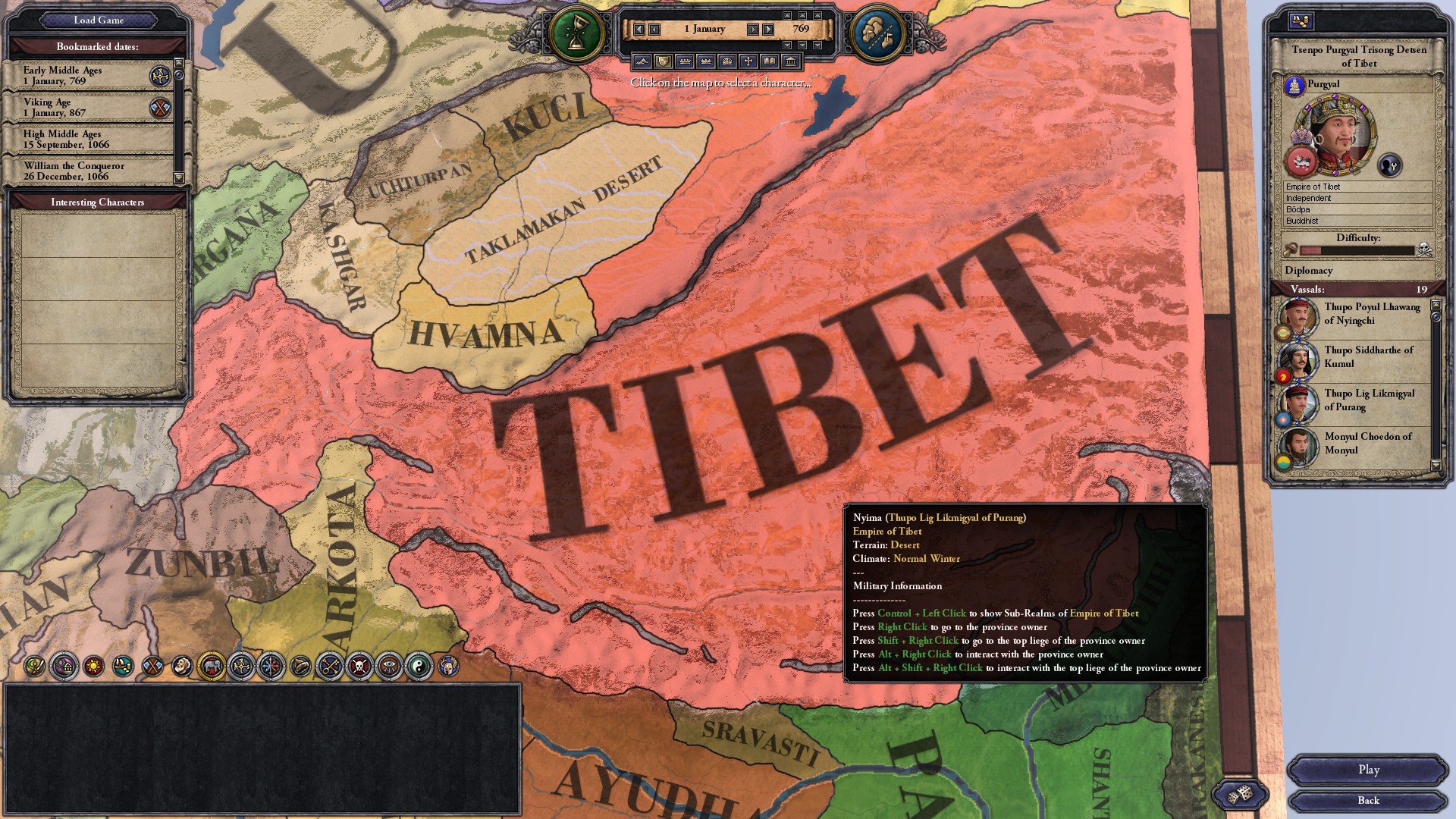 3. Now to disable achievements if you haven't already via custom ruler or enabling mods. You can do this by either disabling ironman
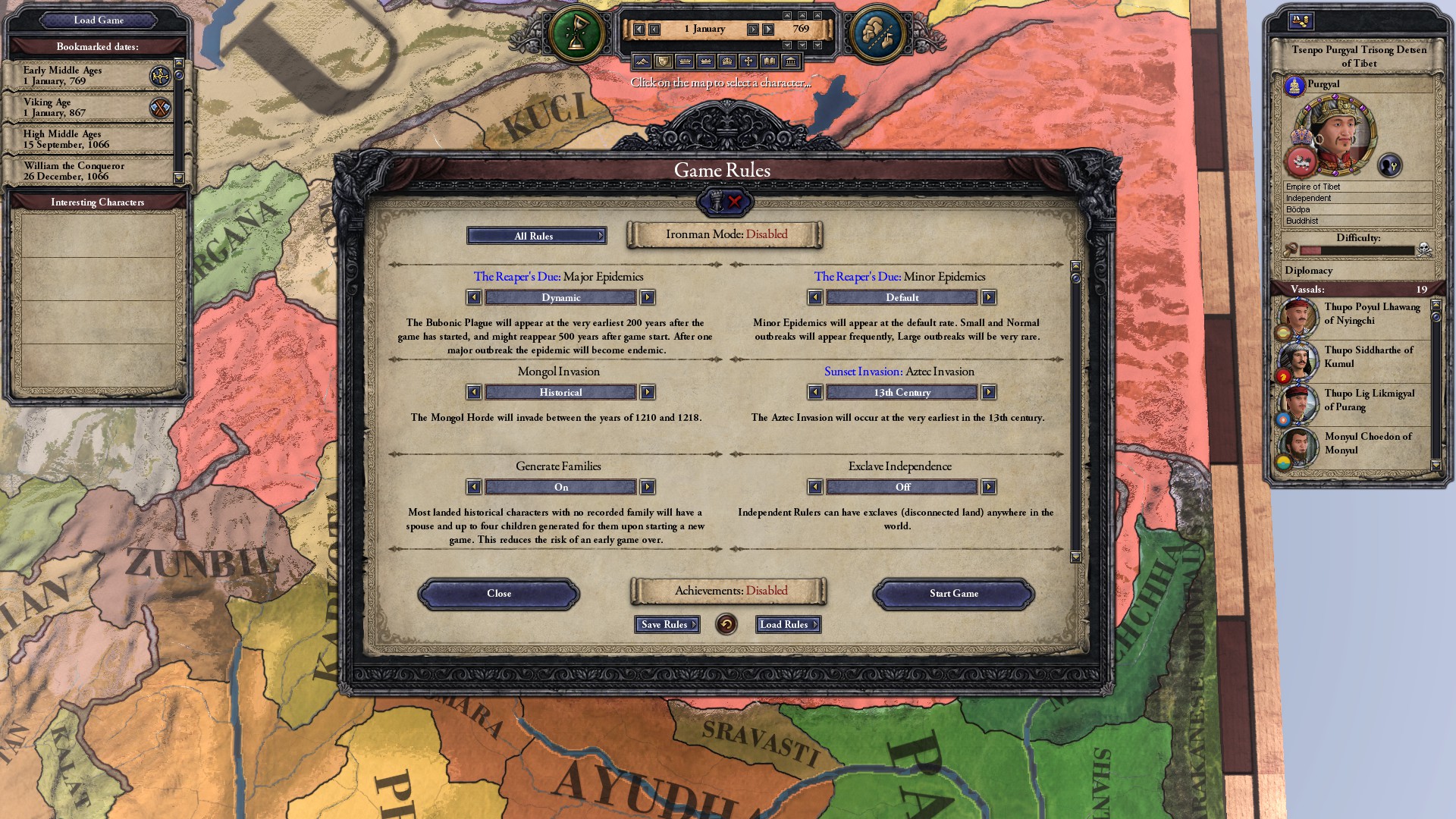 or by fiddling with the game rules until achievements get disabled like this.
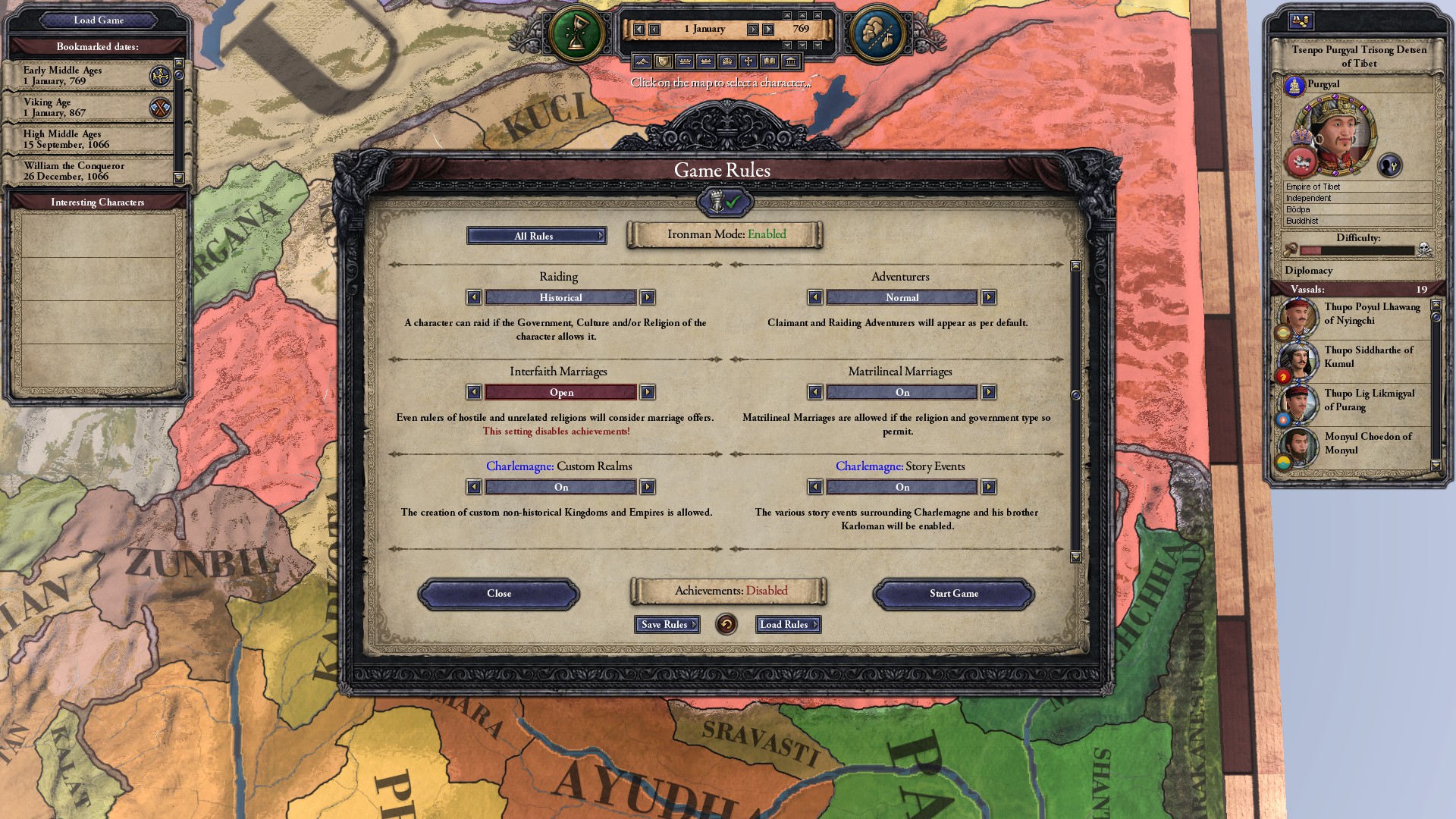 And there you go! Now you will not achieve anything and your friends and family will see every hour you spend on CK2 as a complete waste of time!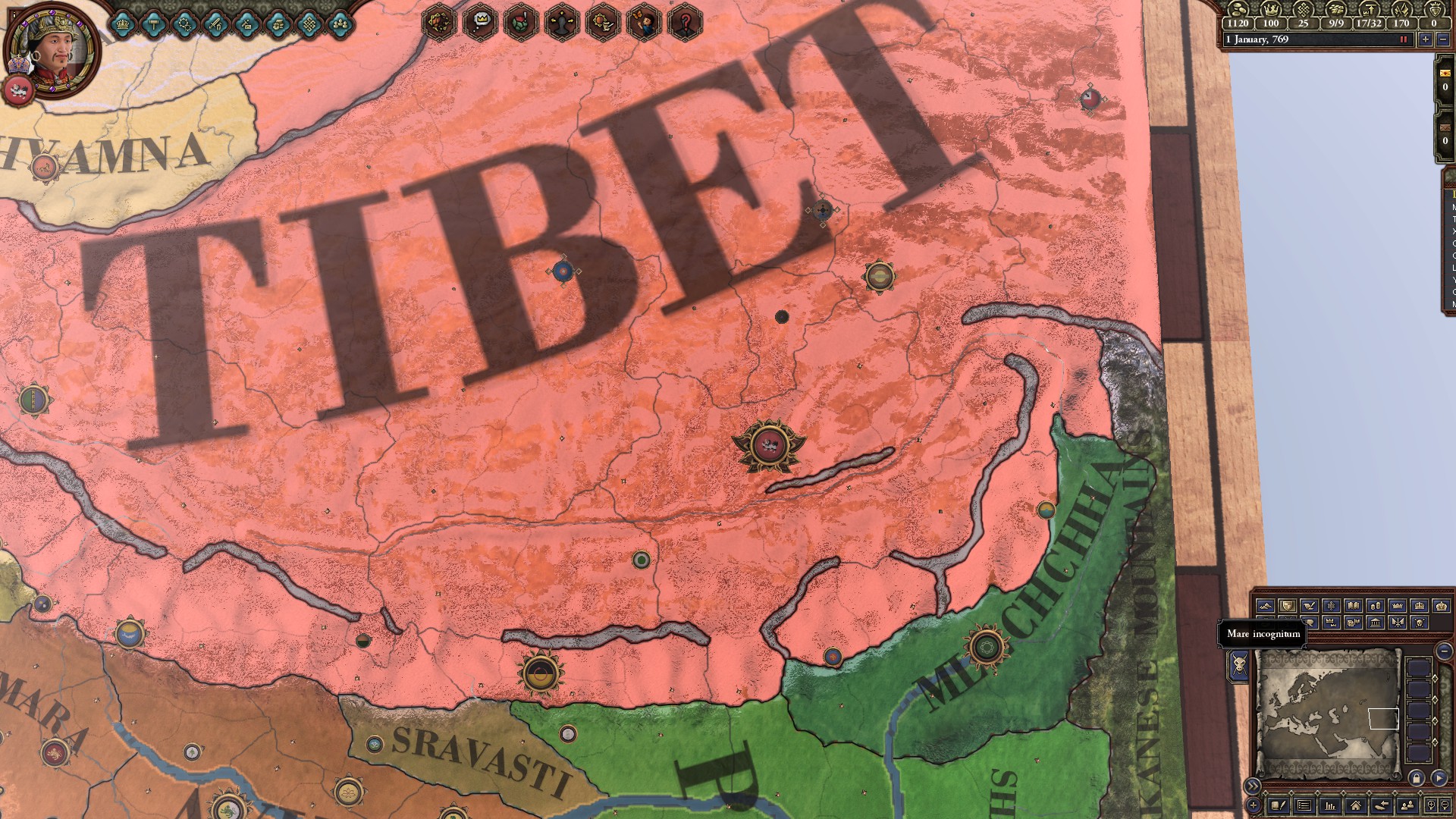
What to do if you accidentally achieve something
So let's say you were going about your day, happily doing nothing, when all of a sudden you get a pop up saying you achieved something! This is a truly horrifying experience. Now every time you leave your game you see a horrible abomination like this:
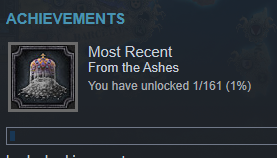
Don't worry! You won't be plagued by this insidious creature for very long! Follow these simple instructions and you'll be just fine.
1. Start or load a game with ironman disabled! If you don't have ironman disabled, you won't be able to get rid of your achievement(s).
2. Once in a game with ironman disabled, press the tilde key (~) and you should get a popup like this:
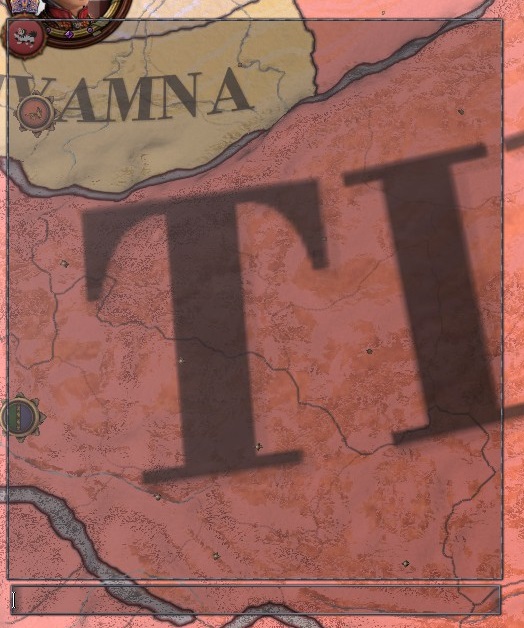
This will go away if you press the tilde key (~) again, so don't panic. 3. Type or copy/paste the following command into the box:
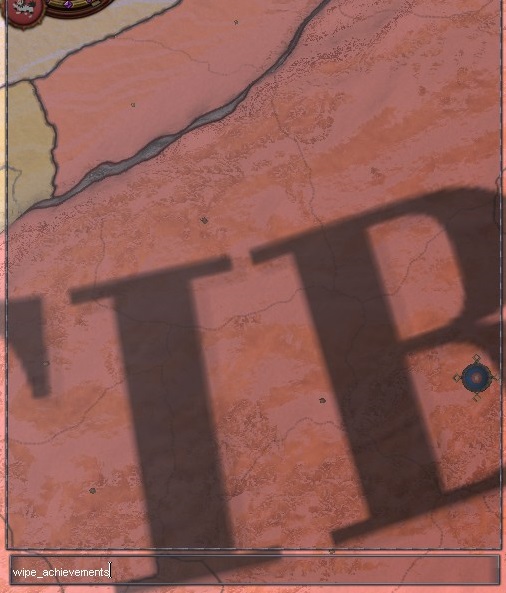 4. Press the enter key. This inputs the command (wipe_achievements) into the game's console. If it works, it'll say "Wiped your Steam Achievements!" and if it doesn't work it'll say "Unknown command".
 If you've followed all the steps up until now correctly, this is what your achievements should look like in the library:
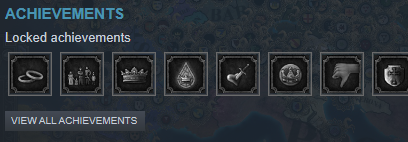 Congratulations! You've finally rid yourself of any record of having achieved things! Now you can get back to enjoying life as it was designed to be.
- Crusader Kings 2 Tutorial Series★ 5 (901)46k views1.3k ♥2 minUpdated Mar 22, 2013
- Как установить русификатор от GEKS★ 5 (851)45k views1.1k ♥1 minRussianUpdated Feb 28, 2020
- Advanced tips and tricks for beginners★ 5 (1.1k)40k views2.4k ♥65 minUpdated Apr 14
- The Power of Beautiful Women★ 5 (267)34k views228 ♥3 min
- There Can Be Only One - Immortality achievement guide★ 5 (180)20k views365 ♥7 minUpdated Mar 11, 2022
- Basics Tutorial: Learn CK2 in 20 Minutes★ 5 (297)18k views358 ♥1 minUpdated Apr 6, 2018


- Upgrading to PremiumTeam Fortress 2★ 5 (20k)1441k views11k ♥6 minUpdated May 11, 2022
- No More Room in Hell Official ManualNo More Room in Hell★ 5 (2.8k)569k views2.1k ♥29 minUpdated Apr 22, 2019
- NMRiH Community Hosting GuidesNo More Room in Hell★ 5 (526)351k views653 ♥1 minUpdated Aug 10, 2022
- ULTIMATE GUIDE FOR GAME DEV TYCOONGame Dev Tycoon★ 5 (5.8k)326k views10k ♥4 minUpdated 23 Jan, 2014
- How to 'Git Gud' Soon™MORDHAU★ 5 (2k)318k views3k ♥68 minUpdated Nov 16, 2024
- Лучшие кооперативные игры SteamPAYDAY 2★ 5 (1.5k)315k views2.1k ♥56 minRussianUpdated Apr 27, 2025






This guide was created by its original author on the Steam Community. Are you the author and want it removed? Request removal.