친구추가 하는 법/how to add friends.
arc 클라이언트에서 하는방법 / as arc client
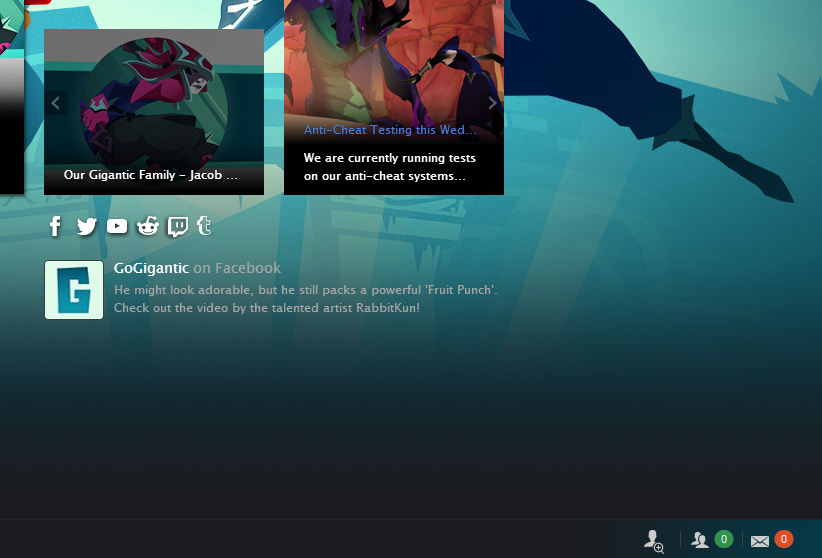
- 우측 하단에 있는 친구 표시를 클릭합니다.
Click the "Friends" mark in the bottom right corner.
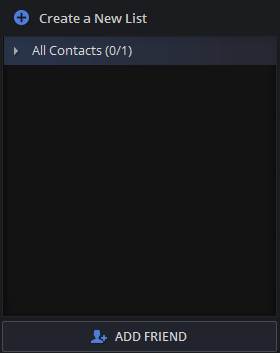
 2.add friends를 클릭 한다
click the 'add friends'
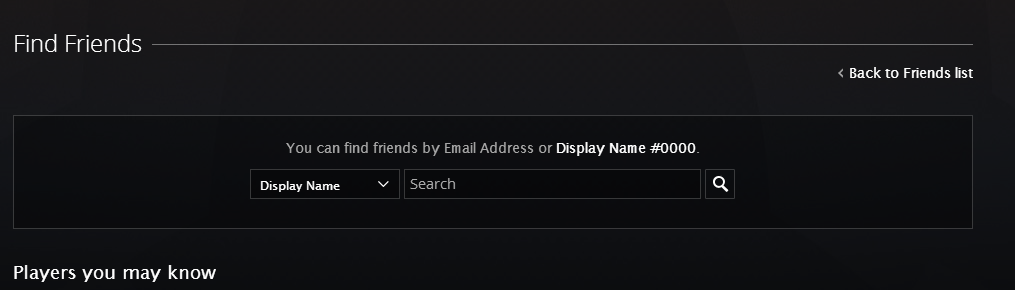
3.친구의 아이디를 넣습니다.
search your friend code.
인게임에서 추가하는 방법 /as in-game
- shift + F1 을 누릅니다.
press shift and F1. - add friends를 클릭합니다. click to 'add friends'
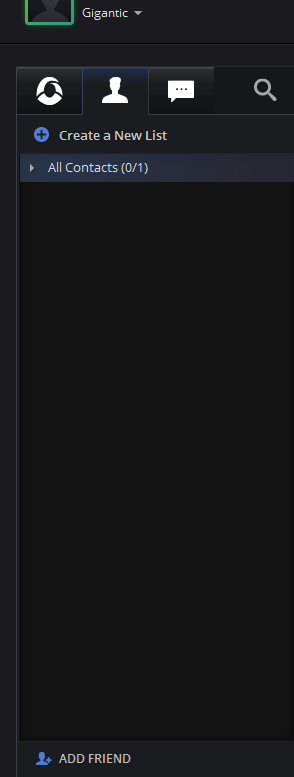
- 친구코드를 입력합니다.
search your friend code
More Gigantic guides
- How to get ♥♥♥♥♥♥♥♥♥♥★ 5 (180)16k views139 ♥2 minUpdated 23 Jul, 2017
- Character builds (Best upgrade paths)★ 4 (169)9k views317 ♥14 minUpdated 20 Oct, 2017
- Things I learned so far that might help★ 4 (57)4.8k views27 ♥5 minUpdated 1 Aug, 2017
- Русскоязычный гайд по Gigantic★ 4 (146)3.8k views105 ♥3 minRussianUpdated 19 Apr, 2018
- 자이겐틱 한글 패치★ 5 (210)3.3k views442 ♥1 minKoreanUpdated 6 Feb, 2018
- Aisling - Support, Tank, Summoner★ 4 (42)2.4k views32 ♥15 minUpdated 29 Aug, 2017





🔥 Popular guides
- Upgrading to PremiumTeam Fortress 2★ 5 (20k)1441k views11k ♥6 minUpdated May 11, 2022
- No More Room in Hell Official ManualNo More Room in Hell★ 5 (2.8k)569k views2.1k ♥29 minUpdated Apr 22, 2019
- NMRiH Community Hosting GuidesNo More Room in Hell★ 5 (526)351k views653 ♥1 minUpdated Aug 10, 2022
- ULTIMATE GUIDE FOR GAME DEV TYCOONGame Dev Tycoon★ 5 (5.8k)326k views10k ♥4 minUpdated 23 Jan, 2014
- How to 'Git Gud' Soon™MORDHAU★ 5 (2k)318k views3k ♥68 minUpdated Nov 16, 2024
- Лучшие кооперативные игры SteamPAYDAY 2★ 5 (1.5k)315k views2.1k ♥56 minRussianUpdated Apr 27, 2025






This guide was created by its original author on the Steam Community. Are you the author and want it removed? Request removal.