MKXHook | Playable NPCs, 60 FPS everywhere and more!
Introduction
MKXHook is a plugin for PC version of Mortal Kombat X.
Features
Feature
Description
60 FPS Patch
Removes 30 fps lock from X-Rays, intros and fatalities. If your PC does not have required hardware, turning this option on might have negative impact on perfomance!
NPC Fixes
Female NPCs correctly play "Finish Her" and all NPCs can be finished. Rain now uses Kung Lao's victory pose.
Disable Sweat Effect
Disables the sweat effect that appears during fights.
Menu features
Character Modifier
Play as NPCs - Rain, Baraka, Sindel or Corrupted Shinnok. Change forced character in story mode or other modes.
Stage Modifier
Change stage to anything in any game mode.
Variation Manager
Load multiple variations for one character. Use other character variations (this will crash with certain variations!).
Player Control
Change speed and scale of players. Scale setting is visual only!
Speed Modifier
Change game speed, enjoy fights in slowmotion!
Camera Control
Freeze camera position & rotation. Freely move and rotate camera with keyboard hotkeys. Play in predefined custom camera modes: 3RD Person & 1ST Person.
Cheats
All cheats can be toggled for both P1 and P2: Infinite Health, Zero Health, 1 Health, Infinite Super Bar
Misc.
Unlock all costumes. Disable combo scaling.
Each MKX update will most likely break the plugin, keep that in mind!
Download
You can download latest MKXHook release from GitHub:
Download[github.com]
Installation
Obtaining game folder
Go to your library and find Mortal Kombat X. Right click on game name and select Browse local files from Manage.
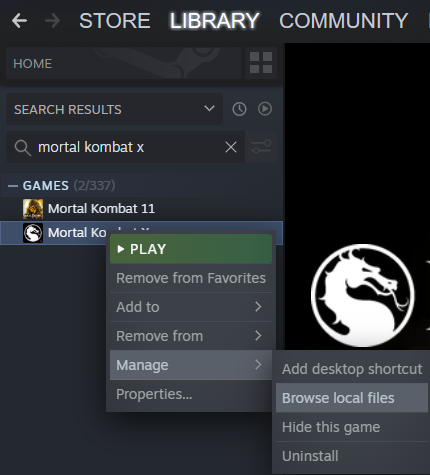
This will open an explorer window with your game folder.
Go to Binaries and then to Retail directory. You will end up in MK10.exe location.Extract downloaded MKXHook archive here and you are all set.
Make sure MKXHook. asi/ini and dinput8.dll are near MK10.exe!
NOTE: You might need to turn off in-game V-Sync if 60 fps patch is not applied!
NOTE: This will work with DX11 (default) only! If you use DX10 or DX9 switches, please remove them
Screenshots
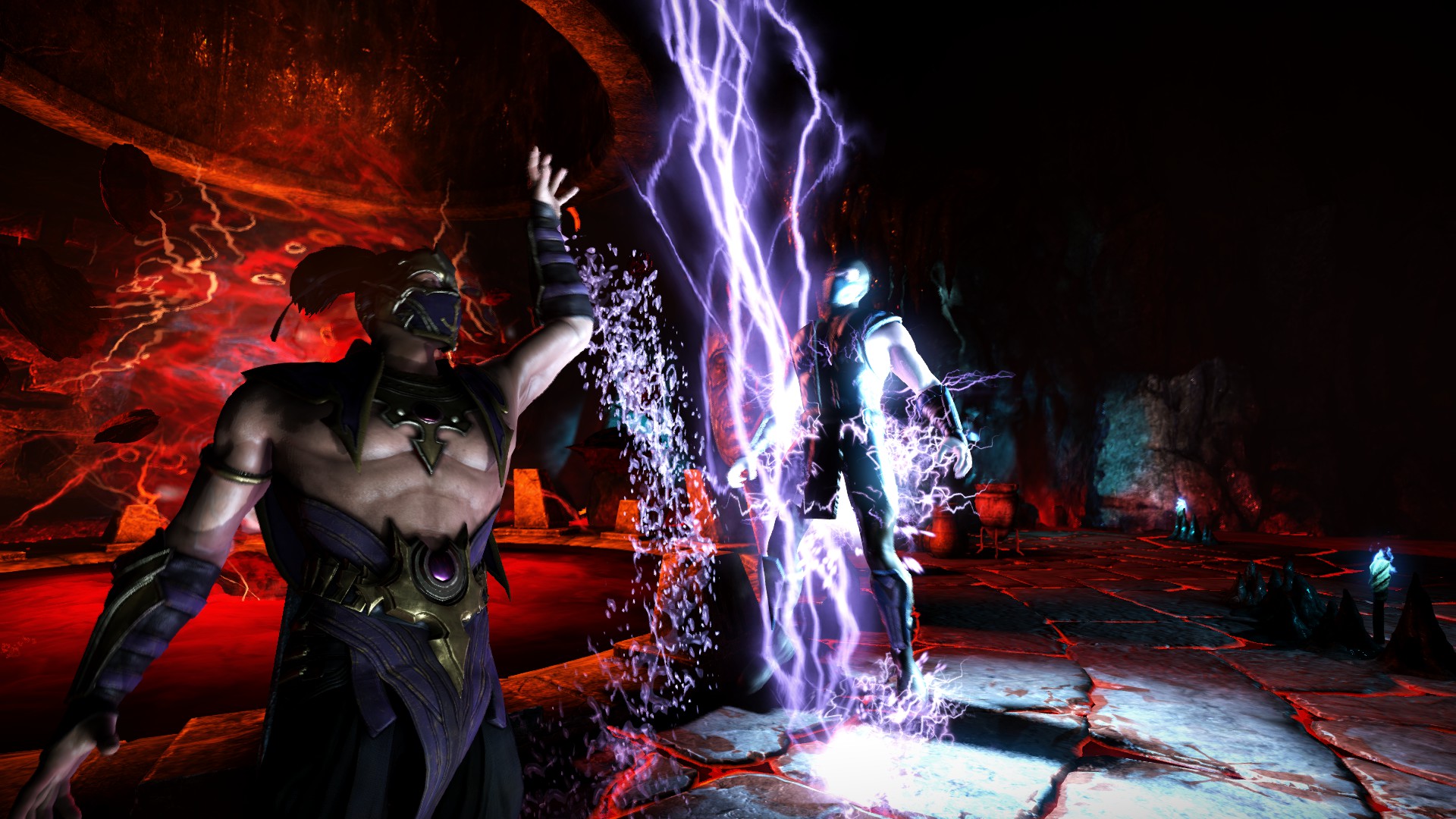
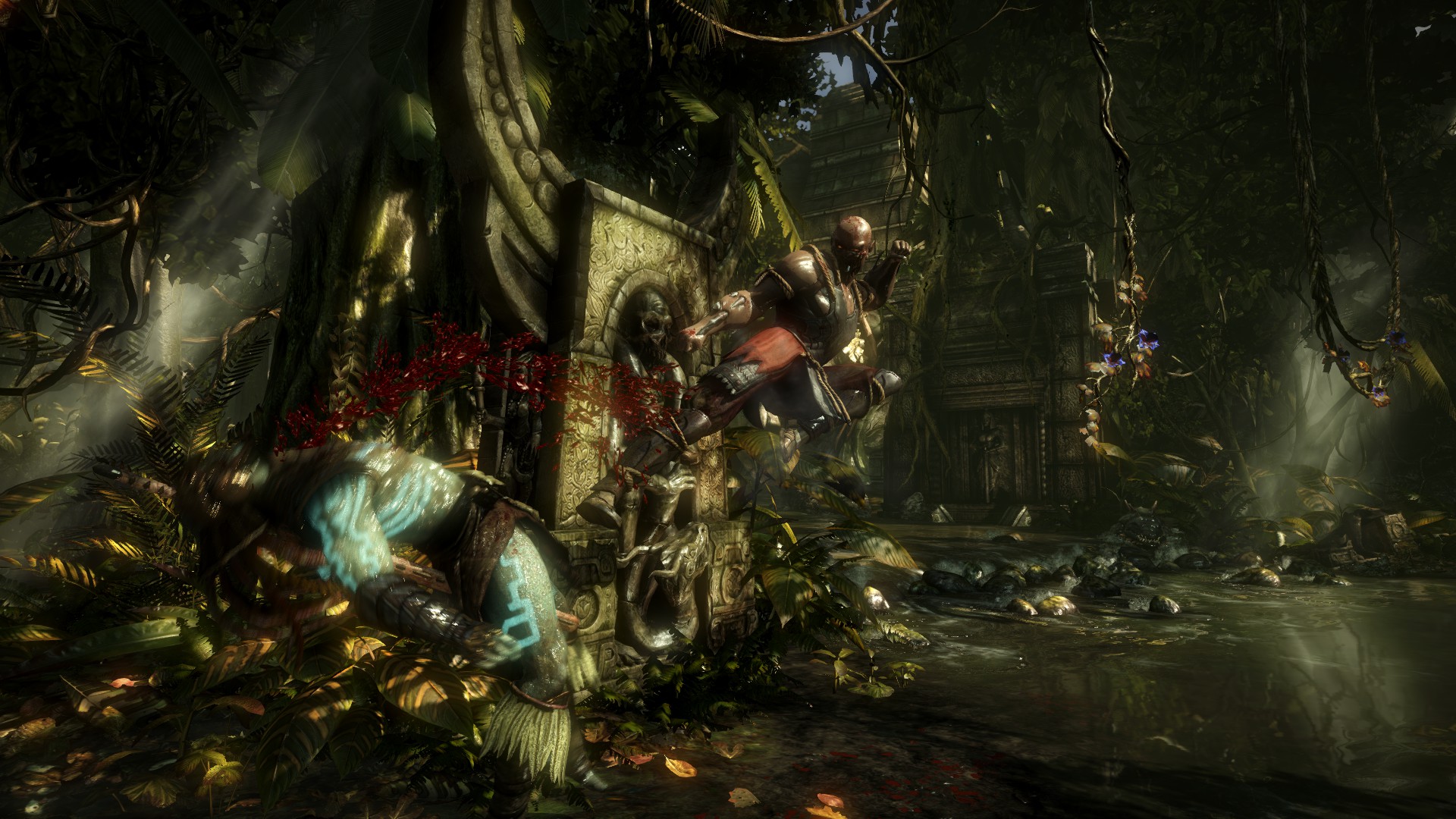
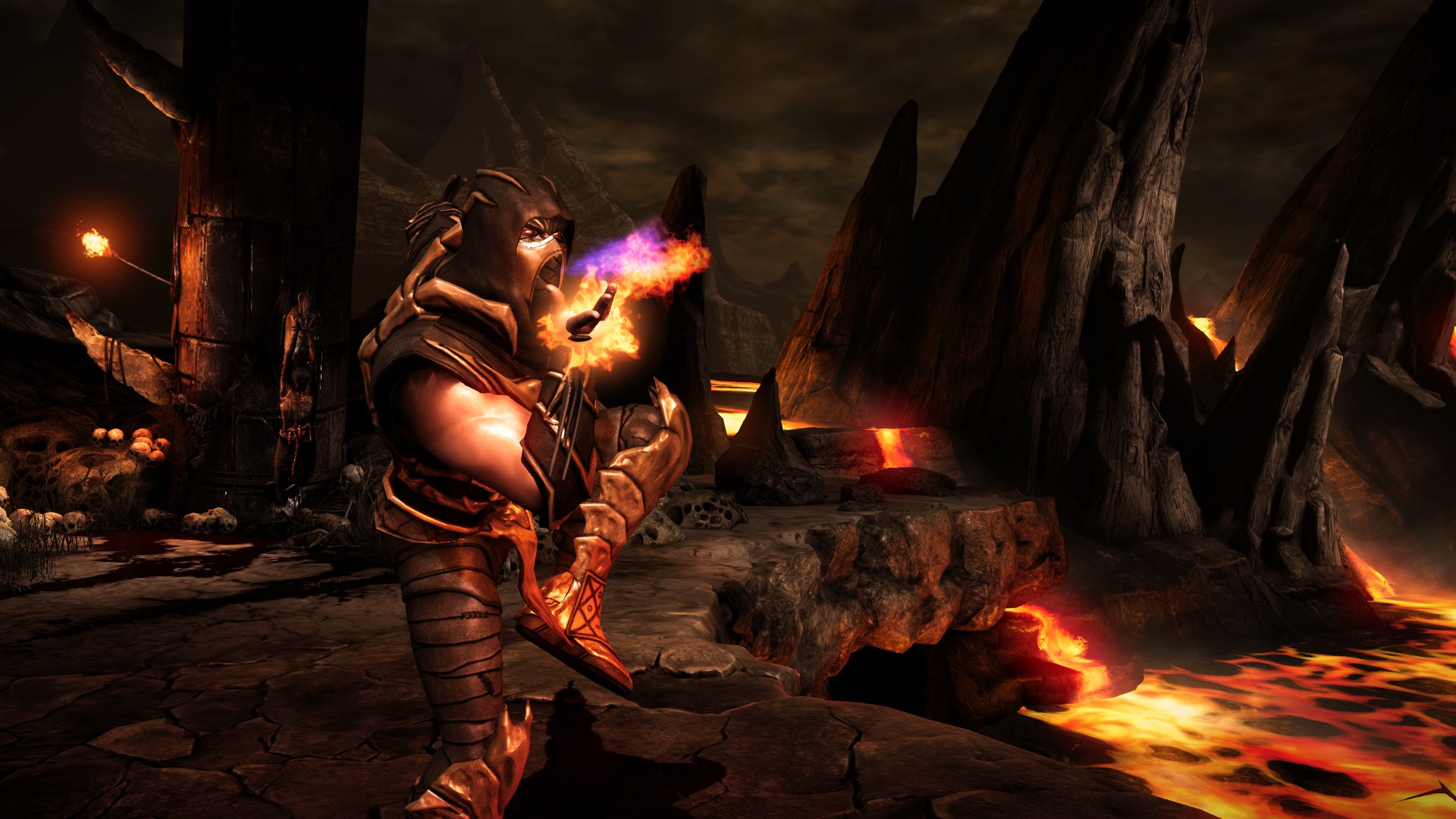
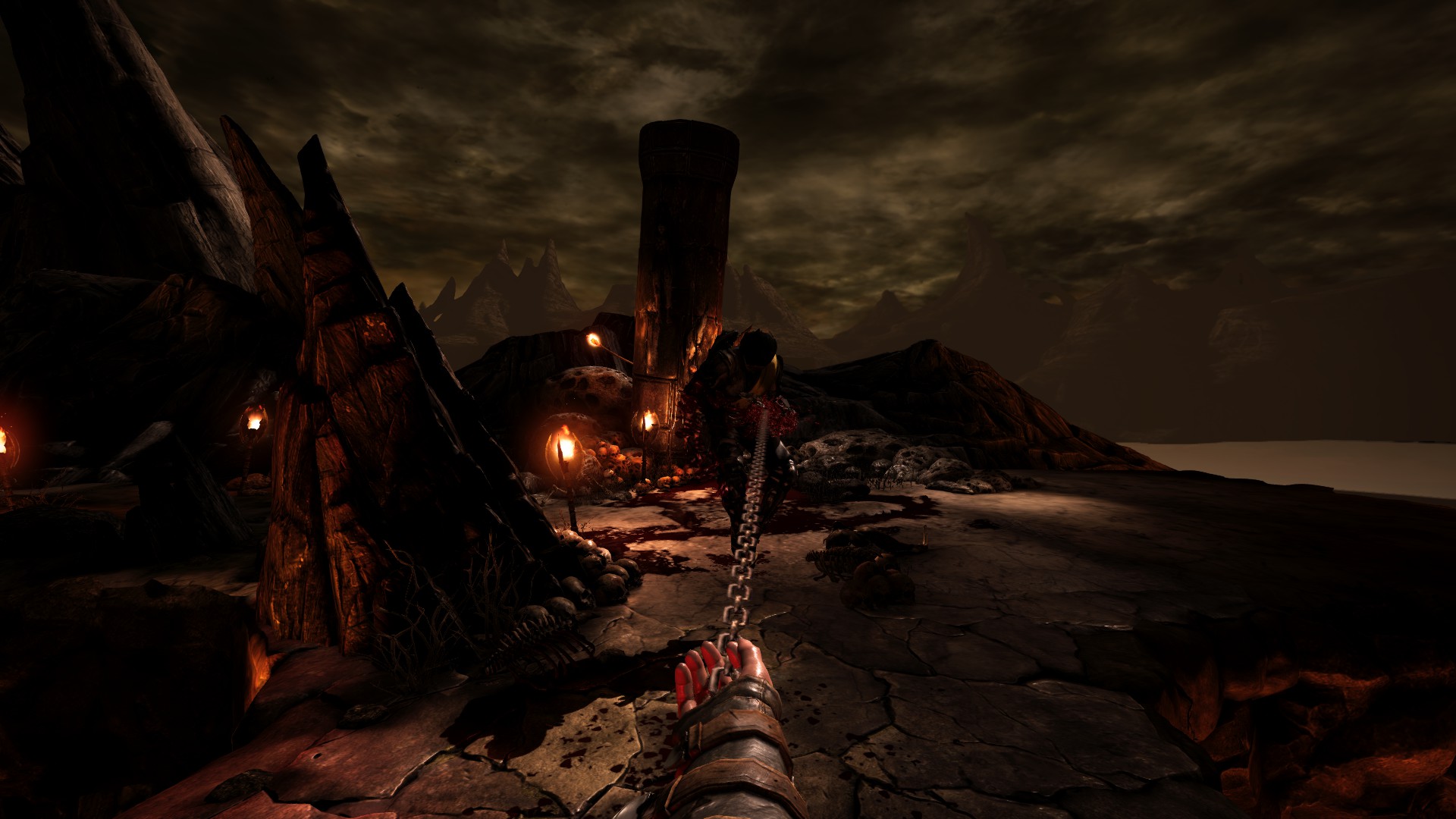
Usage
Press F1 at any time to open the menu.
This key can be changed!
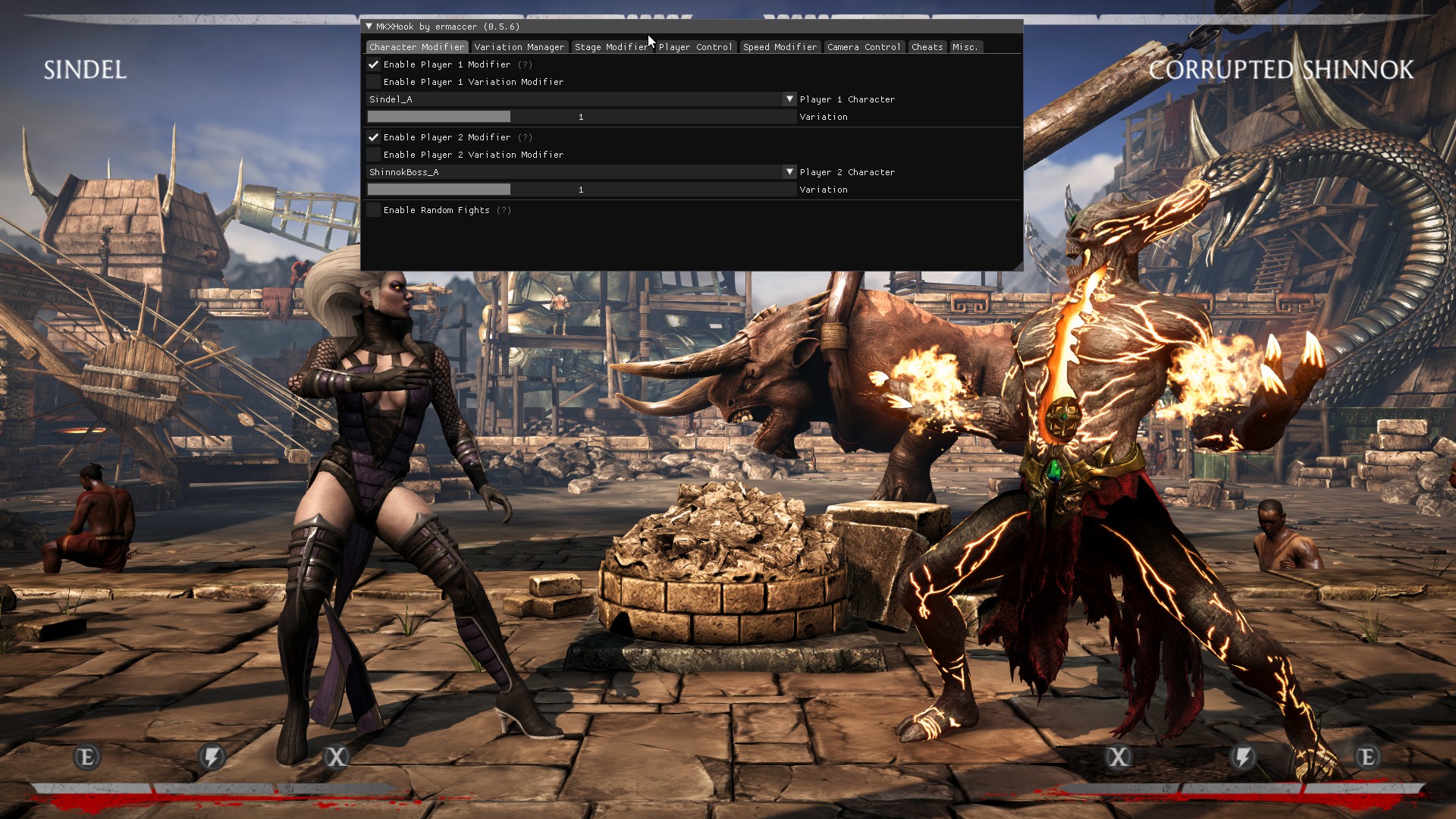
This key can be changed!
Configuration
MKXHook can be configured using MKXHook.ini file - you can open it with any text editor.
If you are not sure what to type where, here's a quick reference guide:
b
- option can be true or falsei
- option can be any number in decimal (1) or hex format (0x1)
All options have a comment attached to them.
Online Compatibility
This only applies to private games or games you and your friend/enemy have set up before! You cannot use MKXHook online when the other person doesn't use it!
None of the options will work online if the other person does not use the plugin and has the
same features toggled on as you, this plugin can not be used to cheat online.
same features toggled on as you, this plugin can not be used to cheat online.
You can use most options online, but you need to follow one rule:
Do everything at select screen!
Playing as NPCs online
This is rather simple to set up.
Guide:
- Host a game, invite your friend to join it
- Figure out who is at which side (left/right)
Left - Player 1 Right - Player 2 - If you are on the Left side, select your NPC character as Player 1 Modifier
- Inform the other player about the option you've selected, second player must also change his Player 1 Modifier (left side)
- Apply same steps for right side (Player 2)
- If everything is done at select screen, you should be playing online as NPCs with no sync issues
Online MKXHook gameplay:
More Mortal Kombat X guides
- ALL FATALITIES★ 5 (959)25k views1.4k ♥4 minRussianUpdated 15 Jul, 2019
- Mortal Kombat X Fatality Codes★ 5 (665)23k views718 ♥4 minUpdated 29 Apr, 2017
- Mortal Kombat X - Получаем Достижения 100%★ 5 (1.1k)22k views1.3k ♥9 minRussianUpdated 12 Oct, 2016
- Scorpion - путь к победе, комбо, фаталити, костюмы, тактика игры★ 5 (420)22k views528 ♥5 minUpdated 9 May, 2015
- Printable Move Lists [All Languages]★ 5 (344)22k views350 ♥1 minUpdated 31 May, 2015
- Значки PS4★ 5 (563)22k views902 ♥1 minRussianUpdated 5 Jul, 2018





🔥 Popular guides
- Upgrading to PremiumTeam Fortress 2★ 5 (20k)1441k views11k ♥6 minUpdated May 11, 2022
- No More Room in Hell Official ManualNo More Room in Hell★ 5 (2.8k)569k views2.1k ♥29 minUpdated Apr 22, 2019
- NMRiH Community Hosting GuidesNo More Room in Hell★ 5 (526)351k views653 ♥1 minUpdated Aug 10, 2022
- ULTIMATE GUIDE FOR GAME DEV TYCOONGame Dev Tycoon★ 5 (5.8k)326k views10k ♥4 minUpdated 23 Jan, 2014
- How to 'Git Gud' Soon™MORDHAU★ 5 (2k)318k views3k ♥68 minUpdated Nov 16, 2024
- Лучшие кооперативные игры SteamPAYDAY 2★ 5 (1.5k)315k views2.1k ♥56 minRussianUpdated Apr 27, 2025






This guide was created by its original author on the Steam Community. Are you the author and want it removed? Request removal.