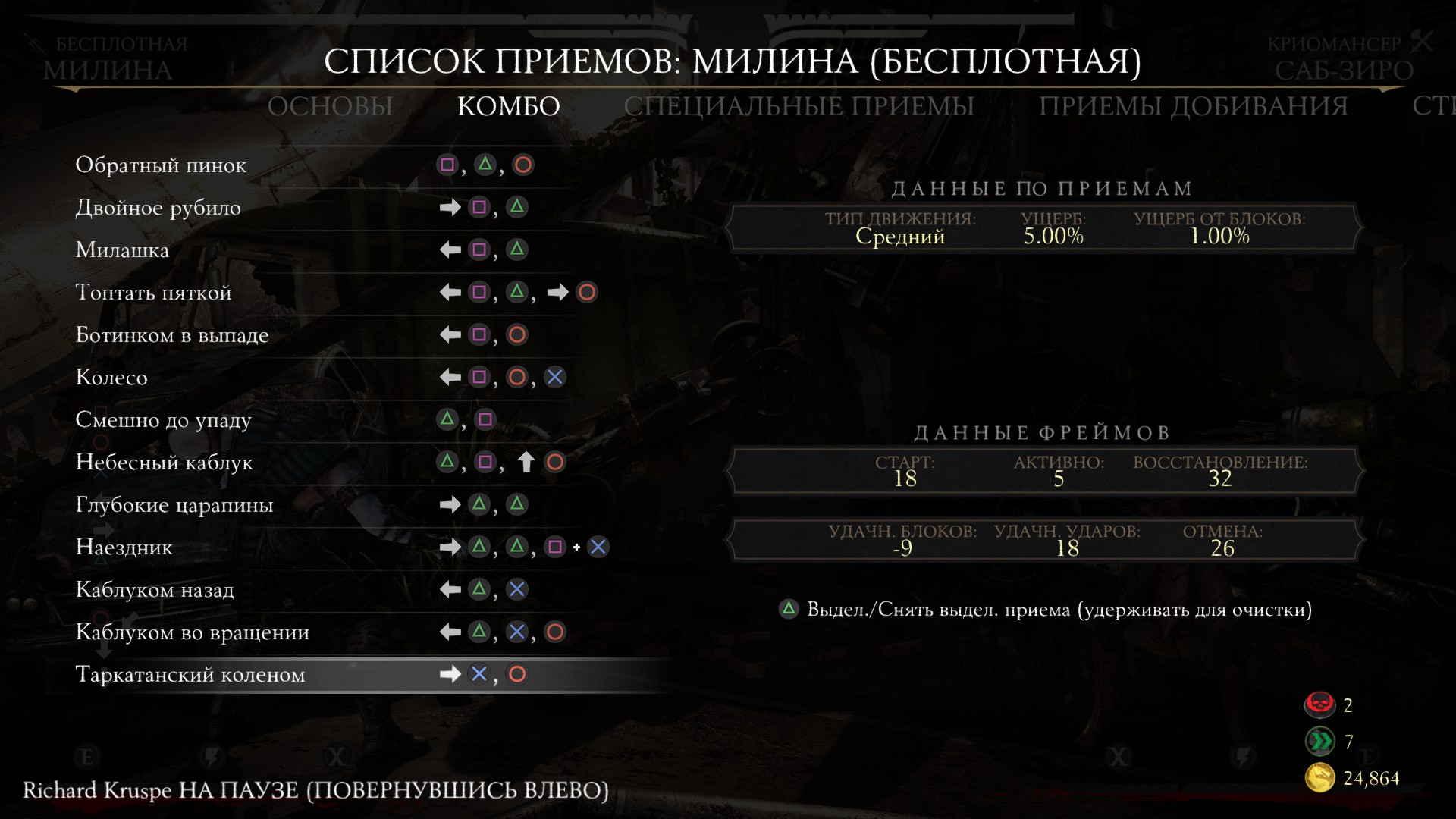
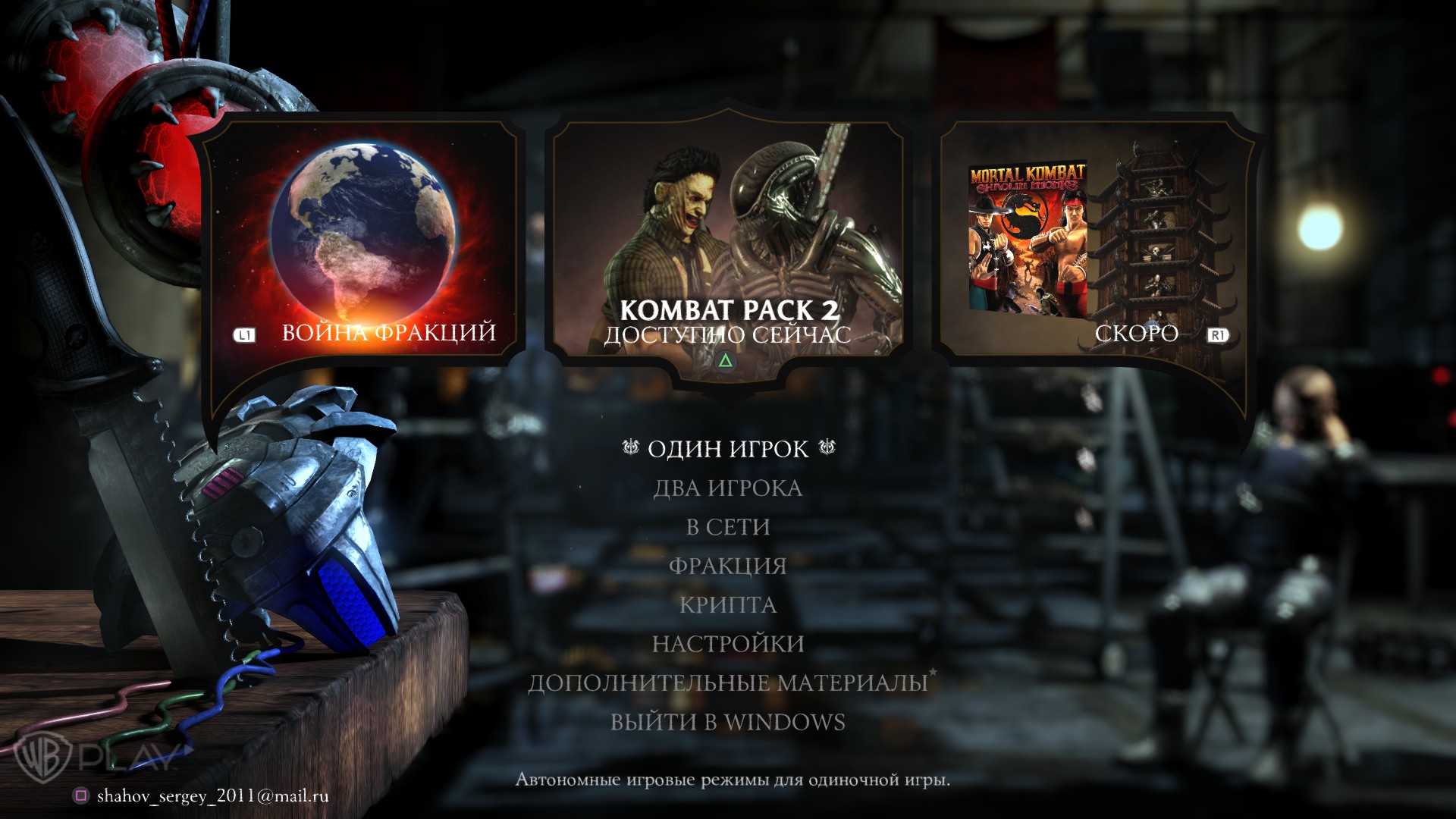
PS4 icons (eng)
How to install
- Go to the link [www.playground.ru] or http://www.playground.ru/files/mortal_kombat_x_dualshock_button-137561/
- Download file
- Go to the root folder of the game X: \ SteamApps \ common \ MK10 or go to Steam → Find MK X → PCM → Properties → Local Files → View local files and find the folder Assets
- Drop the downloaded file there ui_c_buttonLib.xxx
- Enjoy
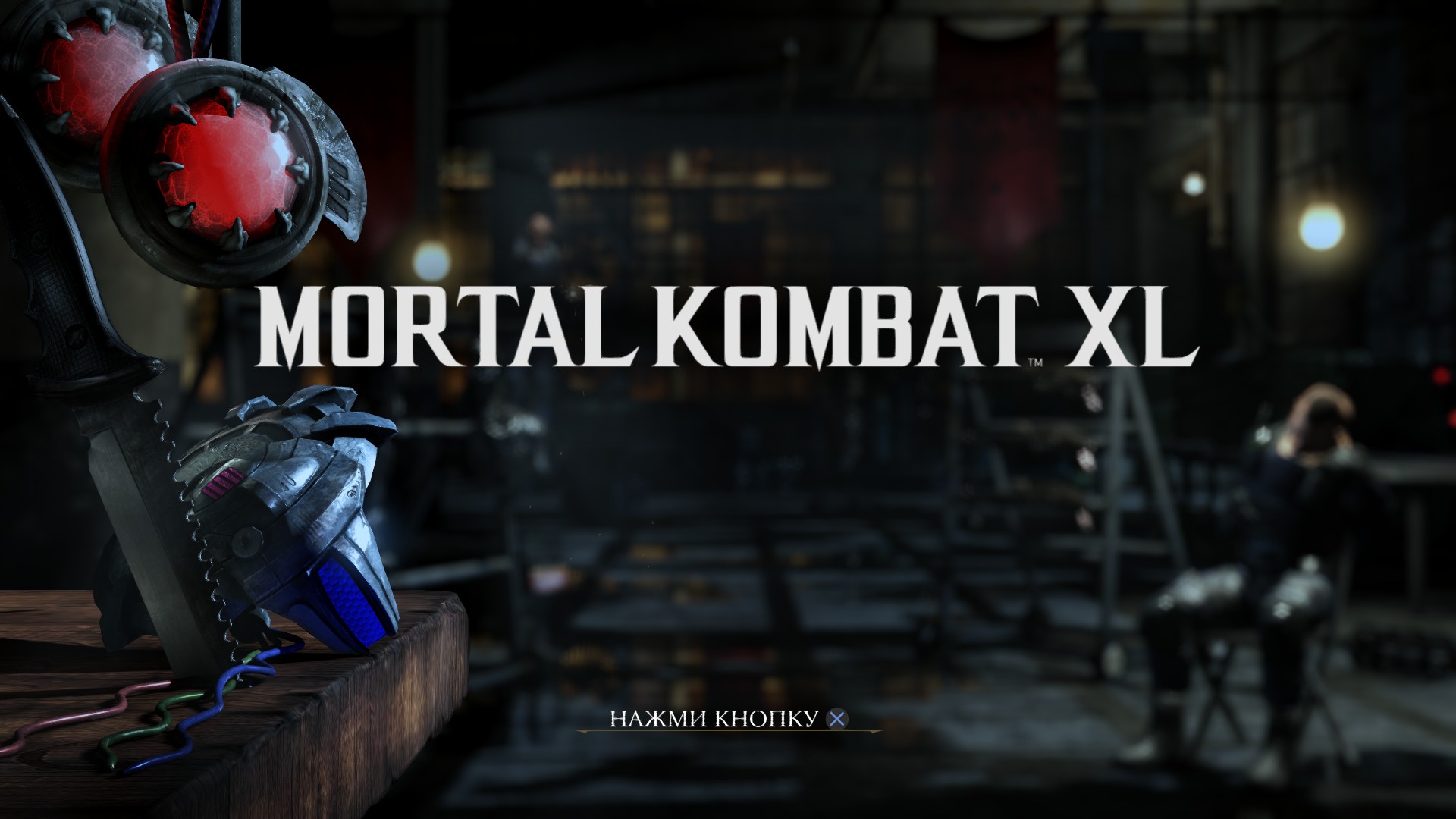
Result
More Mortal Kombat X guides
- ALL FATALITIES★ 5 (959)25k views1.4k ♥4 minRussianUpdated 15 Jul, 2019
- Mortal Kombat X Fatality Codes★ 5 (665)23k views718 ♥4 minUpdated 29 Apr, 2017
- Mortal Kombat X - Получаем Достижения 100%★ 5 (1.1k)22k views1.3k ♥9 minRussianUpdated 12 Oct, 2016
- Scorpion - путь к победе, комбо, фаталити, костюмы, тактика игры★ 5 (420)22k views528 ♥5 minUpdated 9 May, 2015
- Printable Move Lists [All Languages]★ 5 (344)22k views350 ♥1 minUpdated 31 May, 2015
- Значки PS4★ 5 (563)22k views902 ♥1 minRussianUpdated 5 Jul, 2018




🔥 Popular guides
- Upgrading to PremiumTeam Fortress 2★ 5 (20k)1441k views11k ♥6 minUpdated May 11, 2022
- No More Room in Hell Official ManualNo More Room in Hell★ 5 (2.8k)569k views2.1k ♥29 minUpdated Apr 22, 2019
- NMRiH Community Hosting GuidesNo More Room in Hell★ 5 (526)351k views653 ♥1 minUpdated Aug 10, 2022
- ULTIMATE GUIDE FOR GAME DEV TYCOONGame Dev Tycoon★ 5 (5.8k)326k views10k ♥4 minUpdated 23 Jan, 2014
- How to 'Git Gud' Soon™MORDHAU★ 5 (2k)318k views3k ♥68 minUpdated Nov 16, 2024
- Лучшие кооперативные игры SteamPAYDAY 2★ 5 (1.5k)315k views2.1k ♥56 minRussianUpdated Apr 27, 2025






This guide was created by its original author on the Steam Community. Are you the author and want it removed? Request removal.