Quake Remastered (KEX Engine) - Useful Console Commands You Should Use
Recommended Commands
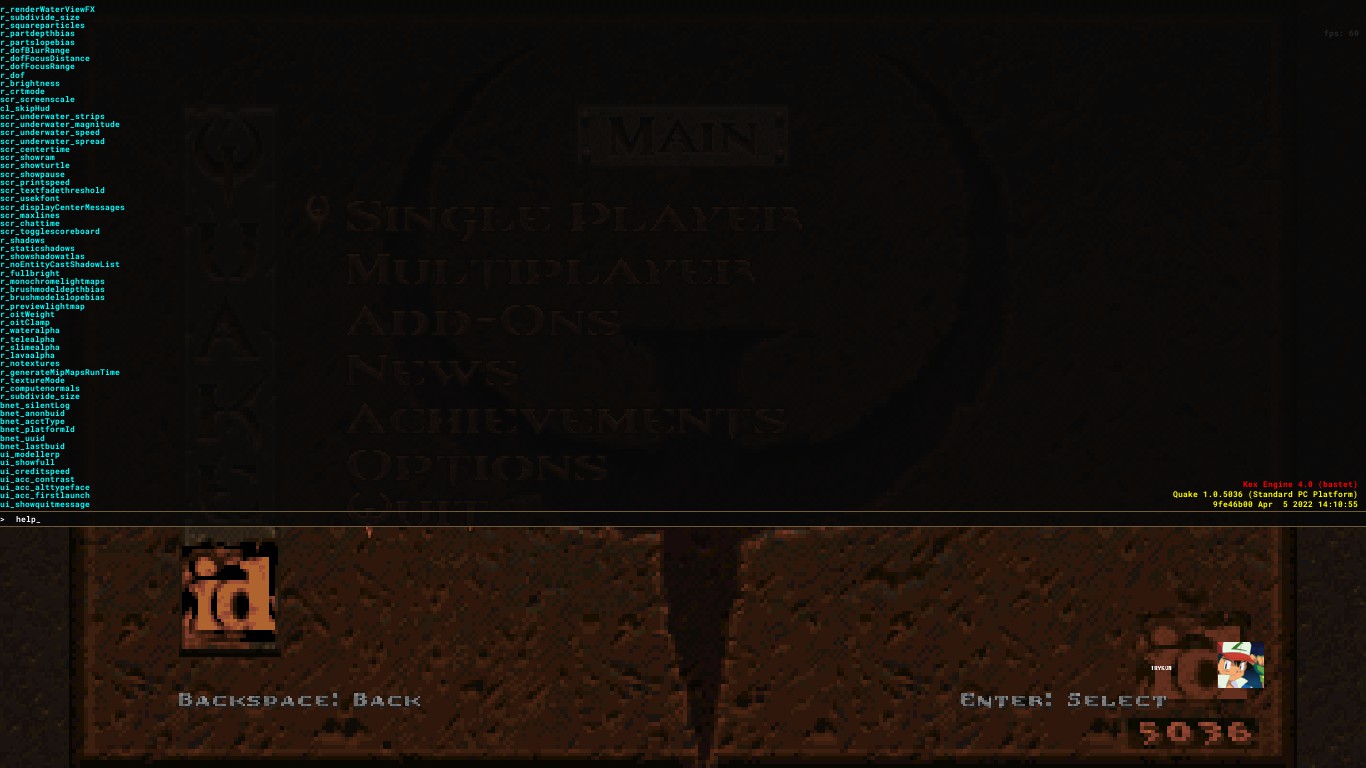
clear - Clears all console text.
g_showintromovie "1" - Skips(0/1) the intro videos and goes straight to the game menu.
ui_showquitmessage "1" - Enables(0/1) the classic quit prompt.
restart - Restarts video mode. Required when setting specific video settings.
con_showfps "1" - Displays(0/1) current FPS at the top right corner of the screen.
cl_engineFPS "<value>" - Sets a custom max fps value.
v_vsync "0" - Disables VSync.
r_brightness "<value>" - Changes the brightness of your screen from 0 to 2.
r_rhirenderfamily "<render>" - Changes the render of the game. Choose between "vulkan" or "d3d11"(DirectX 11).
snd_volume "<value>" - Changes the volume of the game from 0 to 1.
snd_musicvolume "<value> - Changes the volume music of the game from 0 to 1.
cl_sensitivity "<value>" - Changes the sensitivity of your mouse.
cl_skipCrosshair "0" - Disables(0/1) crosshair.
r_fov "<value>" - Changes the Field of View value from 1 to 141.
r_drawviewmodel "1" - Shows(0/1) the viewmodel.
cl_skipViewBob "'0/1" - Disables(0/1) the bob viewmodel animation. Preview[i.imgur.com]
r_md5models "0/1" - Enables(0/1) new models for weapons, pickups and NPCs.
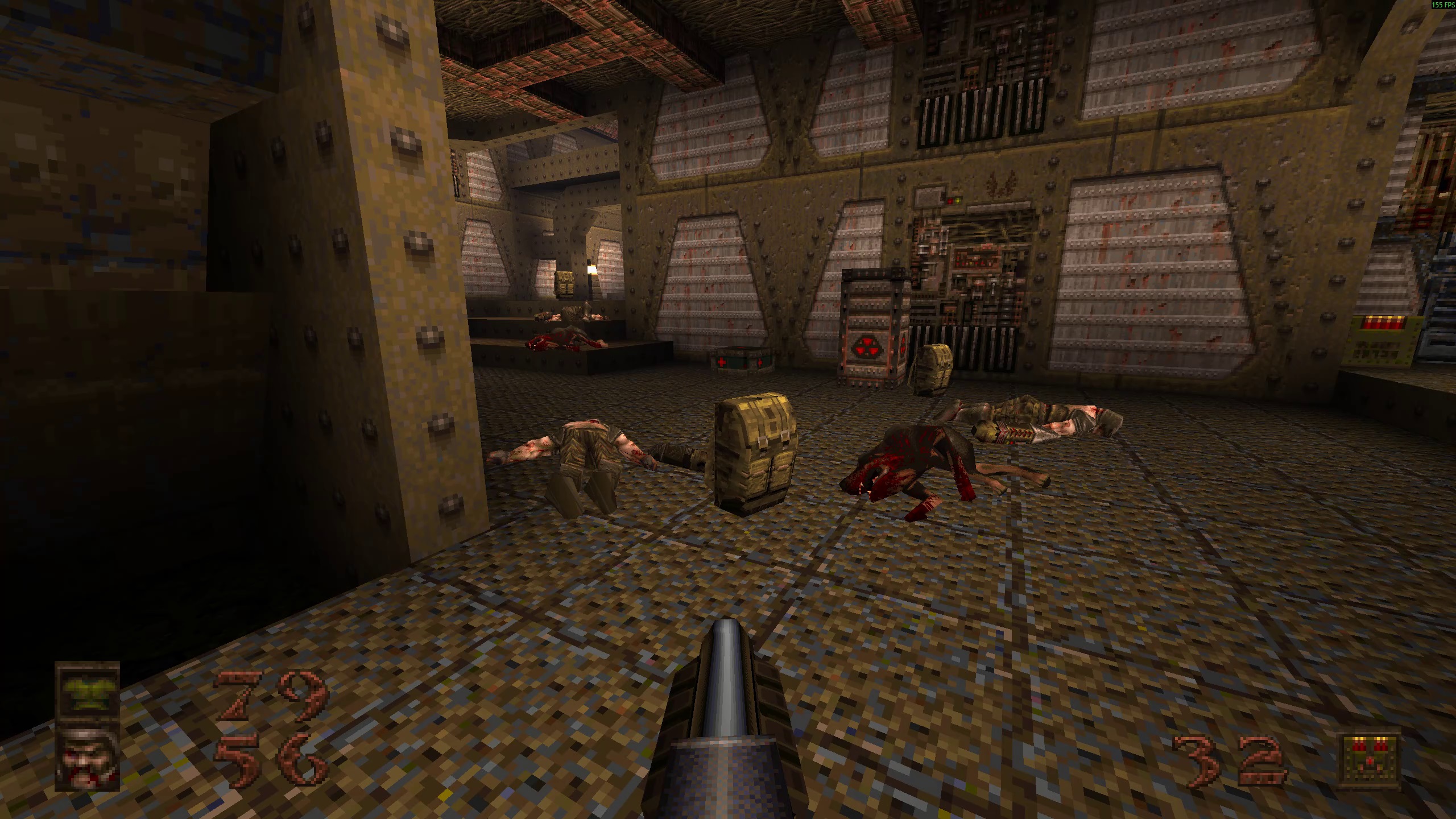
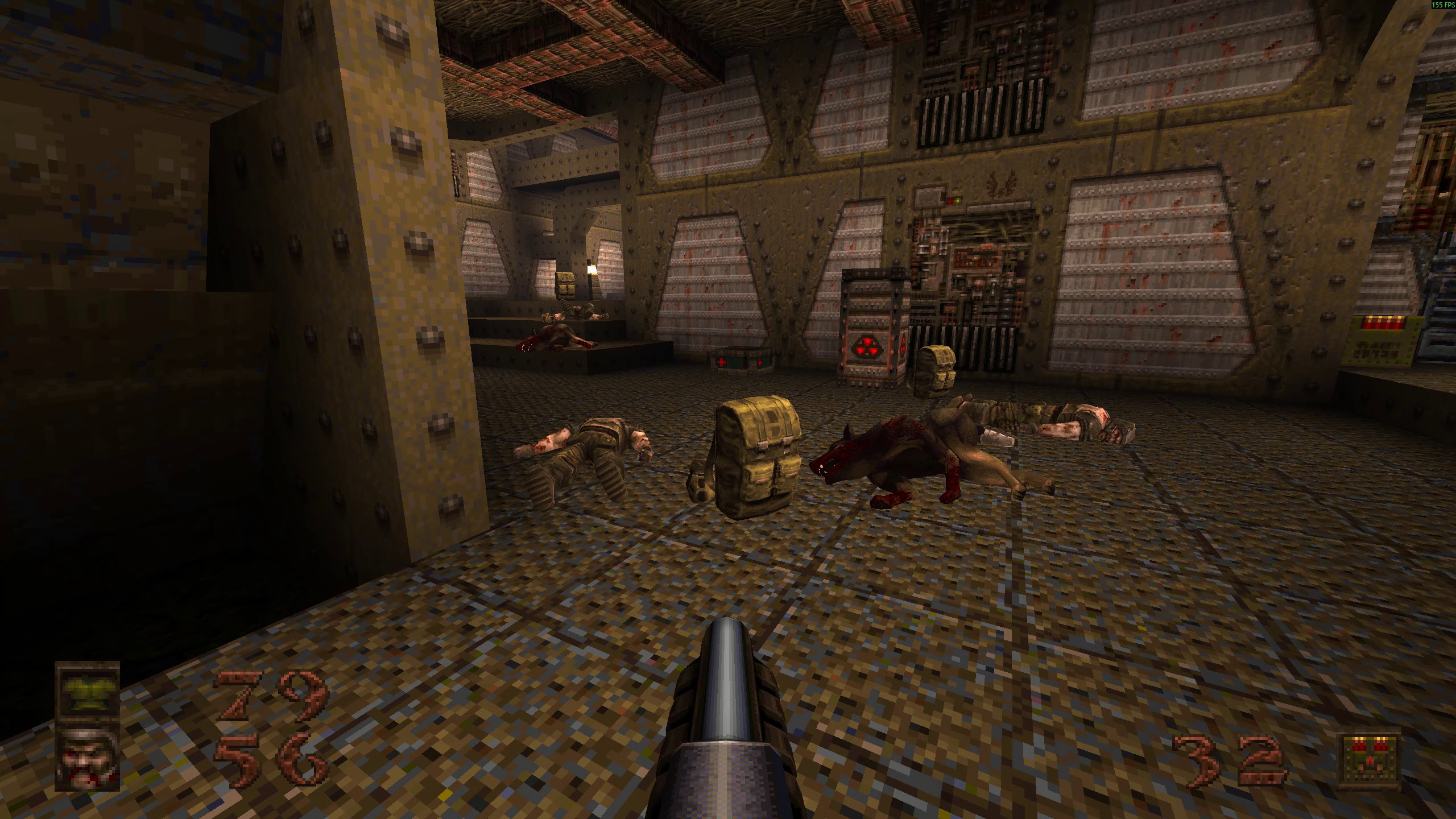 con_fontsize "<value>" - Changes the font size of console text and also some other text for example fps text(if you have con_showfps set to 1 of course). Default value: 14.
con_fontsize "16"
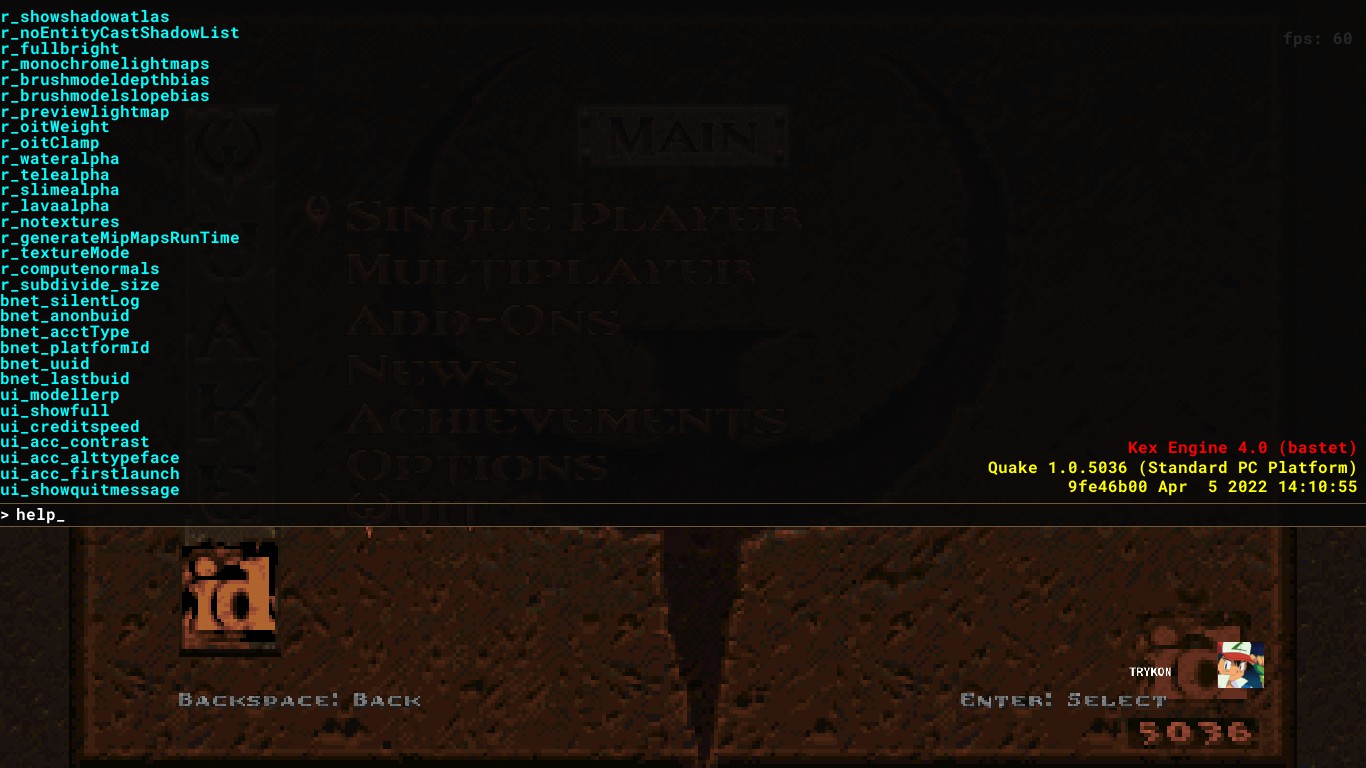
con_fontsize "12"
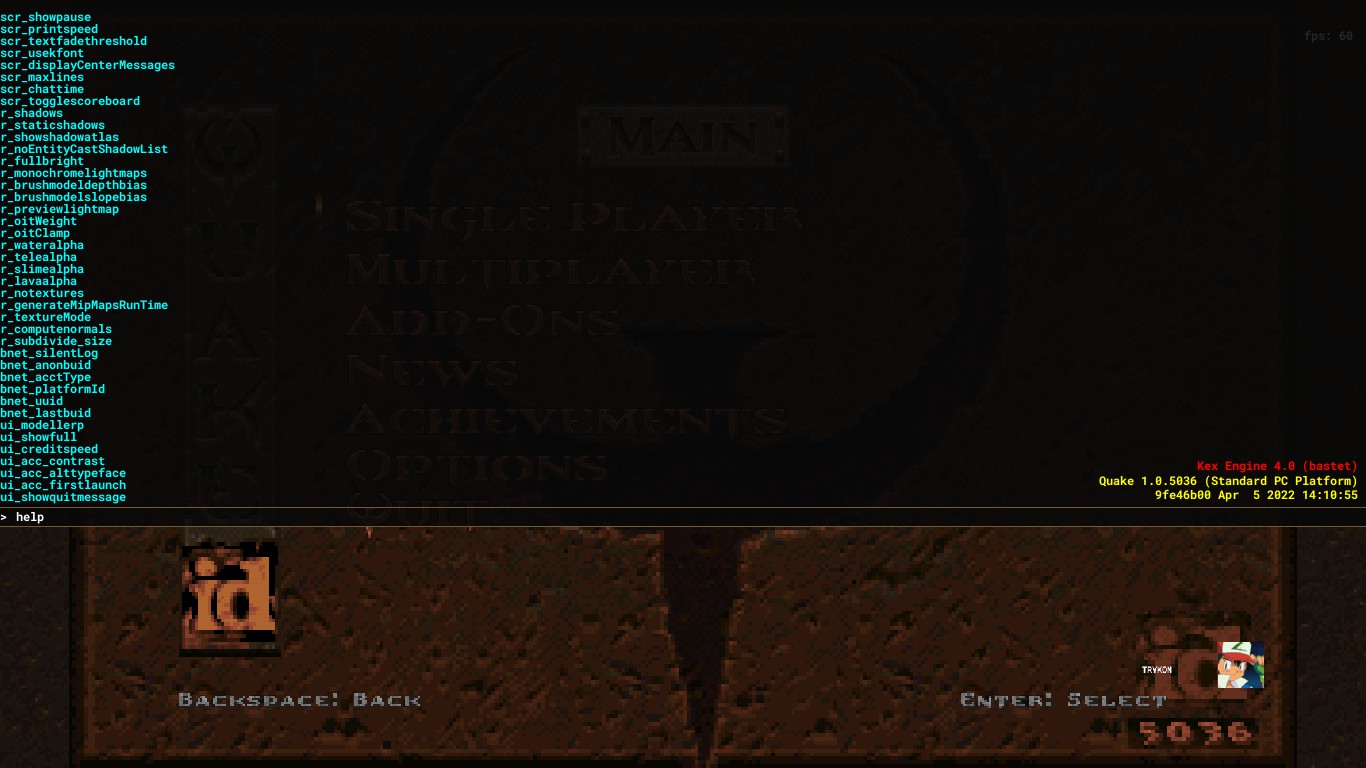
con_fontsize "8"
Crosshair Commands
Examples[i.imgur.com]
crosshair_red "255" - Changes the color red of the crosshair from 0 to 255.
crosshair_green "255" - Changes the color green of the crosshair from 0 to 255.
crosshair_blue "255" - Changes the color blue of the crosshair from 0 to 255.
Hud Commands
cl_hud "0" - Disabled
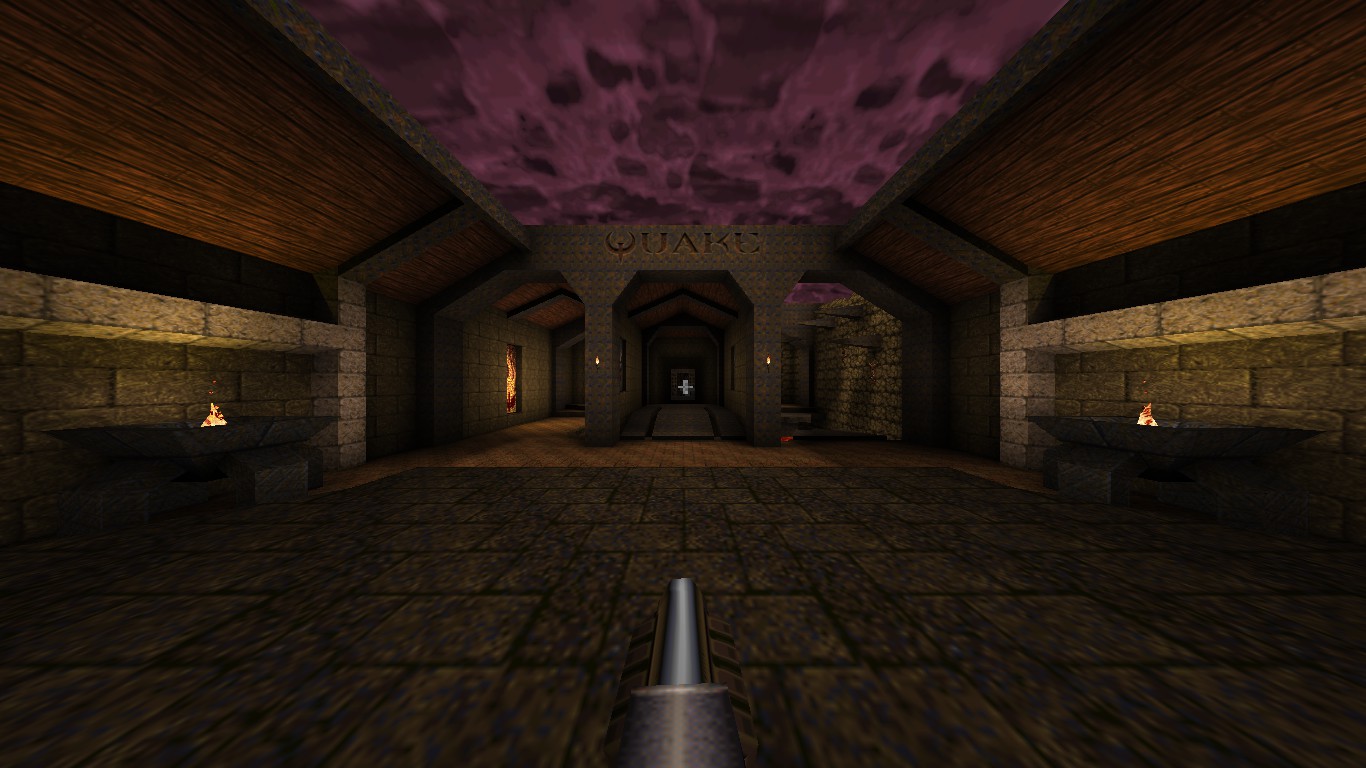
cl_hud "1" - Minimal
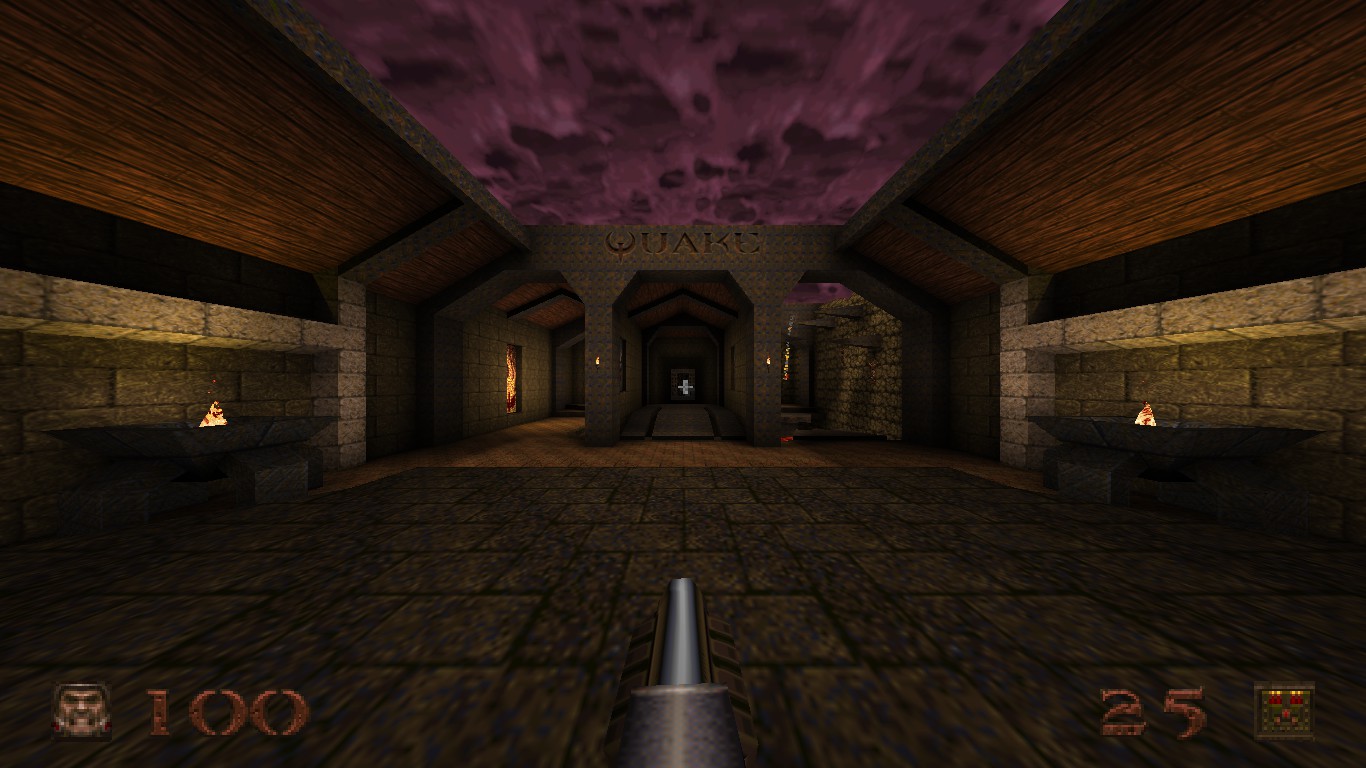
cl_hud "2" - Health and Ammo
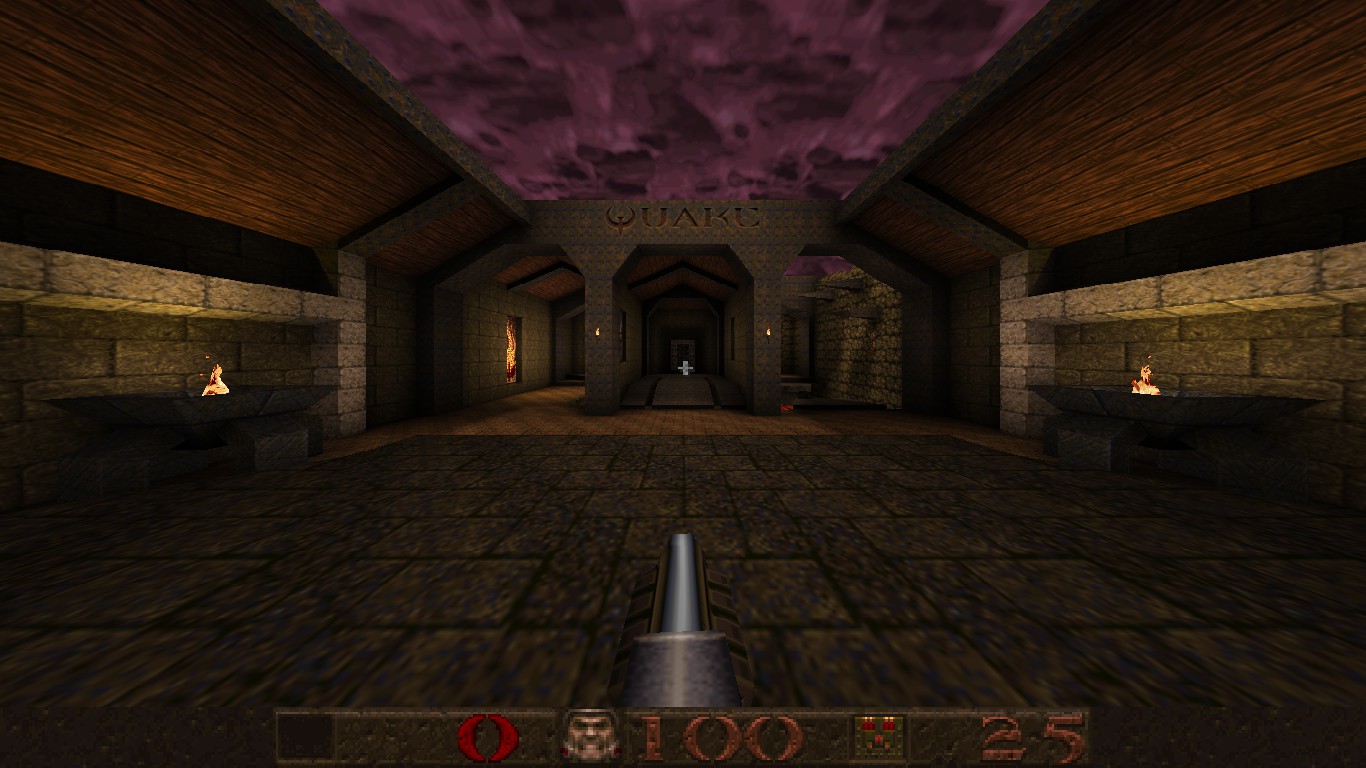
cl_hud "3" - Standard
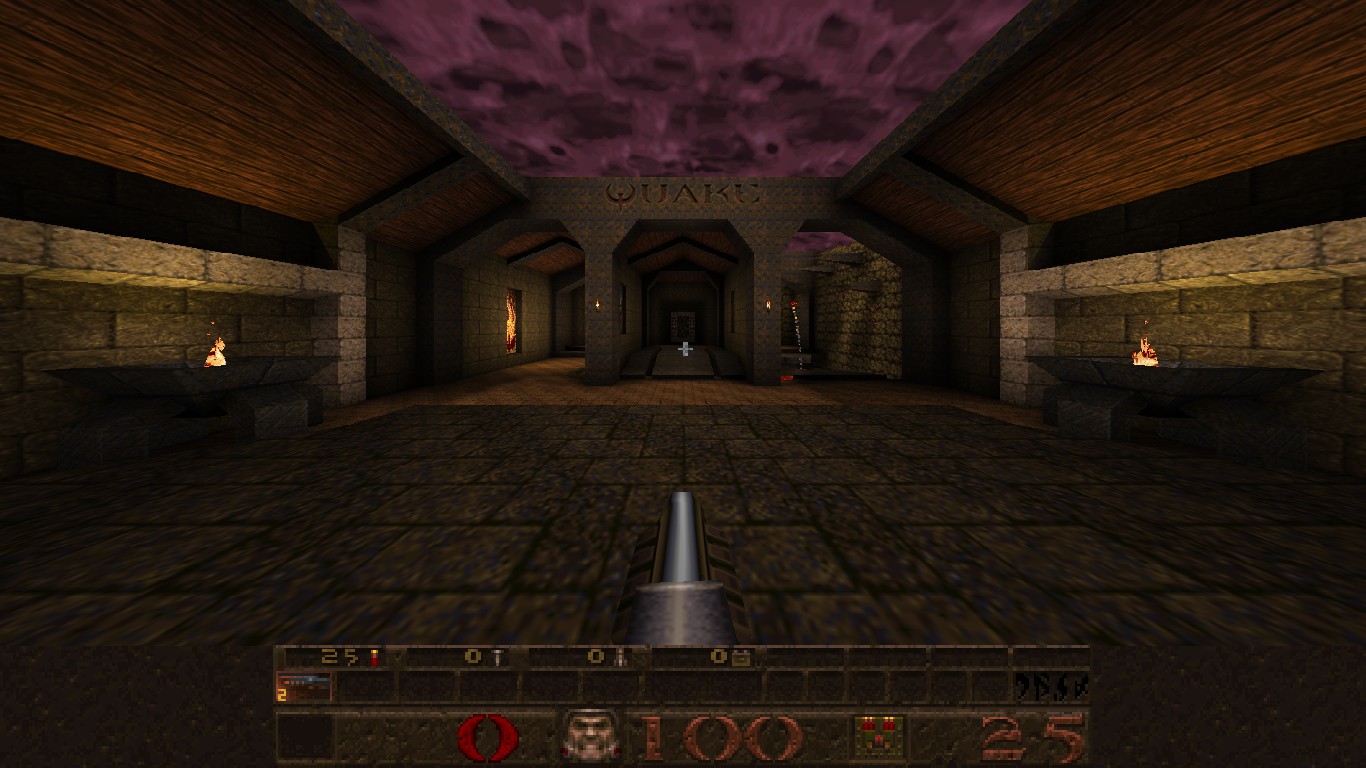
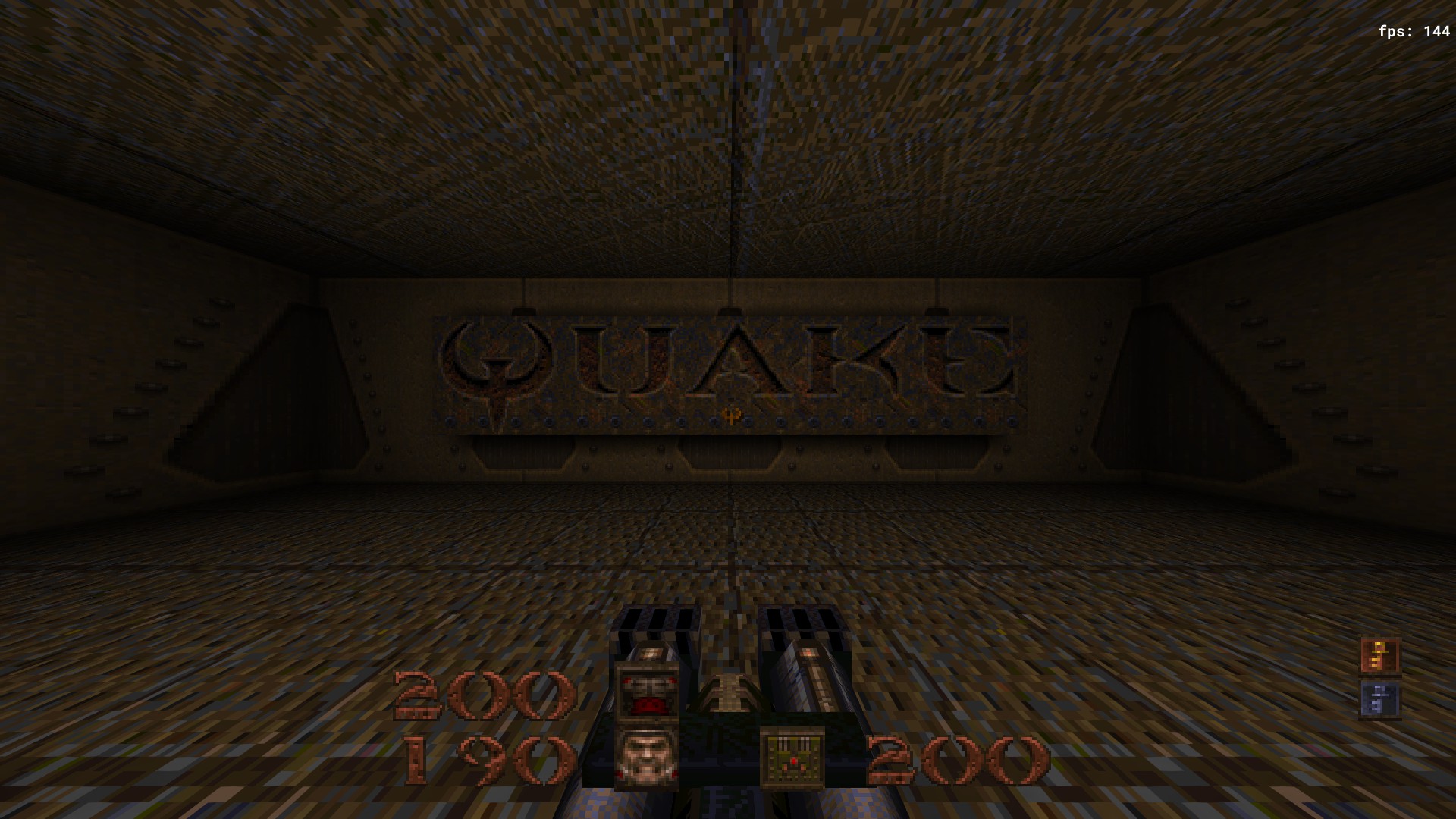
If you have cl_hud set to 1(Minimal) then you can make a custom hud of yours by changing the position of the icons, health, ammo, etc with this commands. Try to mess around with these to get something you like.
cl_hdhud_face_x
cl_hdhud_face_y
cl_hdhud_armor_x
cl_hdhud_armor_y
cl_hdhud_ammo_x
cl_hdhud_ammo_y
cl_hdhud_health_num_x
cl_hdhud_health_num_y
cl_hdhud_armor_num_x
cl_hdhud_armor_num_y
cl_hdhud_ammo_num_x
cl_hdhud_ammo_num_y
cl_hdhud_key_x
cl_hdhud_key_y
cl_hdhud_face_alignment
cl_hdhud_armor_alignment
cl_hdhud_ammo_alignment
cl_hdhud_healthnum_alignment
cl_hdhud_armornum_alignment
cl_hdhud_ammonum_alignment
cl_hdhud_key_alignment
End
- Quake Soundtrack Solutions★ 5 (822)34k views1.1k ♥15 minUpdated 2 Apr, 2020
- How I play Quake in the Current Year (2023 update: Use Ironwail or Quakespasm-Spiked instead of Quakespasm)★ 5 (903)23k views1.3k ♥8 minUpdated 12 Nov, 2023
- List of Quake 1 clones on the Steam store★ 5 (459)20k views858 ♥2 minUpdated 20 May
- Quake Owner's Manual★ 5 (438)17k views627 ♥59 minUpdated 23 Nov, 2017
- Quake Achievements★ 5 (1k)16k views1.5k ♥29 minUpdated 4 Nov, 2025
- Quake Secrets★ 5 (1.1k)14k views1.8k ♥39 minUpdated 23 Feb





- Upgrading to PremiumTeam Fortress 2★ 5 (20k)1441k views11k ♥6 minUpdated May 11, 2022
- No More Room in Hell Official ManualNo More Room in Hell★ 5 (2.8k)569k views2.1k ♥29 minUpdated Apr 22, 2019
- NMRiH Community Hosting GuidesNo More Room in Hell★ 5 (526)351k views653 ♥1 minUpdated Aug 10, 2022
- ULTIMATE GUIDE FOR GAME DEV TYCOONGame Dev Tycoon★ 5 (5.8k)326k views10k ♥4 minUpdated 23 Jan, 2014
- How to 'Git Gud' Soon™MORDHAU★ 5 (2k)318k views3k ♥68 minUpdated Nov 16, 2024
- Лучшие кооперативные игры SteamPAYDAY 2★ 5 (1.5k)315k views2.1k ♥56 minRussianUpdated Apr 27, 2025






This guide was created by its original author on the Steam Community. Are you the author and want it removed? Request removal.