AI Mods - "Smart AI mix": How to set it up.
1. Introduction
///UPDATE 9/9/2024////
Some new information has resurfaced regarding mission setup and the use of a slightly different list of PBO files. The relevant sections have been updated accordingly.
I've been an Arma 2 player since 2012, but only got into mods in 2016 or so. I never tried AI mods until a few years ago however, and needless to say, once one feels the difference they provide in-game, it is nigh impossible to go back.
And yet to properly experience such mods, I had to go through painstaking research. Alot of time, both mine and others', was needlessly wasted in neverending barrages of questions, asking where "such and such" addon could be acquired, or "such and such" setting should be used.
For this very reason I believed it was my duty to write this guide. To shine a beam of light into Arma 2 Operation Arrowhead's dark corners of modding. For AI mixes are usually niche affairs, and some, even closely guarded by their communities with a great amount of secrecy. An obsessive behaviour which will relegate them to obscurity.
2. Definitions and Setup Requirements
AI mixes tend to focus on specific parts of the AI. To my knowledge, there isn't a fully "do it all" AI mix, that masters all. Some are more focused towards infantry firefights, (Advanced AI Mix by Zack Tactical) some fare better with vehicles or large scale engagements. Some have an impressive strategic ability (the aformentioned KAI) It is up to the user to seek the AI mix most suitable to his preference and needs, weary of its possible limitations. That said, it would be highly naive to think that using an infantry-focused AI mix forbids playing in a combined arms scenario.
Reverting is simple. Merely go to Arma 2 Oa's properties on steam and click on BETA. you will be easily be able to pick the older version from there.
The reason for this is that the way the game interprets script commands (more specifically, undefined variables) has been changed since v. 1.63.
Playing on v.1.64 (current version) is still possible, especially for multiplayer purposes. However many script errors will occour. Biggest symptom of this is the game locking up for some seconds, crashing during long gameplays, and notably the AI reacting inconsistently. Godlike in some playthroughs and dumb as a cow in others. No offence to cows.
copying the files
CommunityConfigurationProject_E.pbo and corepatch.pbo files present in in your Arma 2 Oa\Expansion folder BEFORE you revert, and then, after the downgrade, pasting them back in, either in the same folder, or as a mod.
3. The Set Up (UPDATED FEBRUARY 2025)
After following the previous requirements you are now ready to install the mix proper.
The Smart AI mix project went through many, many iterations, and the list itself has changed many times.
As the mix is the child of experimentation, we encourage removing or adding PBOs until you find your own setup, once you get the hang of their effects.
Here, we provide a list of files with a few alternatives that may be of interest to the player.
BE AWARE:
to achieve the mix's full effect you must pay attention to the "last modified" dates of the .pbo files. Some outdated files from ZEUS AI are used and will be outlined here.
- GL4_System
- slx_ai_steering
- zeu_c_ai_recognition - 21/11/2010
- zeu_c_ai_rof - 28/12/2010
- zeu_c_ai_skill - 13/06/2010
- zeu_cfg_ammo - 19/09/2010
- zeu_cfg_collision - 06/11/2010
- zeu_cfg_core_ai_engagement - 18/12/2009
- zeu_cfg_core_ai_sensors - 12/01/2010
- zeu_cfg_core_ai_skills - 26/11/2010
- zeu_cfg_core_ai_spotting - 20/12/2009
- zeu_FindCover - 25/11/2010
- zeu_GLx - 26/12/2010
- zeu_netcode - 21/11/2010
- zeu_OA_c_ai_recognition - 21/11/2010
- zeu_OA_c_ai_rof - 28/12/2010
- zeu_OA_c_ammo - 19/09/2010
- zeu_oa_c_RocketBallistics - 27/12/2010
- zeu_oa_c_wep_Recoils - 20/08/2010
- zeu_sys_A -I 29/12/2010
- TPWCAS and TPW_AI_LOS
This is the supposed "final version". It contains all the core mods of the Smart Ai MIX.
- AiGunnerToUseAllWeapons_AI_C_PvPScene
- AIPistolUseFix_Gameplay_C_PvPScene
- asr_vfai
- All GL4 Pbos
- slx_ai_dodge
- slx_ai_identify (experimental in this context)
- slx_ai_steering
- slx_netcode
- slx_ragdoll
- slx_shoteffects
- slx_suppression_effects
- All ZEUS previously mentioned
- zgb_choppers
- zgb_gunners
- zgb_stick2gether
- tpw_ai_LOS
(UPDATE DECEMBER 2024 - SOME CONSIDERATIONS)
I stopped using the ZGB files as i don't understand what zgb_stick2gether does.
zgb_choppers and gunners are supposed to make the AI more willing to bombard the enemy, but sometimes it's too much. So i decided to forgoe them. Slx_identify also seems to do the same thing.
Speaking of slx_identify, it seems to be really crucial in amplifying the AIs reaction times on CQB and i've encountered much less issues since i've started using it.
The only problem is that it messes up some of the in-game voicelines. But that is outside the interests of this guide.
- slx_ai_dodge
- slx_ai_identify
- slx_ai_noautoengage
- slx_ai_steering
slx_findcover
slx_gl3
slx_gl3_giveradios - slx_netcode
- slx_shoteffects
- slx_shout
- slx_sincgars
- slx_suppression_effects
- slx_surrender
- All previously mentioned ZEUS
- zgb_stick2gether
UPDATE FEBRUARY 2025: Looking into the code itself has revealed that using those SLX pbo's is redundant as "zeu_glX" already does the same things. I however opted not to remove them from the list altogether as the implementation is different enough for them to still make some kind of difference.
- asr_ai_c_aidispersion
- asr_ai_c_airof
- asr_ai_c_aisensors
- asr_ai_c_aiskill
- asr_ai_main
- asr_ai_sys_airearming
- asr_sys_aiskill
- tpw_ai_los_104
- tpwcas
If using this mix in conjuntion with ACE, it is best to remove all ACE AI related PBOs except for the ROF one.
4. The configuration (UPDATED SEPTEMBER 2024)
After installing the addons as instructed, you must configure them for optimal results.
UPDATE: SEPTEMBER 2024 Crucial information regarding the config has been found thanks to Seth Barcello's archival efforts. Thank you.
Let's go.
Within GL4's contents, you will find another directory called "Userconfig". Within it, a folder named "GL4".
You must browse through you Arma 2 OA folder and find your own "userconfig" folder. After that, place the "gl4" folder in there.
Do the same with TPW_AI_LOS.
Now that the files are placed, you may open them with any text editor and change their attributes. Most of them are self-explainatory. You may change all settings to your leisure, but I personally reccomend these changes:
- Disable CBA initialize (you may need this for scripted scenarios. This way GL4 will only be initialized through the usage of Modules in the editor.)
- Disable bleeding (annoying, as it only affects you and not the AI. You can still keep the visual effect though)
- Disable playing dead (i find it silly personally, but Ai can do it too!)
- Disable flies (they spawn 3 seconds after you die)
- Disable joining and recruiting
- Disable the "Enemy Ai Difficult" feature. (it WILL interfere with Zeus)
- CONSIDER disabling suppression. (Many aspects of suppression are already simulated by other PBOs. There could be a benefit by disabling this, but i am unsure.)
- IF USING asr_vfai, DISABLE rearming.
- Enable all other Friendly AI enhancements including the "advance" one. (The Manual is unclear about these. But i'd rather have them on just in case.)
As you can see most of these are very personal. But the ones in bold may be important for our purposes.
Arguably one of the most important settings for the Mix is the difficulty setting within your profile file.
-Find your .Arma2OaProfile file, generally in your documents folder
Open it with a text editor
Change these settings:
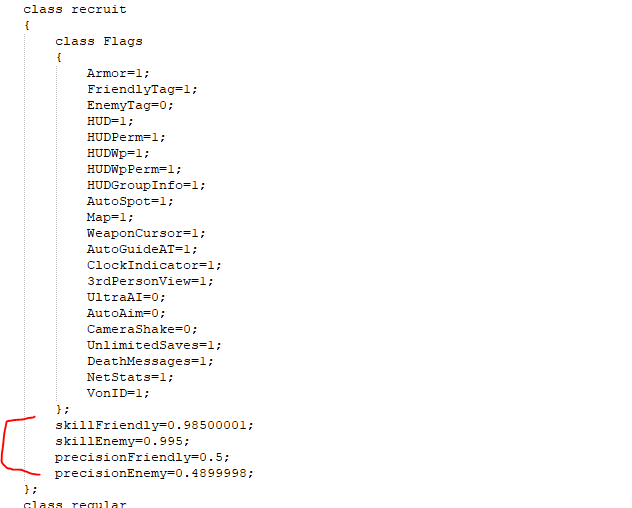
Make sure you change the values for the correct difficulty type. In this case, we are changing values for the "recruit" difficulty
These are the reccomended values by Zeus_ai's author for maximum performance, in his words "tested with empirical results".
That said i encourage you to make small adjustments to the Precision values, as I noticed that soldiers have very shaky hands in some cases.
Place a (in this case) BLUFOR group and give the group a name. For example
Now place a trigger. make it a switch trigger activated by OPFOR and DETECTED BY BLUFOR
On the init line, write
Make the trigger a radius appropriate for the mission area.
5. General explaination of what the addons do (UPDATED FEBRUARY 2025)
For the curious ones among you, here is an explaination of what the addons do, broadly defined.
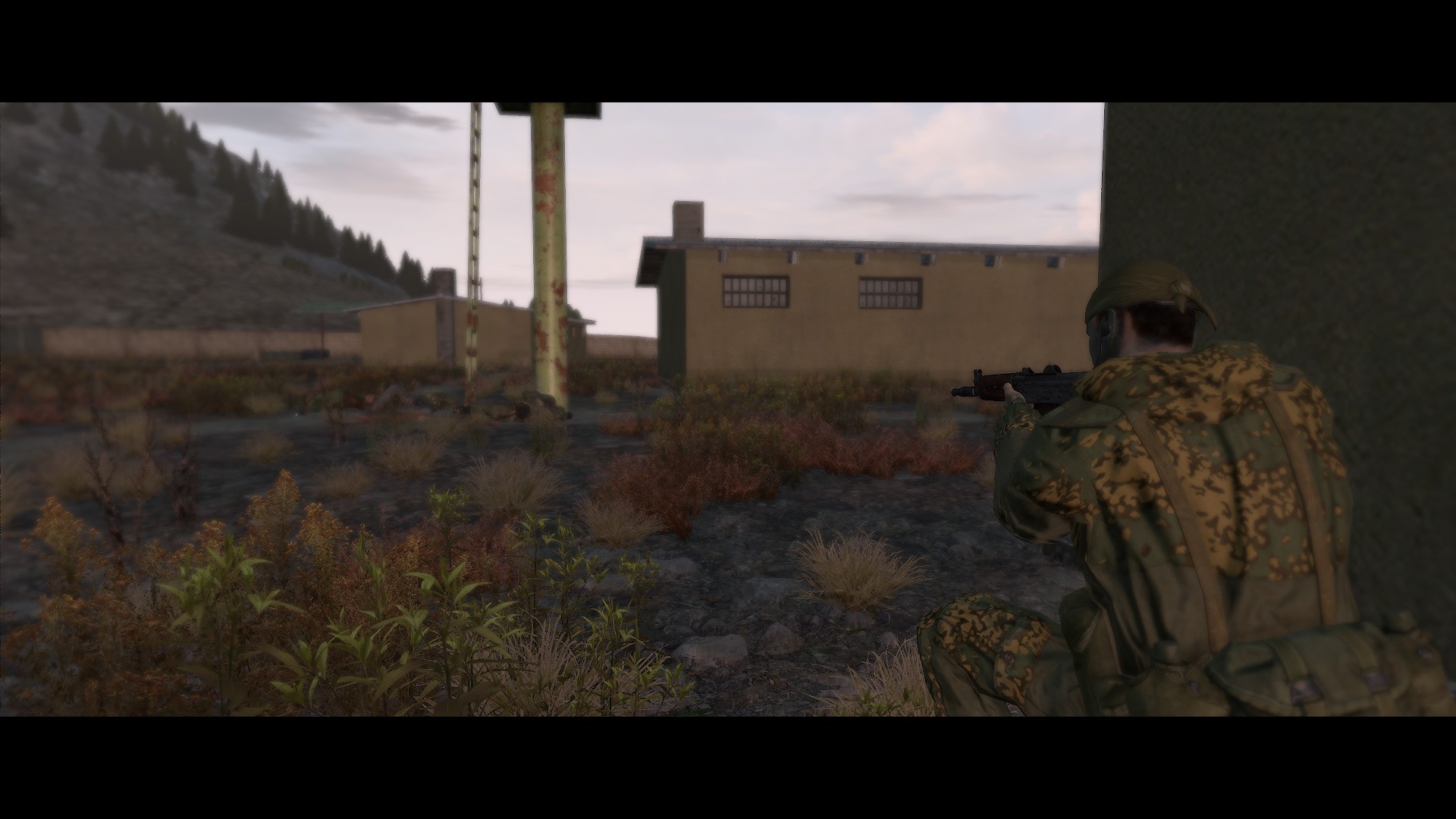
When active, Group link 4 is responsible for enhancing the AI in its awareness regarding the position of othe groups of its own side. This added awareness grants it a rough strategic ability, making it behave in a much more clever way. It makes the AI much more independent overall.
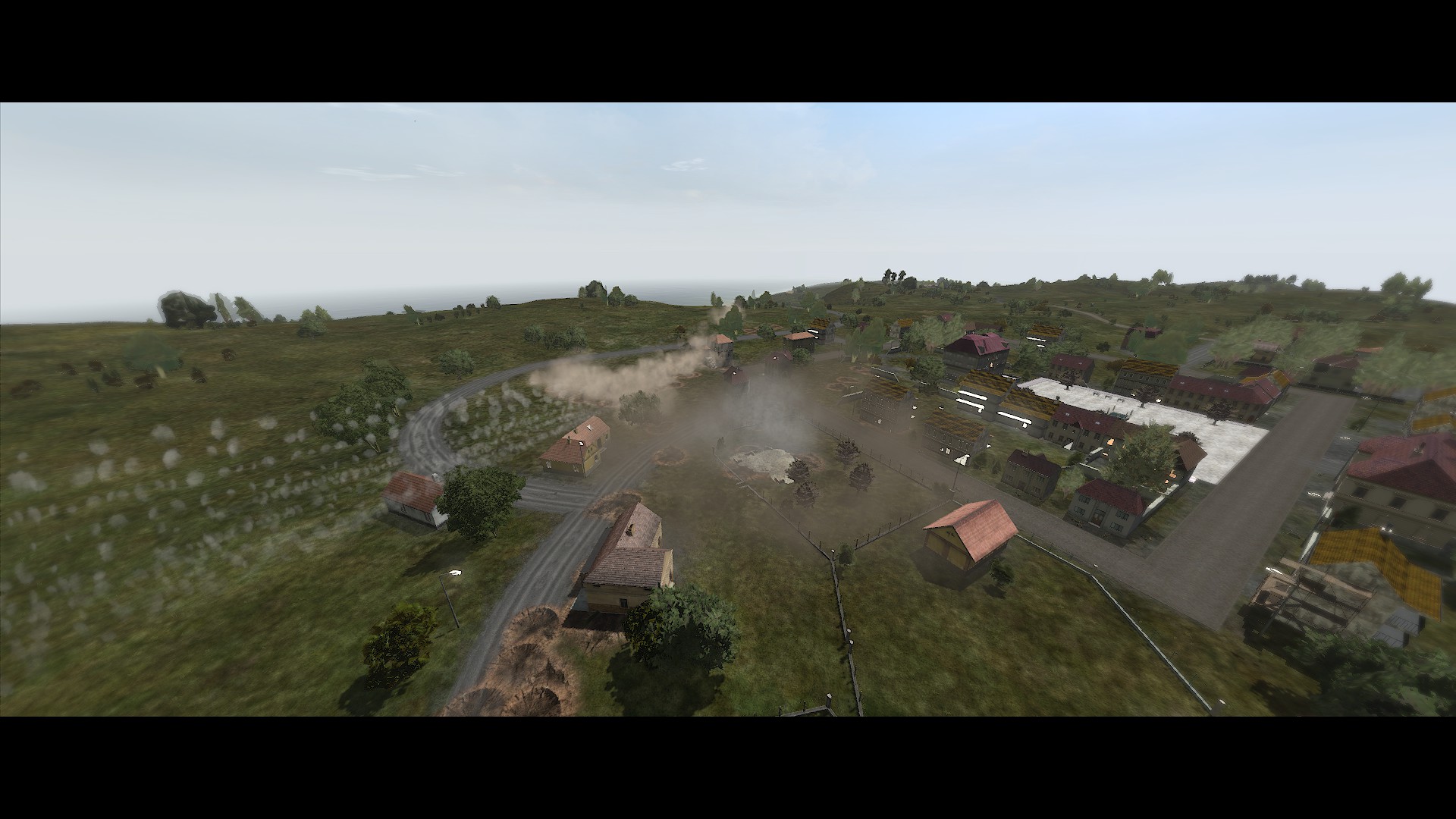
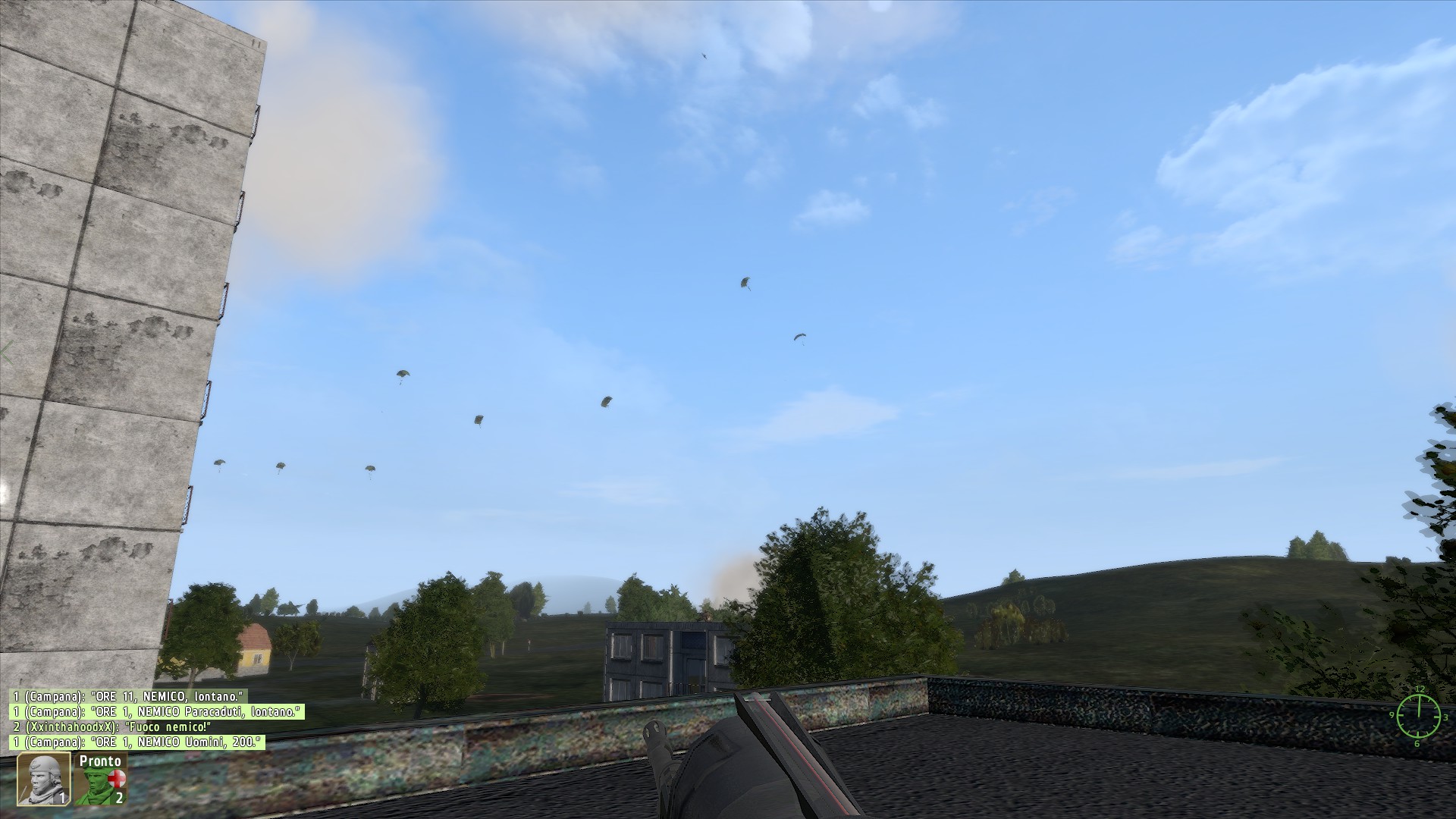
They will call reinforcements when overwhelmed, mount vehicles or static guns on their own, call in CAS or artillery if available or even call for helicopter extraction to get away from you.
It also automizes many desirable behaviours in a mission, for example units will auto-garrison structures when placed near them without waypoints or scripting.
Zeu_GLx integrates GL3 with zeus. Running both GL3 and 4 together may seem odd, but the way the features are coded in is different enough for it to be a good idea to have both options. (as you can also opt to exclude gl4 for certain missions by not placing down its modules, assuming default initialization is disabled).
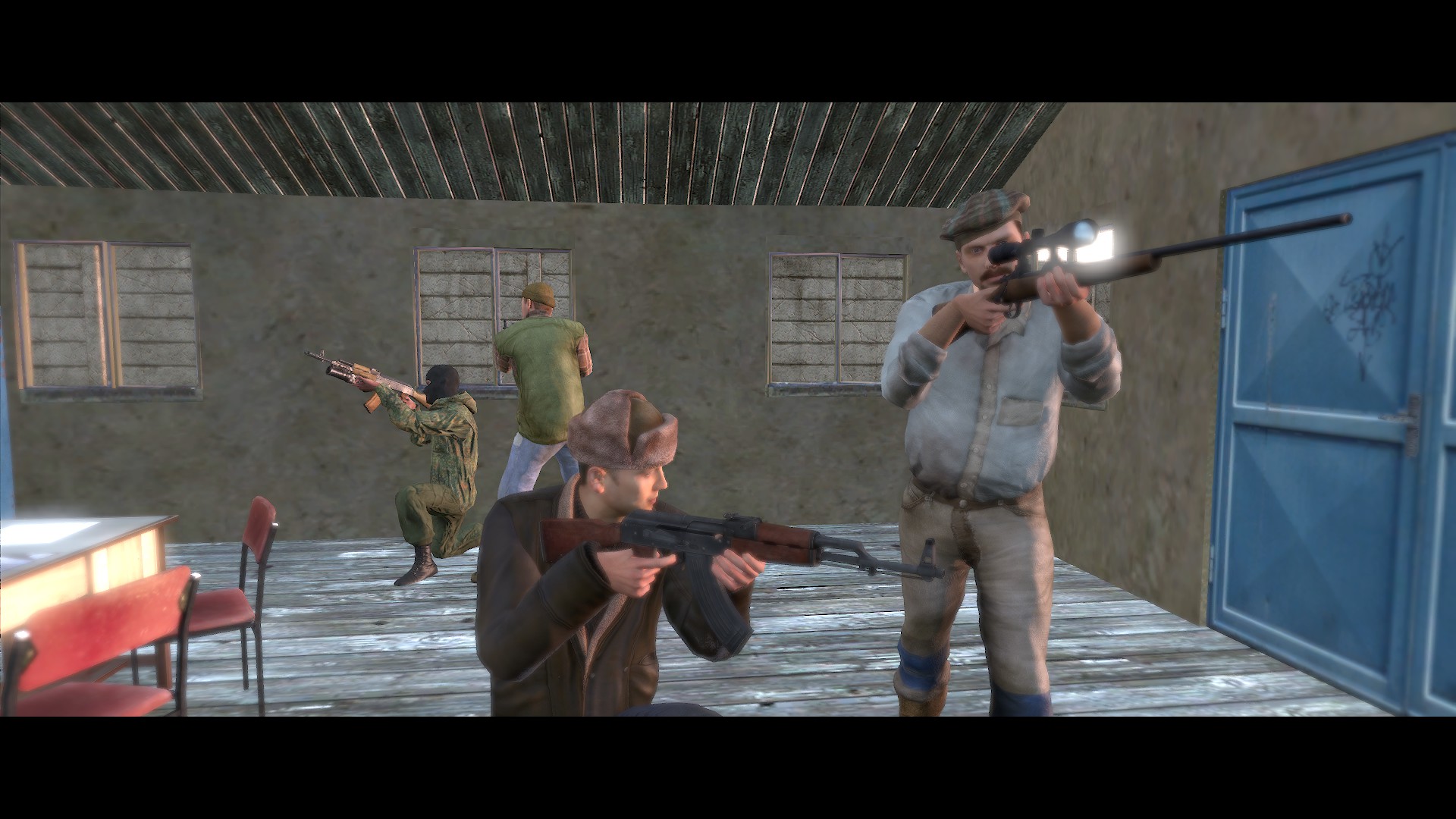
When running GL4, its enhancements are mostly exclusive to ENEMY ai, not friendly. Zeu_GLx restores the balance by allowing similar behaviours for friendly AI (such as reinforcement calls, artillery requests and so on)
If you are unsure which to pick while creating a mission, just keep in mind that enemy AI affected by GL4 will be more willing to storm your position while AI governed by Zeu_GLx alone will be much more cautious.
Refer to GL4s readmes for a full list of features and commands to use in the editor.
6. Known Issues (UPDATED MARCH 2025 - READ)
Not all that is good can be perfect. Here are the most notable flaws and limitations of the AI mix.
Wether these can be fixed or not, I am not at all sure. Then again, I personally am missing 2 PBOs from the list myself. Your mileage may vary.
Update: SLX_AI_Identify seems to wake them up a bit, making them shoot at you as soon as they see you for the first time.
This normally happens for a few seconds and then stops. But in the worst of cases it can go on for even a minute, especially if the unit shooting at the air is a machinegunner.
This is because the group leader assigns a "position" target above them, instructing them to "fire at that position".
This feature is normally intended for suppressing fire in long-range engagements.
As the AI is now more sophisticated, the demands towards your system's resources are increased accordingly. This is noticeable in very large missions with hundreds of units, which will slow your computer to a crawl.
Freezes occour only in a specific situation, as far as i've noticed: when zeu_glx activates. It's a 5-10 second freeze, after which the games proceeds as normal.
7. Links (UPDATED SEPTEMBER 2024)
Since the death of Armaholic, many addons, mods, campaigns, have been lost. However efforts have been done to archive some of them. Here are a few links, some of which are GUARANTEED to include part of the files mentioned in the guide.
Arma 2 OA
ArmedAssault.Info FTP[ftp.armedassault.info.jerryhopper.com]
(some mods can be found here and not on the site itself)
Happy hunting
8. Credits
Zeus AI:
Protegimus
GL4
Snkman
SLX
Gunter Severloh
The mix itself
Chris B (Rest in Peace)
Advanced AI Mix & contributions regarding CBA's Version
ZackTactical (now ZigZack)
The Arma 2 community of then and now.
And
The reader for putting himself through this
- Снайперское искусство.★ 5 (627)22k views722 ♥2 minCzechUpdated May 14, 2015
- Гайд для новичка DayZ. С чего начать?★ 5 (363)19k views305 ♥8 minRussian
- How to Read PGO-7 Optical Sights★ 4 (115)14k views150 ♥4 minUpdated Aug 3, 2014
- Advanced AI Squad Commanding★ 5 (224)14k views331 ♥38 minUpdated Apr 17, 2016
- Фракции Arma 2.★ 5 (352)12k views224 ♥6 minRussianUpdated Apr 3, 2015
- Святое писание Армы.★ 5 (432)10k views184 ♥1 minRussianUpdated Jul 7, 2015


- Upgrading to PremiumTeam Fortress 2★ 5 (20k)1441k views11k ♥6 minUpdated May 11, 2022
- No More Room in Hell Official ManualNo More Room in Hell★ 5 (2.8k)569k views2.1k ♥29 minUpdated Apr 22, 2019
- NMRiH Community Hosting GuidesNo More Room in Hell★ 5 (526)351k views653 ♥1 minUpdated Aug 10, 2022
- ULTIMATE GUIDE FOR GAME DEV TYCOONGame Dev Tycoon★ 5 (5.8k)326k views10k ♥4 minUpdated 23 Jan, 2014
- How to 'Git Gud' Soon™MORDHAU★ 5 (2k)318k views3k ♥68 minUpdated Nov 16, 2024
- Лучшие кооперативные игры SteamPAYDAY 2★ 5 (1.5k)315k views2.1k ♥56 minRussianUpdated Apr 27, 2025






This guide was created by its original author on the Steam Community. Are you the author and want it removed? Request removal.