How to create "sunlight"
Before you get started
This means either using toneMapScale (dont) or using a dark version of the map with no lights. There are 3 ways to get a dark version of the map:
- Use the Hammer editor and remove the lights on the map
- Find a dark version of the map on the SFM workshop (sometimes there aren't any)
- Use a light deleter[sfmlab.com] (instructions are included on their website)
Setting up the "Sun"
SFM's lights are limited by the fact that they are point lights, meaning that the light comes out of a single point in space. However, there are ways to work around these issues to create a parallel light such as the sun.
First, create a new light and place it high in the sky where you would like your sun to be. Set it's color to roughly the color of the sun (can be any color, but for this guide I will be mimicking the sun)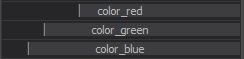
This is roughly the color to mimic the sun, experiment around with whatever works for you. Also make sure to set its FOV to the maximum to cover as much area as possible.
Set the brightness of the light using intensity and linearAttenuation. Avoid using too much linearAttenuation however as it will cause a lot of bloom. Remap the maximum intensity value if you need to.
Next, right click on the light's maxDistance > Remap Slider Range and change the max value to 90,000. Do the same for farZAtten. Set both of these values as well as minDistance to their max.
Next, set the light's radius to 40, and set its shadowFilterSize and shadowAtten to close to their minimum (experiment with this to see what looks best).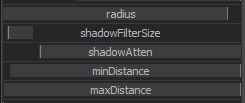 At this point, your scene should look a little something like this: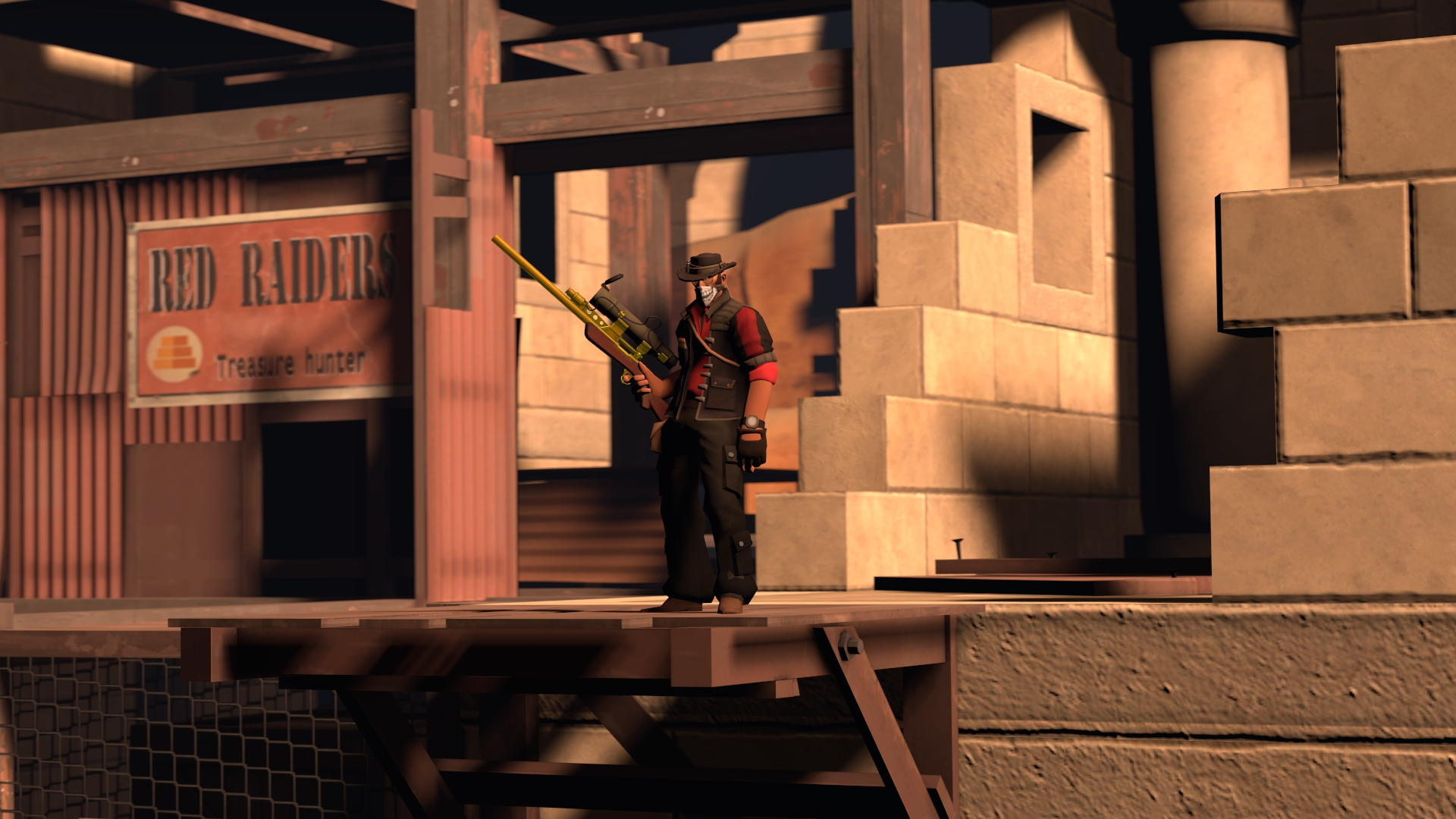
The shadows are extremely dark and doesn't fit the time of day at all. We will fix this next.
Background and soft lighting
To reduce the "harshness" of the shadows created by our "sun", we need to add many background and edge lights to make the environment reflect light back up realistically.
First, duplicate the light you just created to mimic the sun and move it to light the scene from the other direction.Sun:
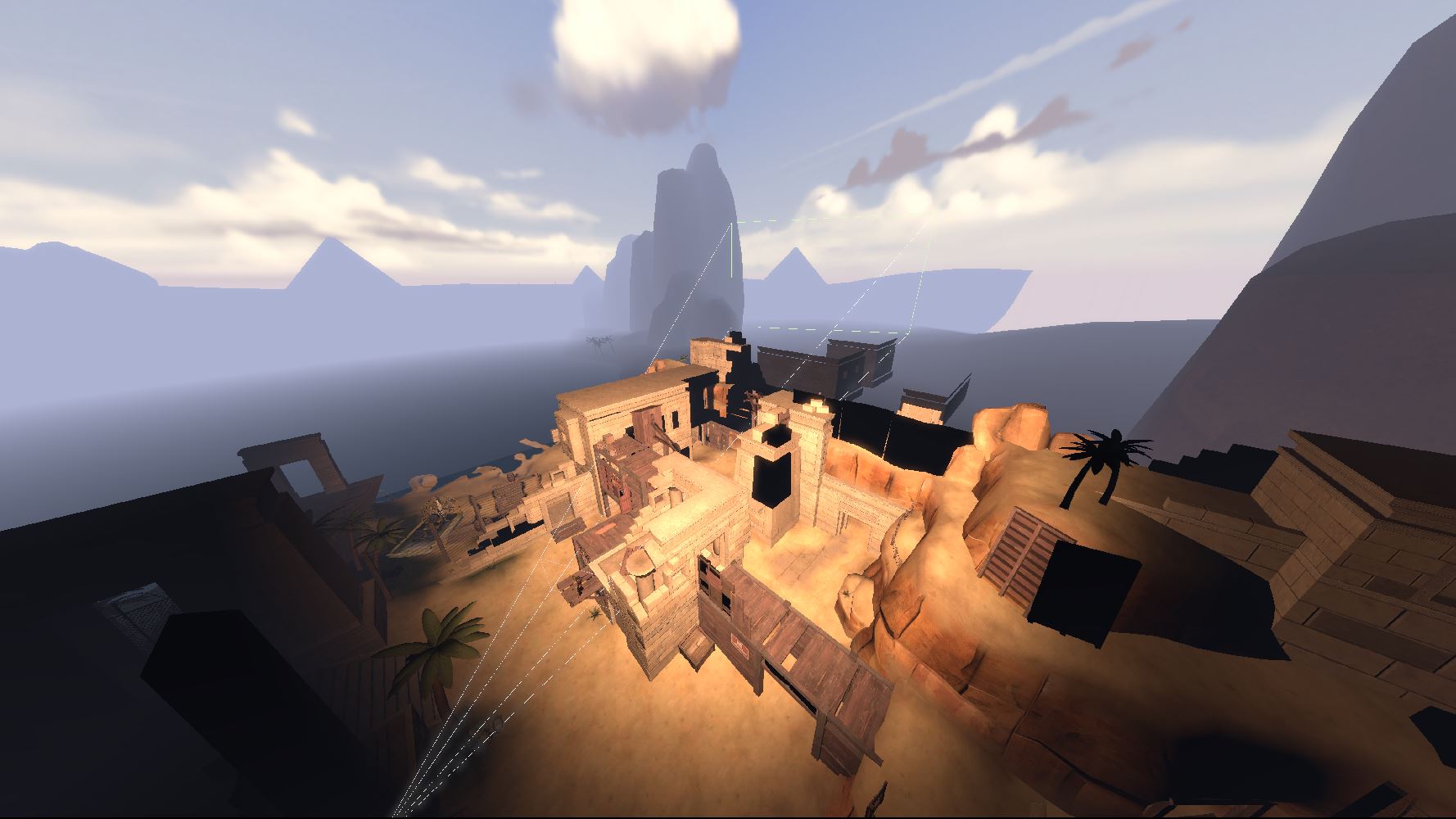 Duplicate: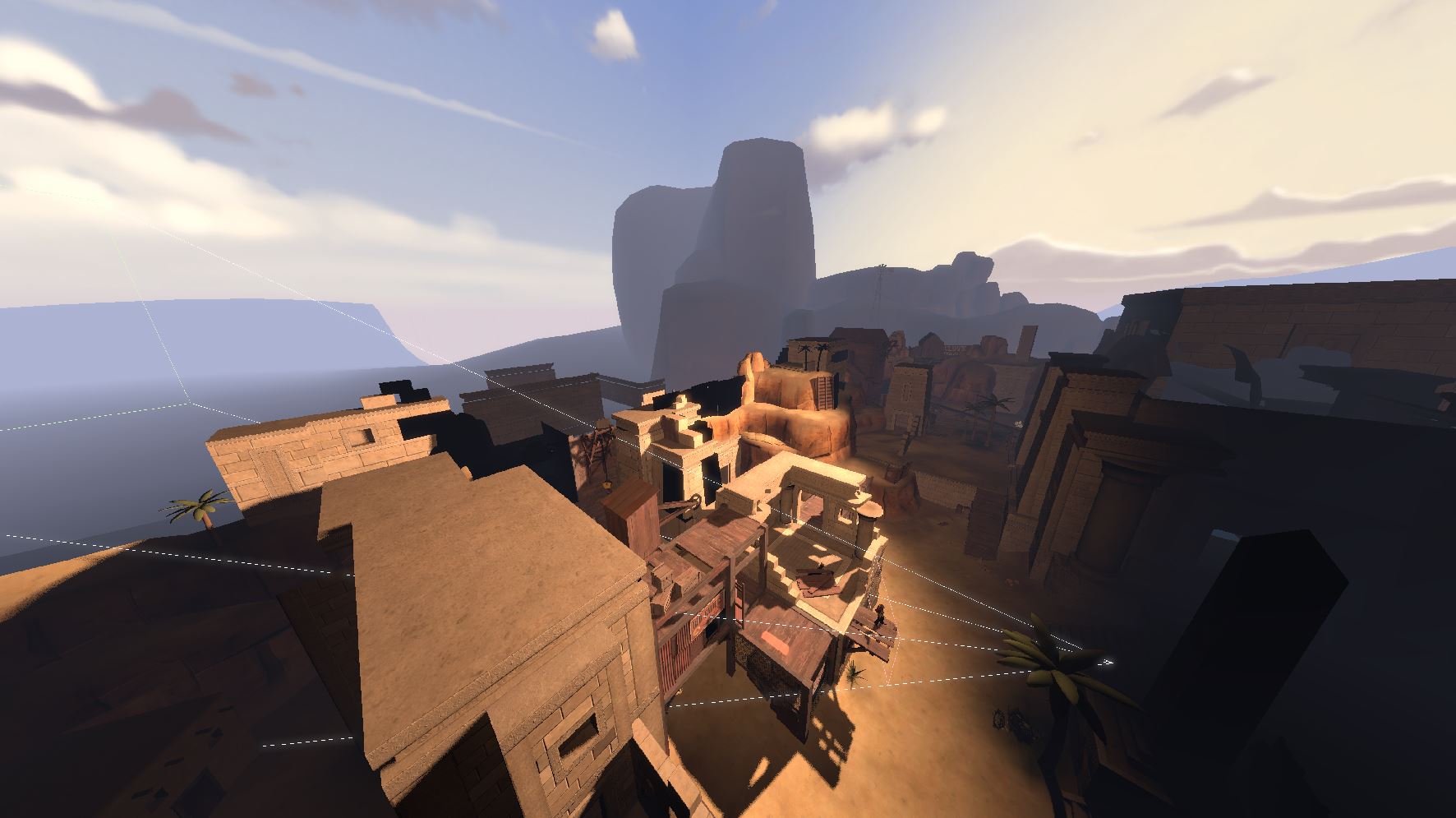
This new light will have to have shadows disabled to avoid having 2 shadows, and will have to be significantly dimmer than the sun.
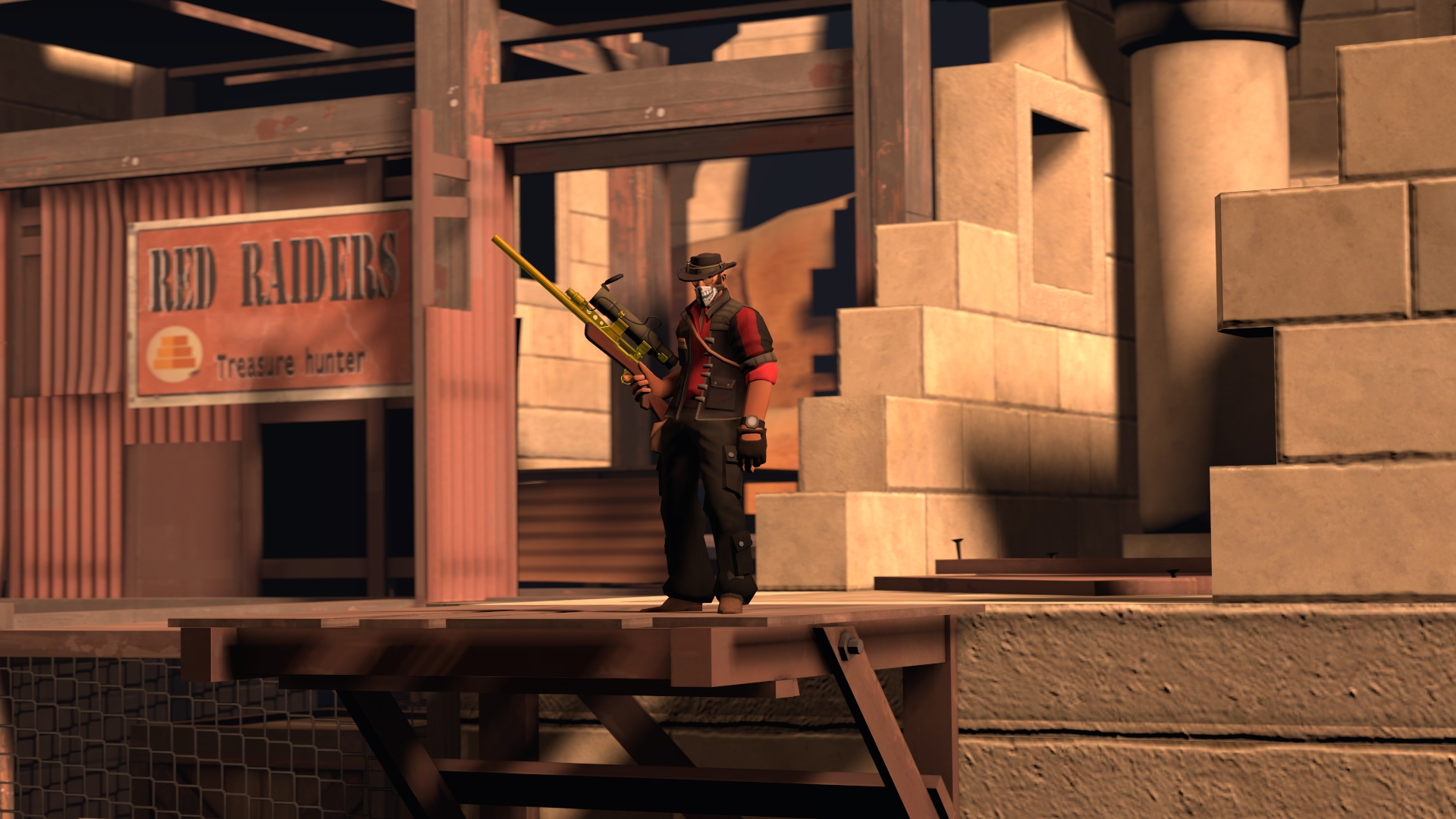
This is already a huge improvement, but we can continue to make this better. Next we will add a light underneath the world shining up. This light will simulate sunlight bouncing off of the ground and back into the scene.
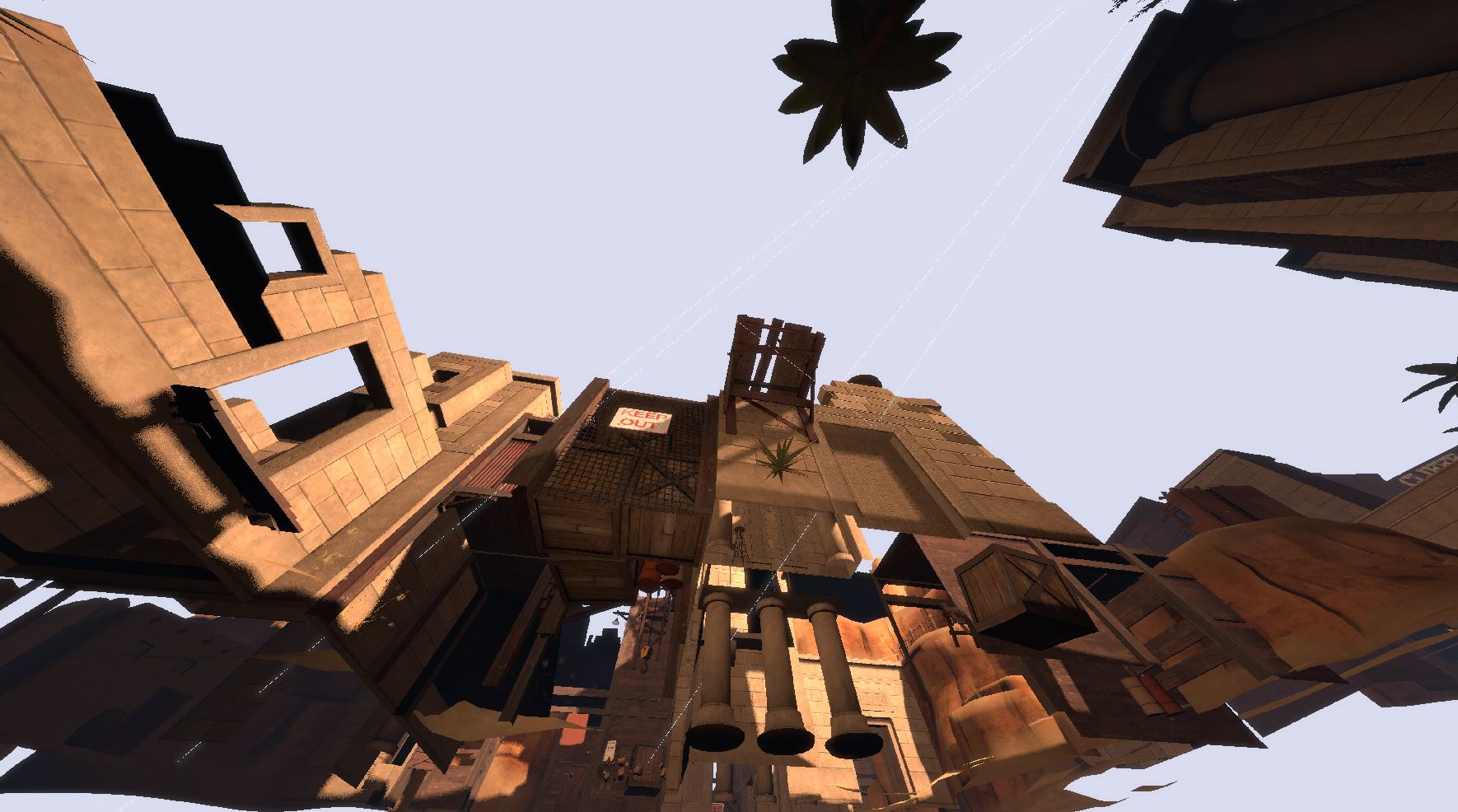
Make sure this light also has shadows disabled so it can actually shine through the ground. This light will also need to be darker than the previous 2.
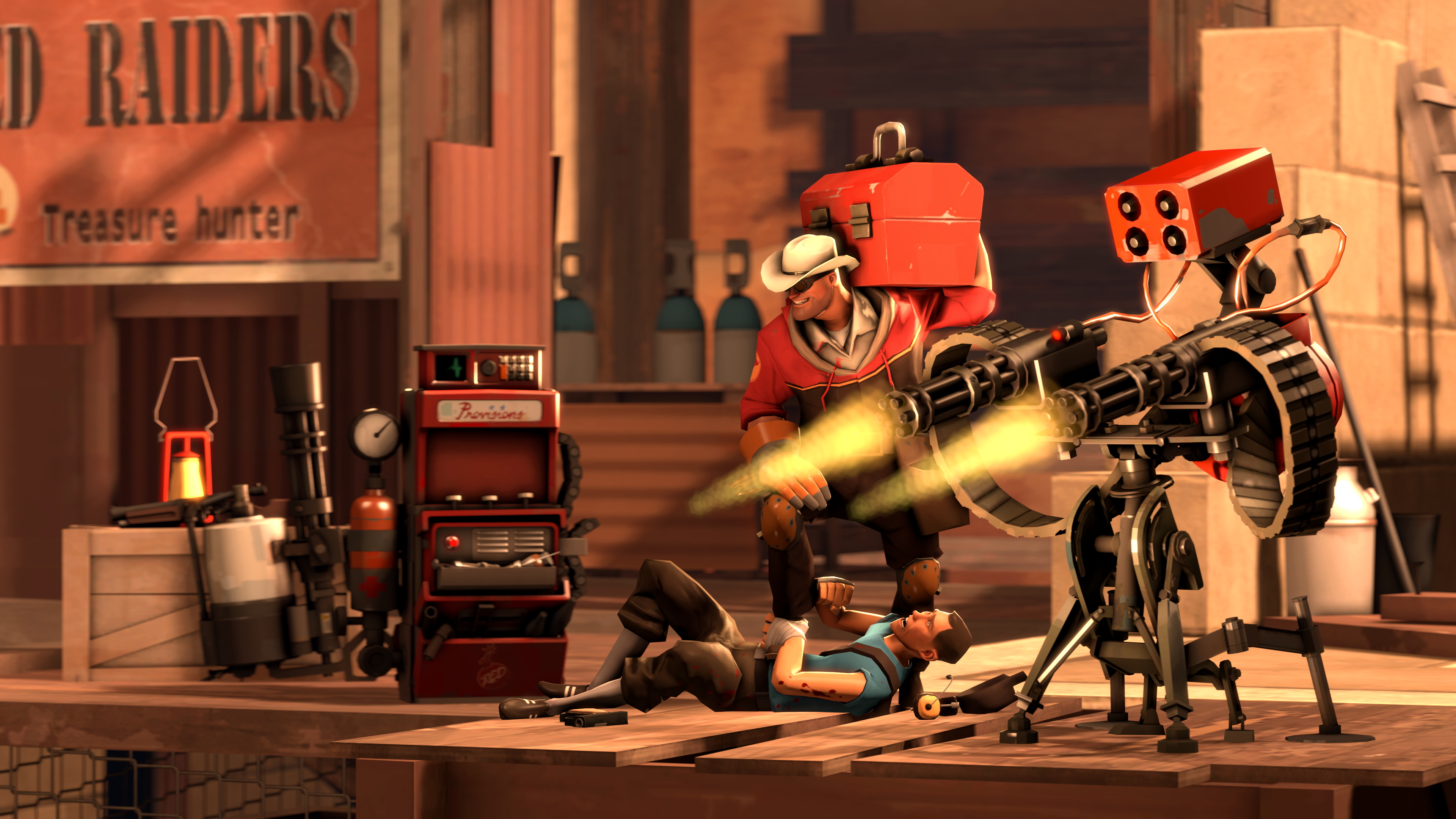
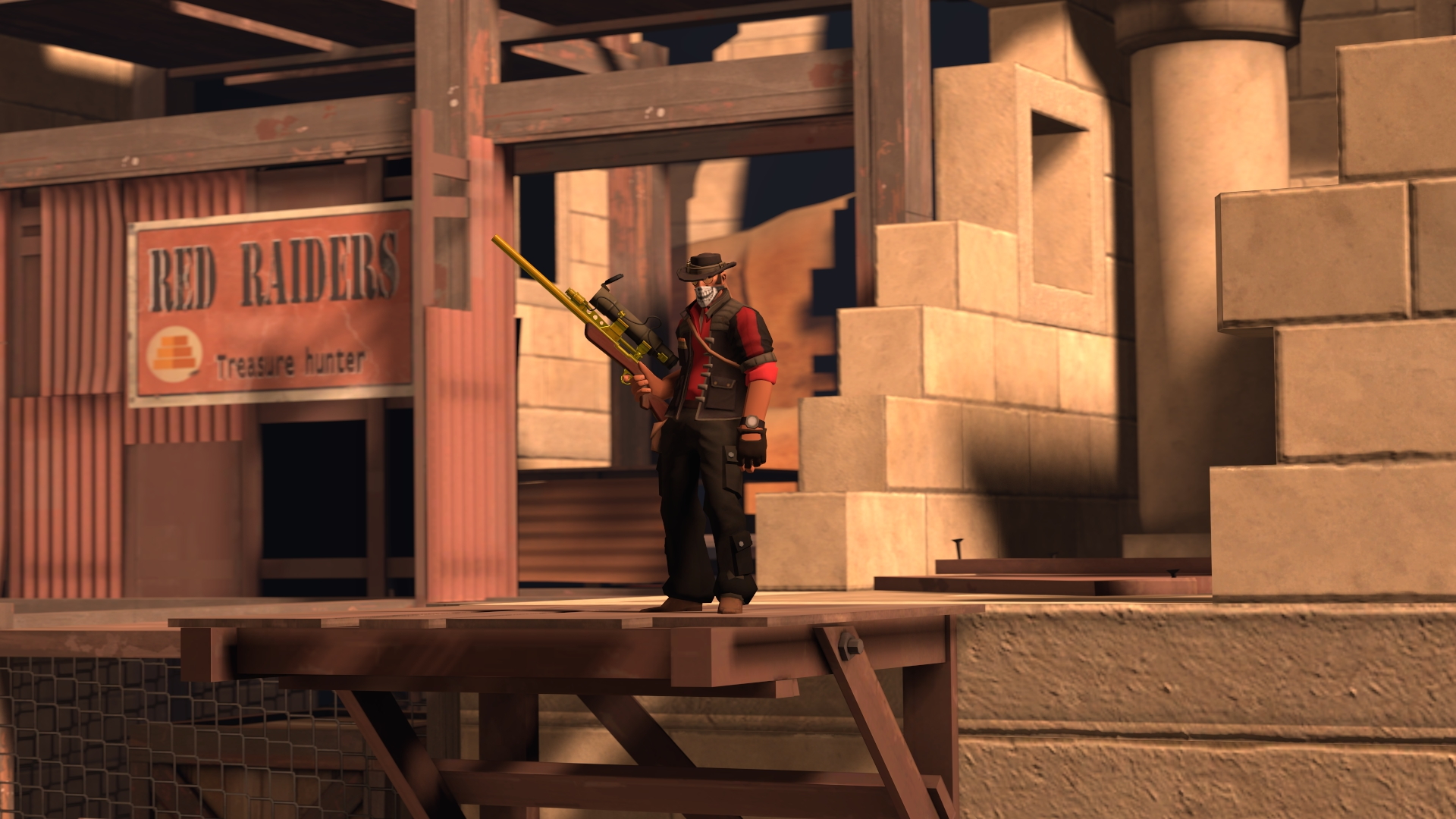 From here, all you need to do is light the rest of the scene as you see fit. In my example, the part under the awning where the small health pack is as well as the background both are way too dark and need extra lighting. I also added some extra rim lights to the sniper to make him stand out as well.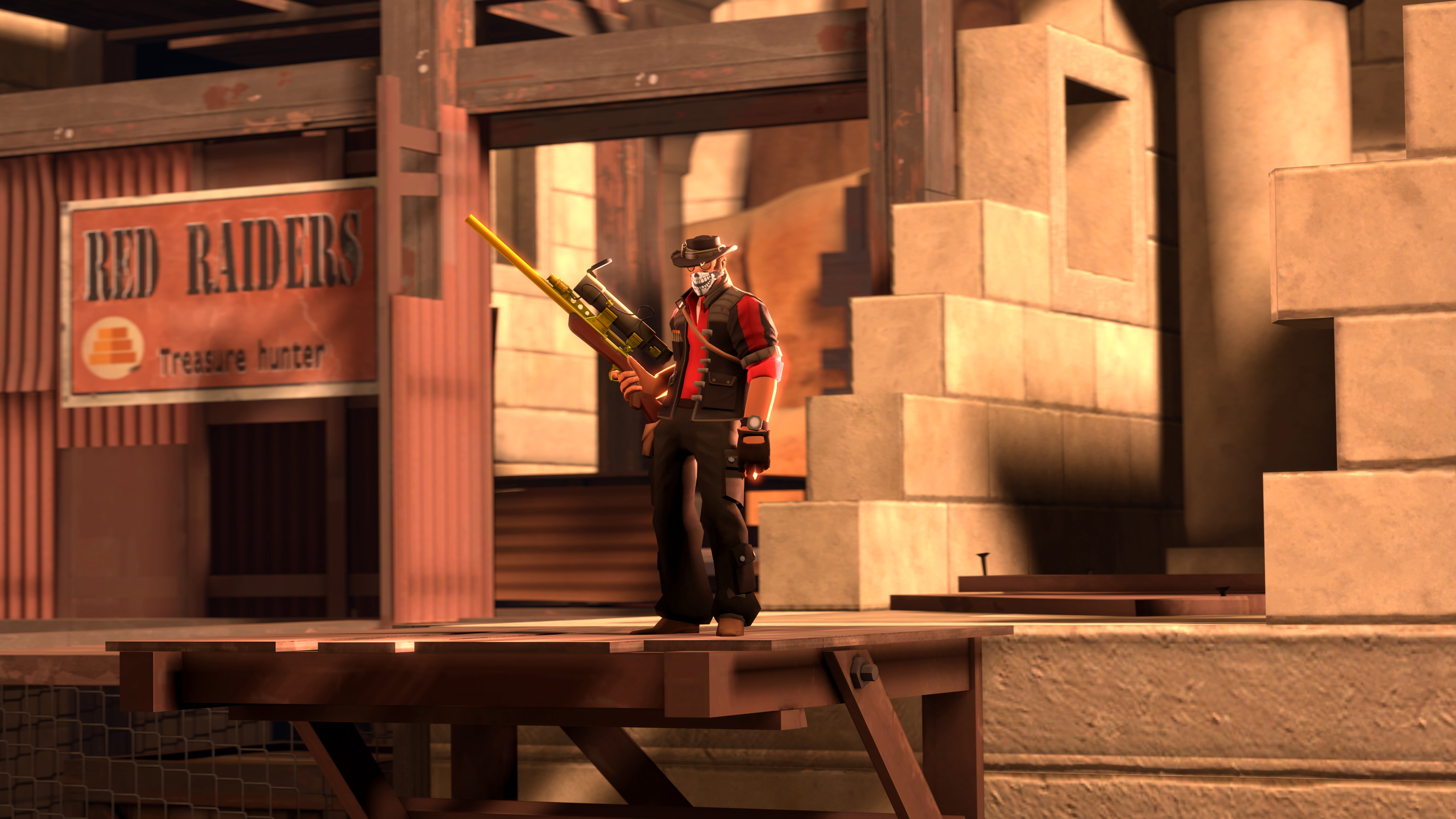
Go crazy
- Changing Textures Using Material Overrides★ 5 (1.4k)41k views2.7k ♥5 minUpdated Jul 26, 2014
- Manually Updating TF2 Content★ 5 (1.3k)35k views1.9k ♥2 minUpdated Nov 26, 2025
- The Fundamentals of SFM: For Beginners★ 5 (1.3k)25k views3.3k ♥55 minUpdated Apr 29
- Ваш первый постер★ 5 (1.1k)22k views2k ♥5 minRussianUpdated Oct 22, 2024
- Getting Gmod Workshop stuff too SFM★ 5 (510)15k views1.3k ♥1 minBulgarianUpdated Aug 4, 2015
- Animation Guide★ 5 (704)14k views1.9k ♥6 minUpdated Apr 9, 2023





- Upgrading to PremiumTeam Fortress 2★ 5 (20k)1441k views11k ♥6 minUpdated May 11, 2022
- No More Room in Hell Official ManualNo More Room in Hell★ 5 (2.8k)569k views2.1k ♥29 minUpdated Apr 22, 2019
- NMRiH Community Hosting GuidesNo More Room in Hell★ 5 (526)351k views653 ♥1 minUpdated Aug 10, 2022
- ULTIMATE GUIDE FOR GAME DEV TYCOONGame Dev Tycoon★ 5 (5.8k)326k views10k ♥4 minUpdated 23 Jan, 2014
- How to 'Git Gud' Soon™MORDHAU★ 5 (2k)318k views3k ♥68 minUpdated Nov 16, 2024
- Лучшие кооперативные игры SteamPAYDAY 2★ 5 (1.5k)315k views2.1k ♥56 minRussianUpdated Apr 27, 2025






This guide was created by its original author on the Steam Community. Are you the author and want it removed? Request removal.