The Witcher 3 Console Commands: Ultimate Edition
Introduction

Installing the Mod
For sure, no one will not be a secret that the developers themselves, for comprehensive testing of their product, actively use the console.
With the help of such codes, you can simulate different situations, as well as explore the consequences of their action on the gameplay.
Developers by default disabled the ability to enter cheat codes in the game "The Witcher 3", but this can be fixed, just enough:
If you have a copy of the game, purchased in "Steam", the location of the folder will look like this-Steam\steamapps\common\The Witcher 3 Wild Hunt\bin\config\base.
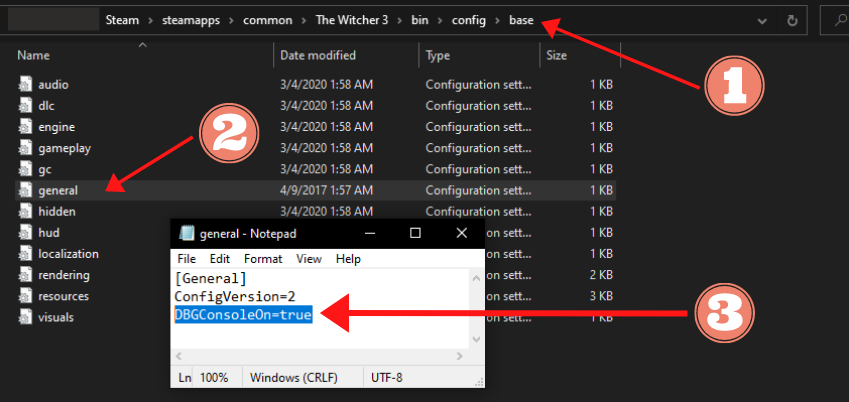
Next, you need to open the file "general.ini" using standard Notepad. In the opened document you need to insert the command "DBGConsoleOn=true" and save the file.
Now, open your game and enjoy exploring the commands.
Enabling the Mod
After enabling the debug console, press the ~ or F2 key on your keyboard or ö if you have Swedish keyboard to open it (~ Thanks Skog). After typing a command into the console, hit ENTER to send it.
Commands in The Witcher 3 are CASE SENSITIVE, so make sure you spell commands exactly as they are this list. Remember that most codes (e.g. item codes, NPC codes) need apostrophes on either side of them, or they will not work.
Example of how this guide works:
Command Here What the command does.
* = Unspecified Number
Parameters of the Character
Geralt's Hairstyle Editor
Interface and Behavior of Game
Weather Change
Potions
Decoction
Oil
Bombs
Mutagens
Glyphs and Rune Stones
Witcher School Elements
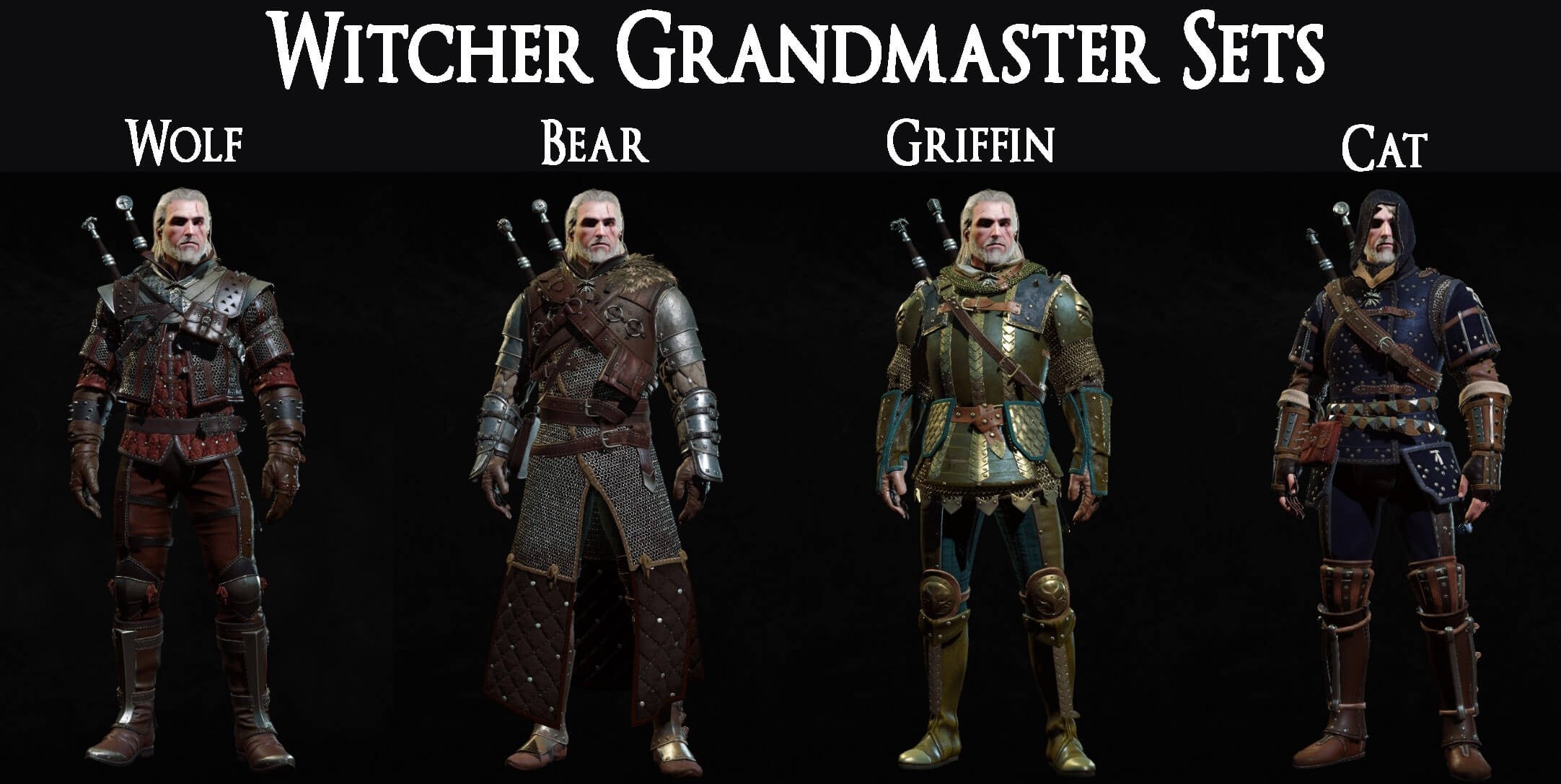
Should pay attention on that all codes with marker in the form of asterisks ( * ) suggest have primary several levels: Elements armor (from 1-5), have weapons (from 1-4)
School of the Wolf
School of the Bear
School of the Griffin
School of the Cat
School of the Viper
School of the Manticore
The Best Weapons
Armor Set
Skellige Armor
New Moon Armor
Hen Gaidth Armor
Ofieri Armor
Dye
Expensive & Rare Crafting Materials
Gaunter O'Dimm Rewards
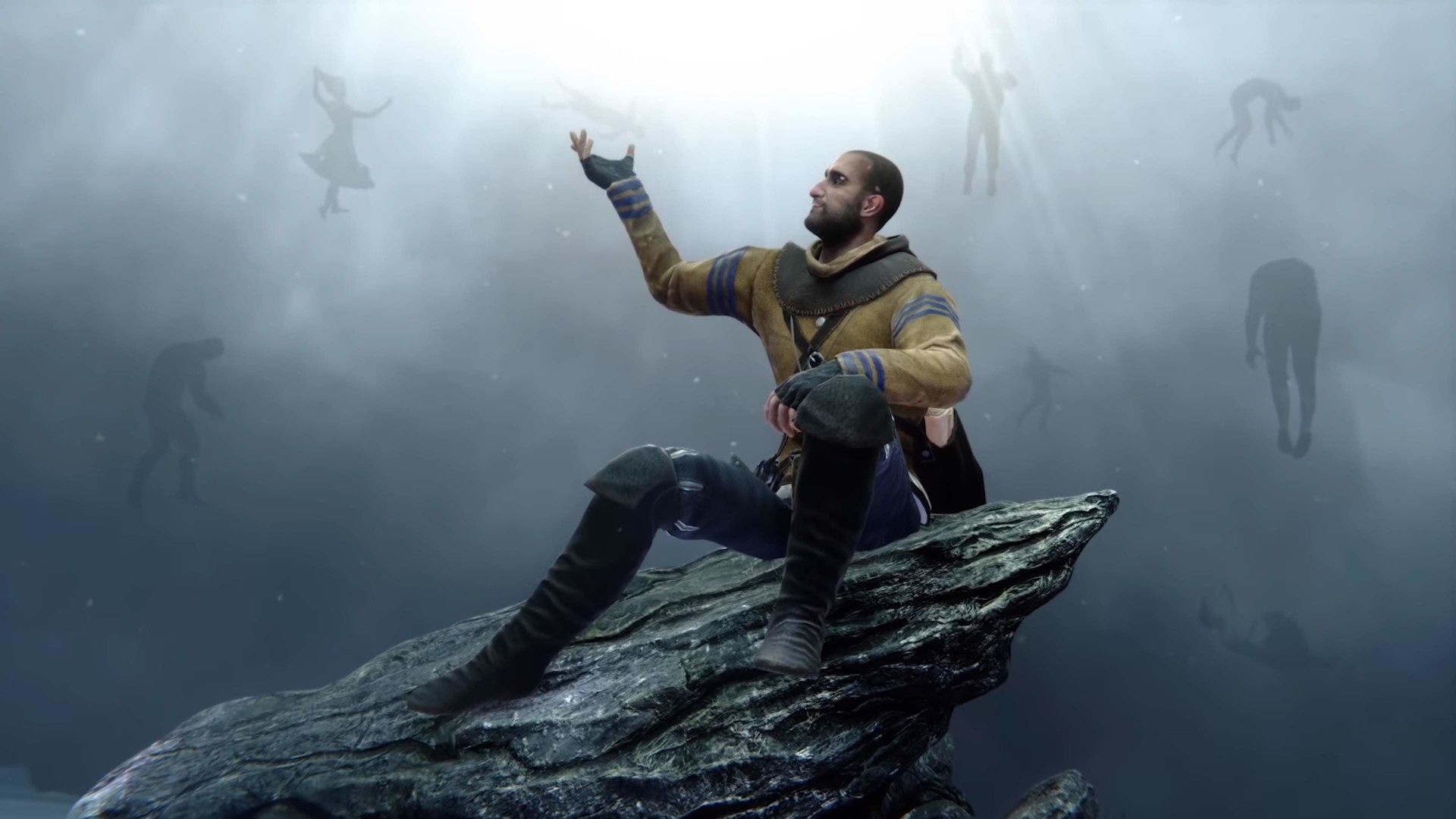
NPC Spawn
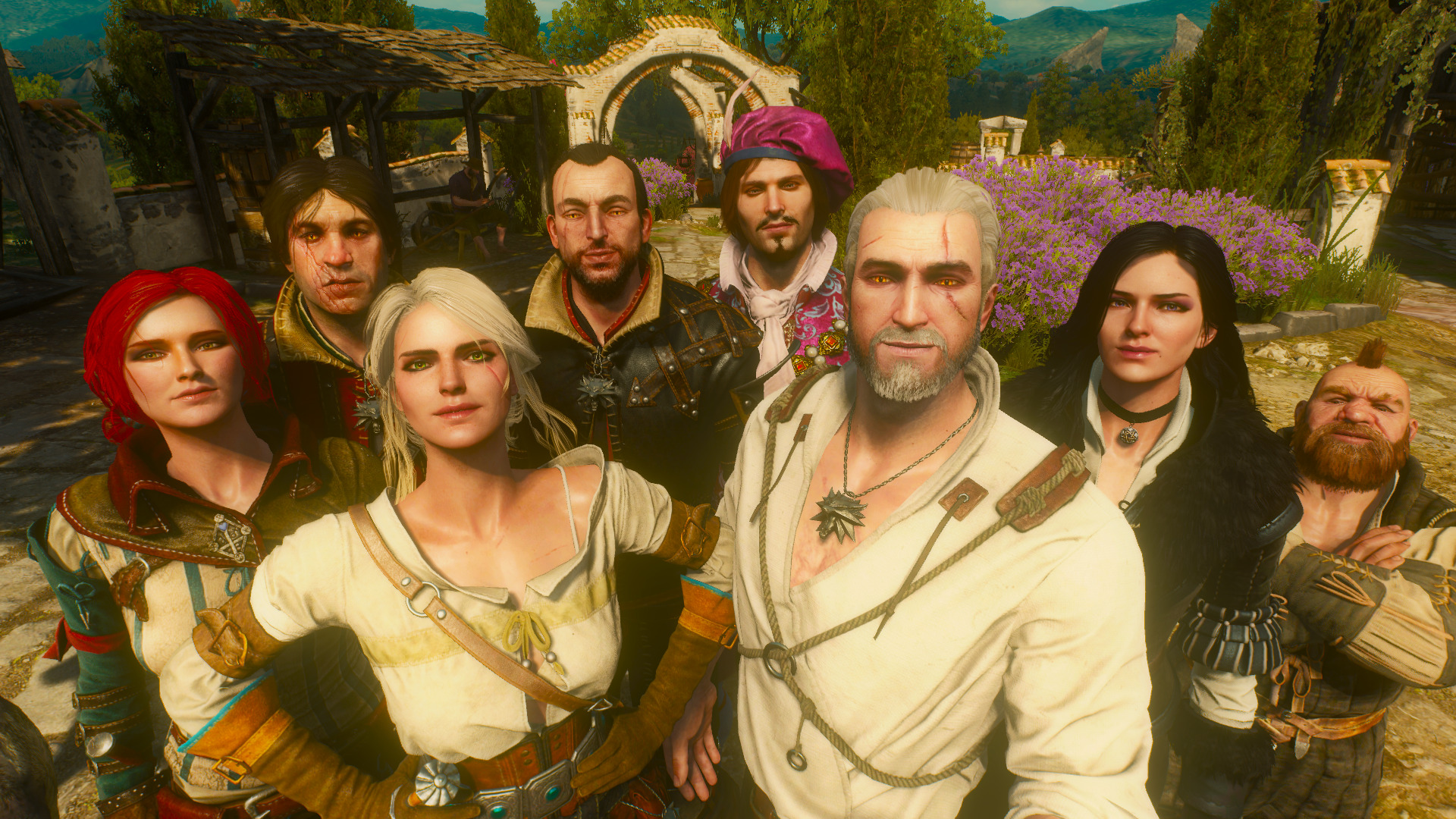
Spawns the specified character or NPC by its internal ID.
The optional #number defines how many instances will be created at once.
If the number is omitted, one entity is spawned by default.
Example: spawn('ciri', 5)
Spawn Humans, Bosses, Monsters (NEW!!)
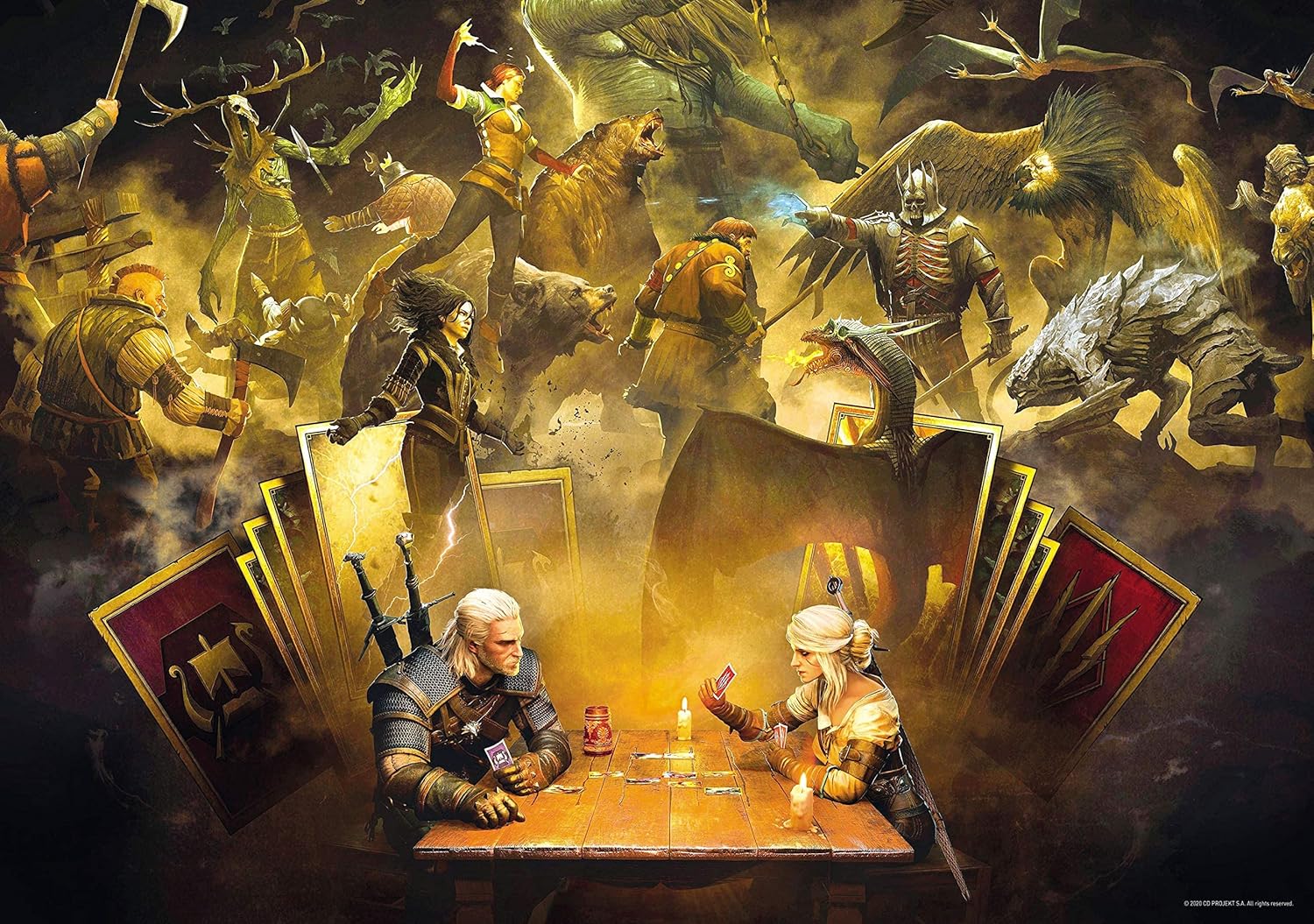
Because of popular demand. I’ve created a dedicated guide compiling all spawnable Humans, Monsters, and Bosses in The Witcher 3 Console Commands: Enemy Spawning Guide.
Gwent Gameplay
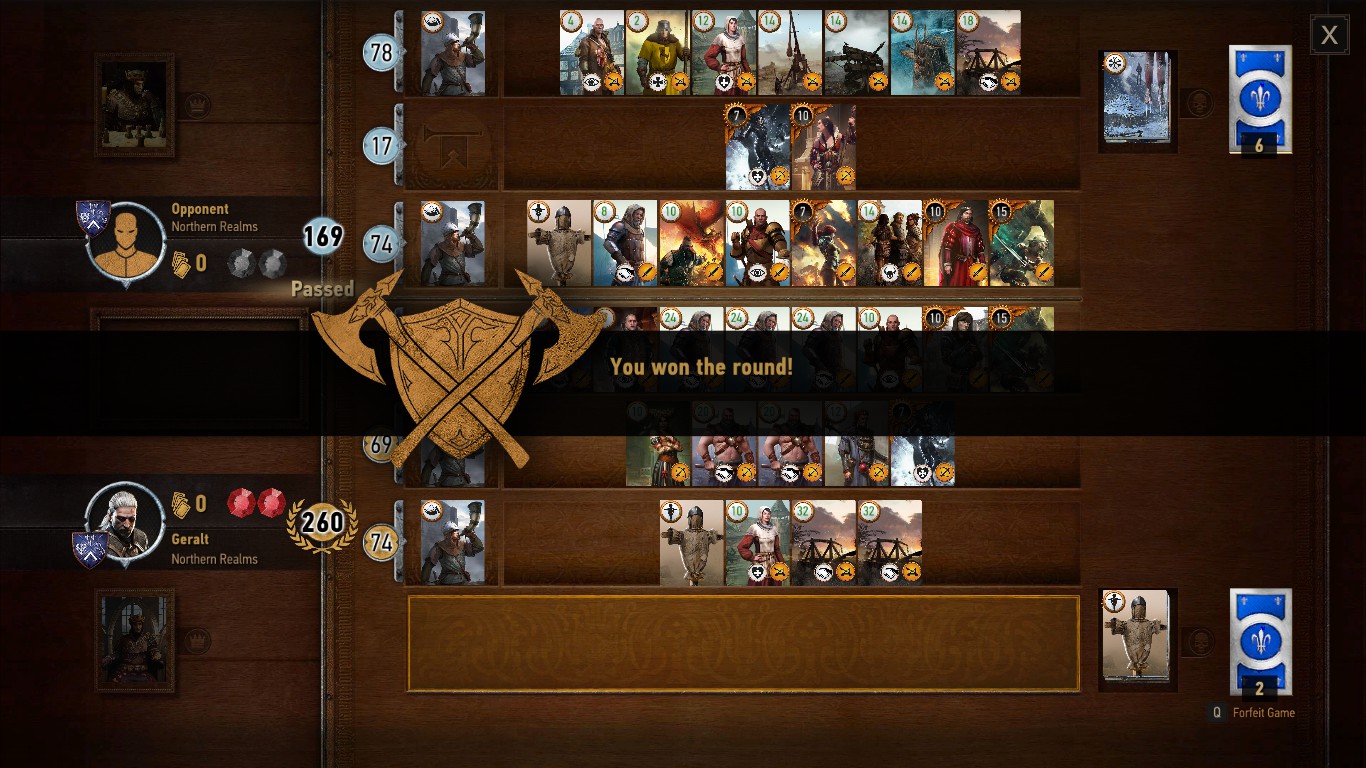
*Each Gwent Card Commands are coming soon!
Additional command - Geralt's skills
Conclusion
Once again, it is necessary to clarify that the list is not exhaustive. It is heavily inspired from commands[commands.gg] and xgamerss[xgamerss.com]
And the last one. The world of "the Witcher" is very complex in terms of terminology and names, so if you find errors or inaccuracies in the text, please report it in the comments.

- Гвинт - собираем все карты в базовой игре.★ 5 (2.1k)110k views5k ♥37 minRussianUpdated Jun 4, 2025
- ALL CONSOLE COMMANDS NEXT GEN UPDATE READY★ 5 (2k)62k views4.2k ♥16 minBulgarianUpdated Dec 13, 2022
- Лучшие цены на продажу (торговцы Witcher 3)★ 5 (649)60k views2k ♥8 minRussianUpdated Mar 13, 2025
- Обзор настроек графики + Оптимизация★ 5 (884)60k views1.6k ♥10 minRussianUpdated Jul 3
- Достижения "Ведьмак 3: Дикая Охота"★ 5 (1.3k)54k views2.3k ♥30 minUpdated Dec 27, 2024
- The Witcher 3 - 100% Achievement Guide★ 5 (1.6k)49k views3.8k ♥18 minUpdated Nov 9, 2025






- Upgrading to PremiumTeam Fortress 2★ 5 (20k)1441k views11k ♥6 minUpdated May 11, 2022
- No More Room in Hell Official ManualNo More Room in Hell★ 5 (2.8k)569k views2.1k ♥29 minUpdated Apr 22, 2019
- NMRiH Community Hosting GuidesNo More Room in Hell★ 5 (526)351k views653 ♥1 minUpdated Aug 10, 2022
- ULTIMATE GUIDE FOR GAME DEV TYCOONGame Dev Tycoon★ 5 (5.8k)326k views10k ♥4 minUpdated 23 Jan, 2014
- How to 'Git Gud' Soon™MORDHAU★ 5 (2k)318k views3k ♥68 minUpdated Nov 16, 2024
- Лучшие кооперативные игры SteamPAYDAY 2★ 5 (1.5k)315k views2.1k ♥56 minRussianUpdated Apr 27, 2025






This guide was created by its original author on the Steam Community. Are you the author and want it removed? Request removal.