How to Get Started in Castle Crashers: Painter Boss Paradise
Introduction
Are you ready to create powerful characters in the Castle Crashers Painter Boss Paradise DLC? Let our video guide walk you through the process – it’s as easy as counting to three (kind of)!
Gaze upon our handy screen that will greet you when you boot up Castle Crashers. From fresh new art to a brand-new official character, there’s much to discover in the Painter Boss Paradise DLC!
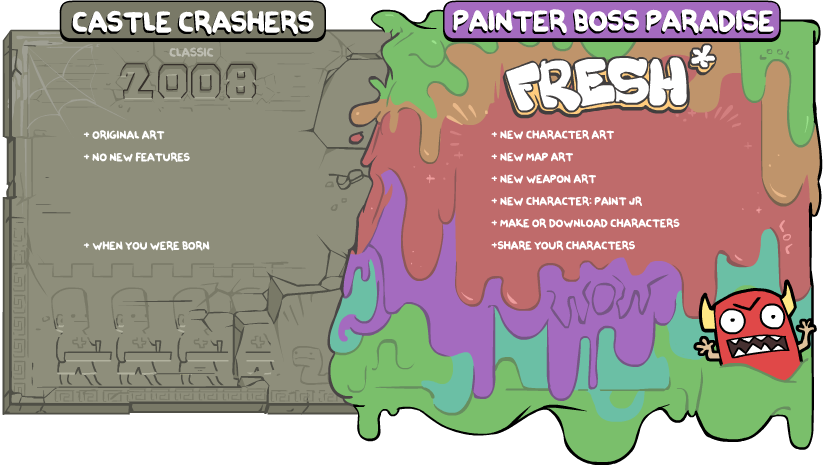
Now, let’s jump into the juicy details: how to use the template to create your custom character! Feast your eyes upon our Three Easy Steps video below to learn about how the DLC works:
3 Easy Steps Video
Official Template
- From the toolkit, choose ‘Browse Folder’ to show where the template is located. Once it pops up, drag the template to your favorite art program and fill out your template.
- Load the completed template back into the game and finish customizing your character! Choose their name, character type (replacement or new), and magic type.
- Test your character out in game
- And publish your creation to the Steam Workshop if you wish to share it with the world! (Optional)
You can also reassign the replaced character of any workshop downloads you subscribe to!
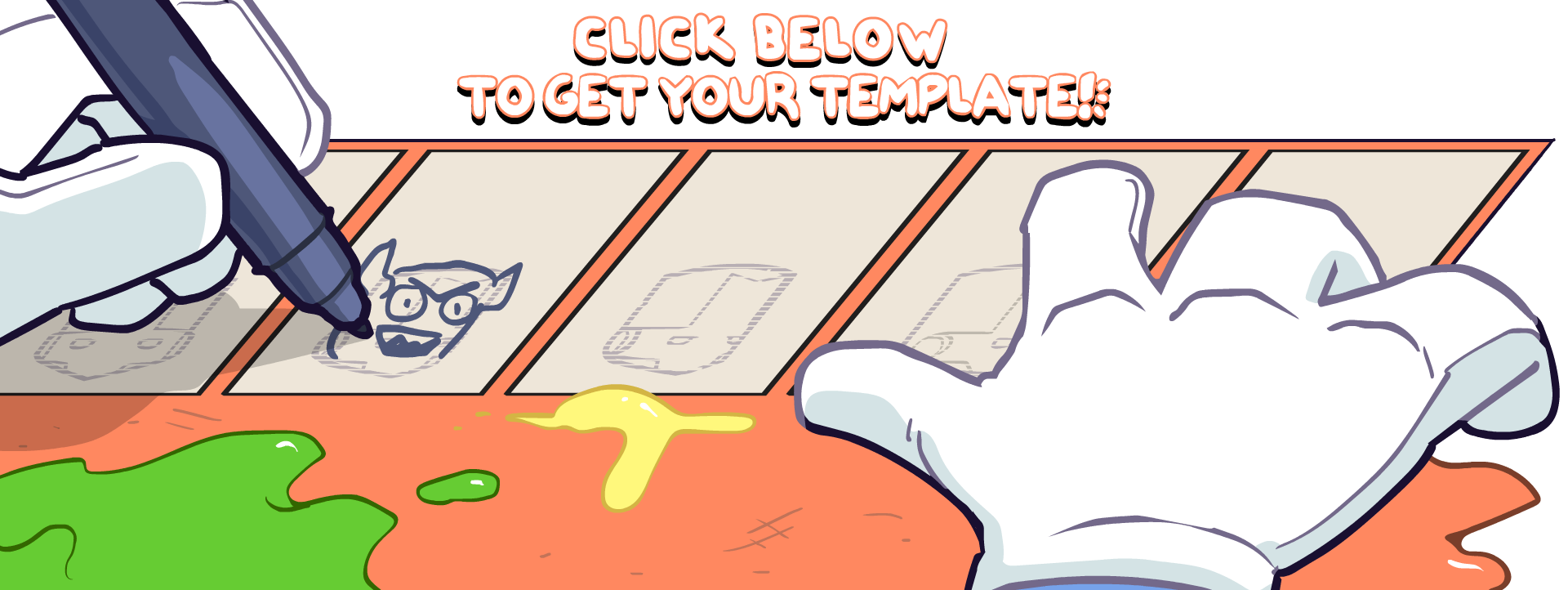
While we’re on the subject, make sure to only share ONE view of your creation and never the entire template in order to keep it safely yours. Your filled-out template is your key to the Painter Boss castle; if someone else has your full template, they can technically upload your character to the Workshop and claim it as their own. Create and share with caution!
FAQ
Questions? Excited for more knowledge? Peruse our handy dandy FAQ below for more information about the DLC. If your question isn’t answered here, leave a comment, and we’ll do our best to get back to you!
- How to unlock all characters in Castle Crashers★ 5 (815)51k views1.5k ♥2 minUpdated Apr 18, 2021
- The Ultimate Guide To Castle Crashers★ 5 (1.2k)50k views2.3k ♥79 minUpdated Jul 6, 2024
- The Complete Animal Orbs Guide★ 5 (1.4k)39k views2.4k ♥7 minUpdated Sep 24, 2020
- Character Unlock Guide★ 5 (753)39k views1.3k ♥2 minUpdated Aug 8, 2025
- Castle Crashers - персонажи★ 5 (1.2k)37k views1.6k ♥4 minRussianUpdated Oct 1, 2018
- How to Unlock All Castle Crashers Characters★ 5 (861)34k views1.4k ♥1 minUpdated Aug 11, 2025


- Upgrading to PremiumTeam Fortress 2★ 5 (20k)1441k views11k ♥6 minUpdated May 11, 2022
- No More Room in Hell Official ManualNo More Room in Hell★ 5 (2.8k)569k views2.1k ♥29 minUpdated Apr 22, 2019
- NMRiH Community Hosting GuidesNo More Room in Hell★ 5 (526)351k views653 ♥1 minUpdated Aug 10, 2022
- ULTIMATE GUIDE FOR GAME DEV TYCOONGame Dev Tycoon★ 5 (5.8k)326k views10k ♥4 minUpdated 23 Jan, 2014
- How to 'Git Gud' Soon™MORDHAU★ 5 (2k)318k views3k ♥68 minUpdated Nov 16, 2024
- Лучшие кооперативные игры SteamPAYDAY 2★ 5 (1.5k)315k views2.1k ♥56 minRussianUpdated Apr 27, 2025






This guide was created by its original author on the Steam Community. Are you the author and want it removed? Request removal.